
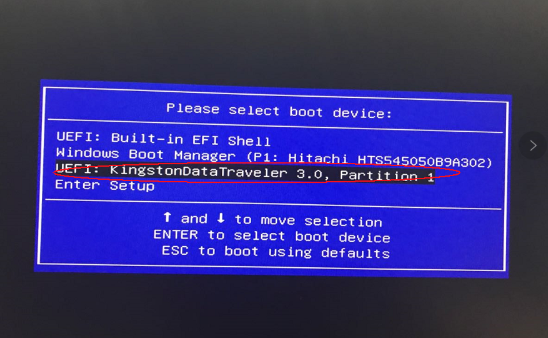
This guide shows how to install Windows on the CK2 should you need to do it. You will need: A 16GB or larger USB stick CK2 Windows installer: Download the CK2 Windows 10 installation image in two parts here and ...
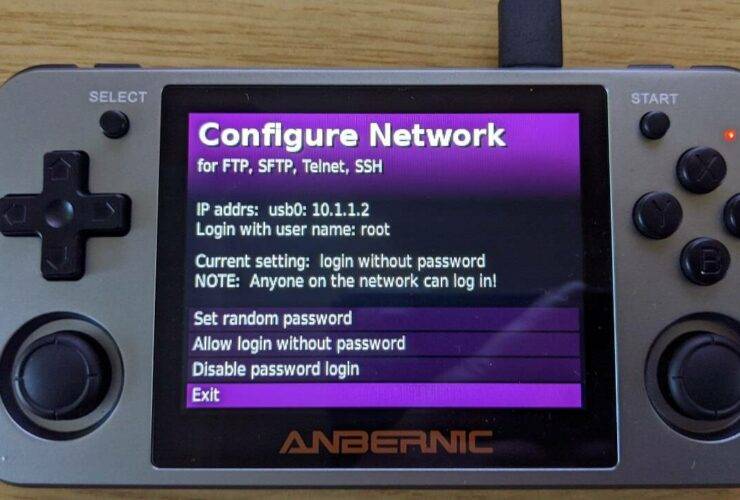
Copying files to your Micro SD card is fastest and easiest done with a Card reader. But if you do not have one, you can copy files from your PC to the device via the USB cable and FTP software. ...
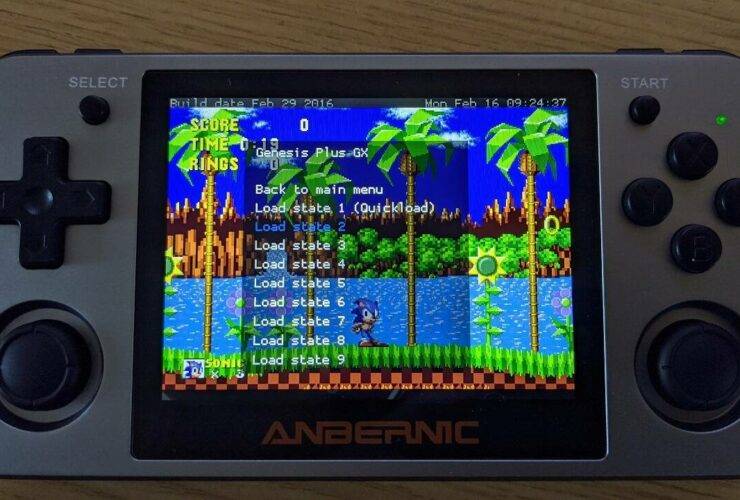
One of the great things with emulators is that you can Save and Load your exact position in the game at any time, even if the original game did not support saving in any method at all. Once the game ...
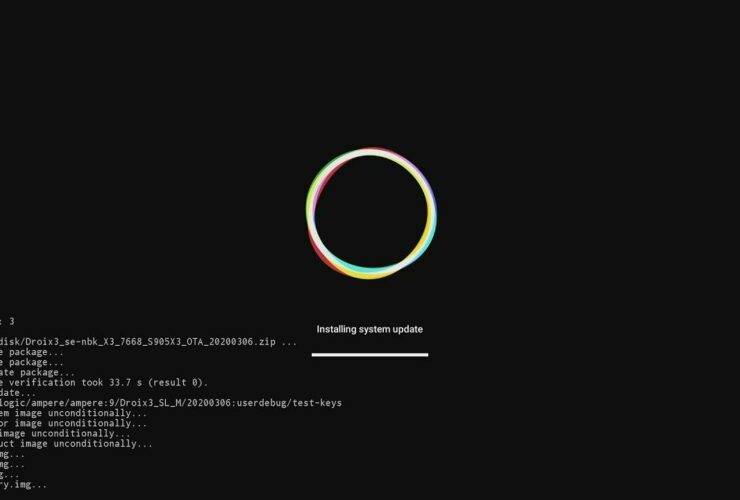
Updating or reinstalling the firmware on the DroiX X3 is easily done with a SD Card or USB stick. ...
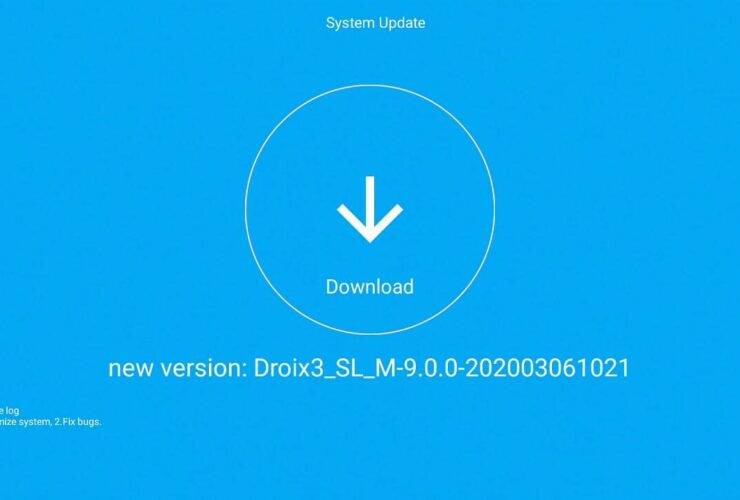
Performing an OTA update on the DroiX X3 is very easy. Read on for a step by step guide on how to. ...
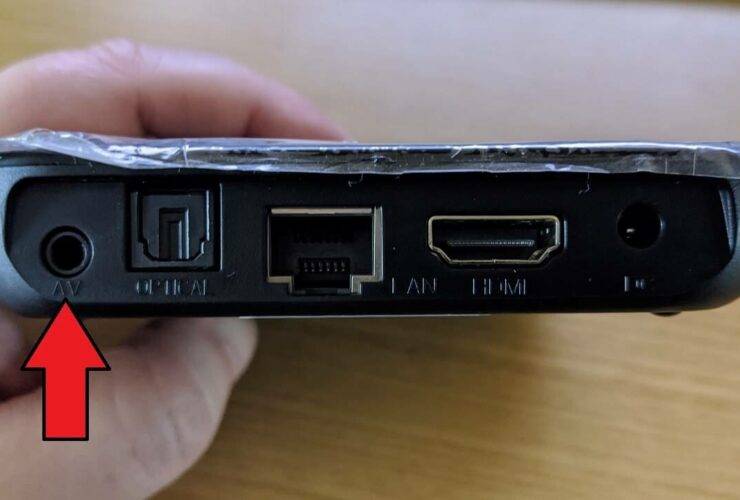
This guide covers how to perform a factory reset on the DroiX X3. ...
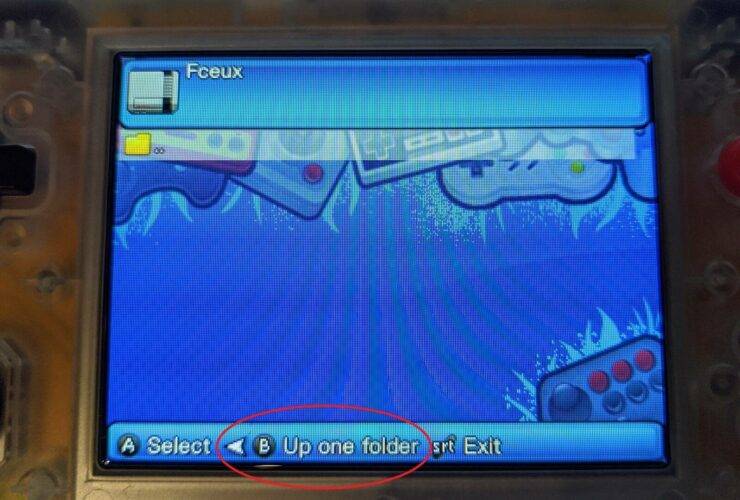
This guide will show you how to locate games if you have installed them on an external (or second) Micro SD Card for your RG300, RG350, PocketGo v2 or GKD350H retro gaming handheld. ...
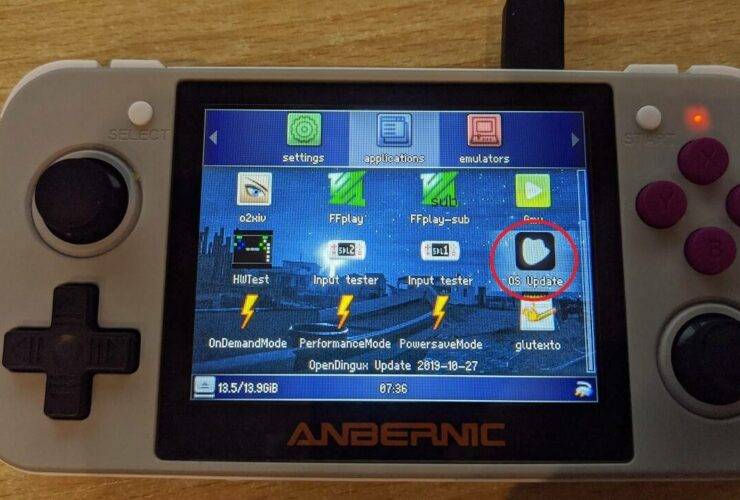
Learn more and buy the RG350 from https://droix.net/collections/retro-gaming-handhelds/products/rg350-retro-gaming-handheld NOTE: If you are already on Custom Firmware and the latest release is an update rather than a full install you can use this guide to update the firmware. You can find ...
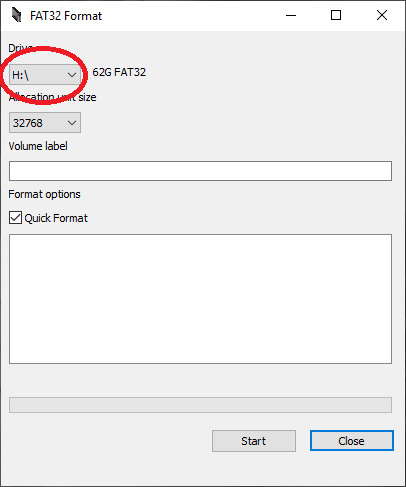
Some devices require FAT32 formatted cards for tasks such as firmware updating, but if you have a 64GB or higher SD Card or USB driver, you wont be able to format it to FAT32 using the standard Windows format. Fortunately ...
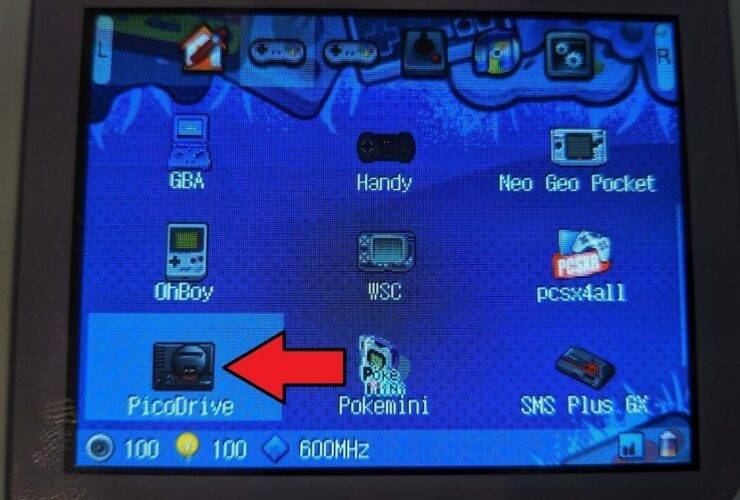
Some retro game handhelds have external Micro SD Card slots and the emulator settings need to be updated for them to start the file browser in the external Micro SD Card instead of the internal storage. Setting the new default ...



