




Windows OS is regularly updated with fixes, improvements and new features. We do recommend updating Windows as soon as there are updates available, as they include crucial security, stability and compatibility features in every update.
Checking for Updates
In the search bar, enter “Check for updates” (Step 1) and then choose “Best match result – Check for updates” (Step 2)
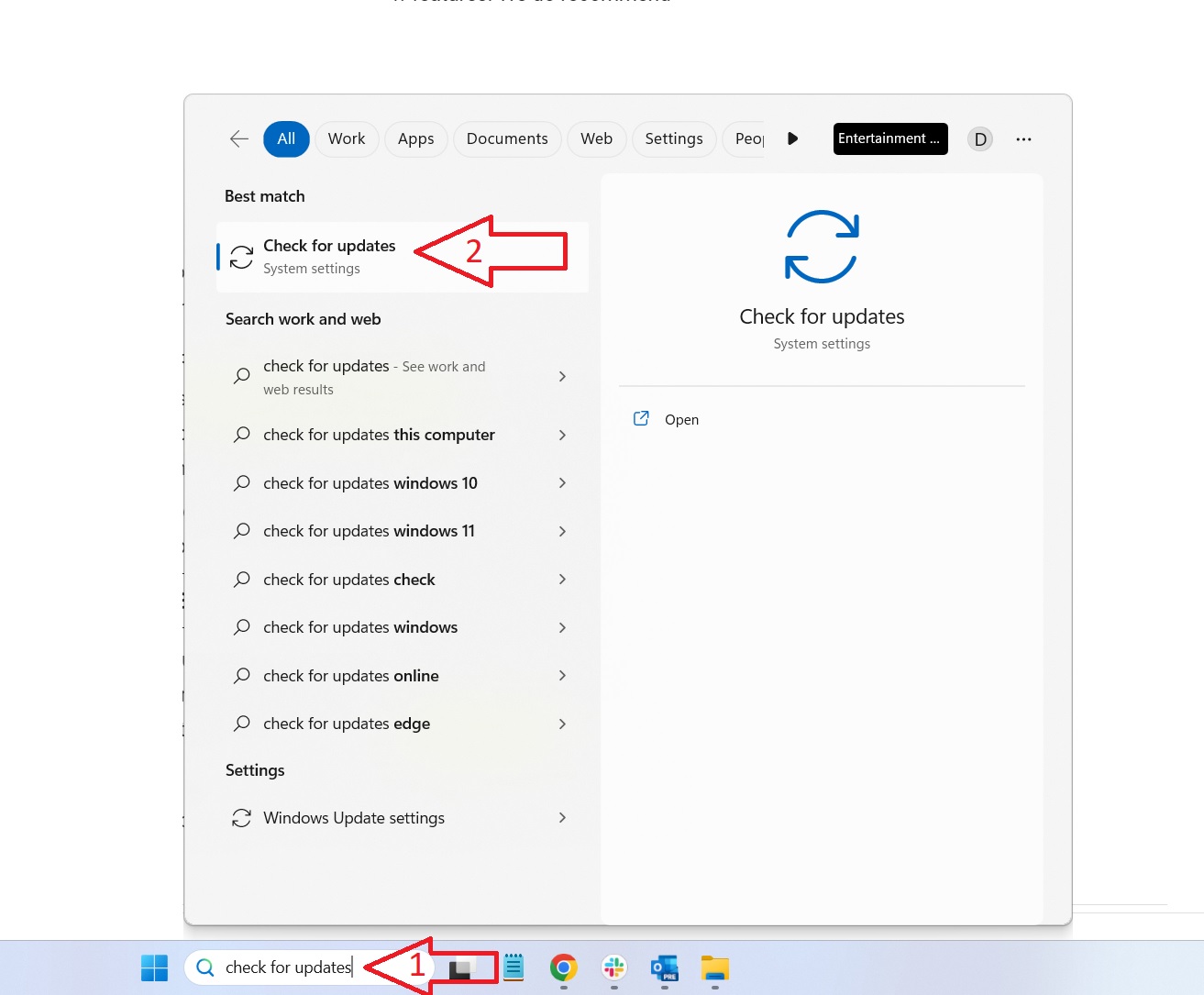
Check for updates and install them
Click on the “Check for updates” option, and wait a few moments for it to check and present a list of any found updates.
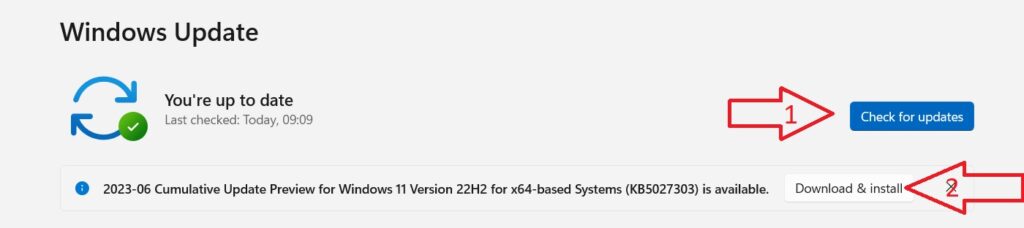
Choose “Download & Install” and let them all update. Reboot your device once the update process is complete. Occasionally there may be additional smaller updates available after a large update. We recommend checking once more for updates and installing any others.
Device Specific Drivers
For device-specific firmware and drivers updates please check our dedicated Getting Started guides for your device or the manufacturer’s website.
Latest from the blog
Visit the blog GPD WIN Mini Ultra – A Bigger 8-inch 120Hz Screen, Intel Arc G3 Extreme and Dual USB4 v2.0
27 October 2026
GPD WIN Mini Ultra – A Bigger 8-inch 120Hz Screen, Intel Arc G3 Extreme and Dual USB4 v2.0
27 October 2026
 RockTek PJ500 Ultra Review – A 1080p Home Cinema Projector for Streaming and Gaming
27 October 2026
RockTek PJ500 Ultra Review – A 1080p Home Cinema Projector for Streaming and Gaming
27 October 2026
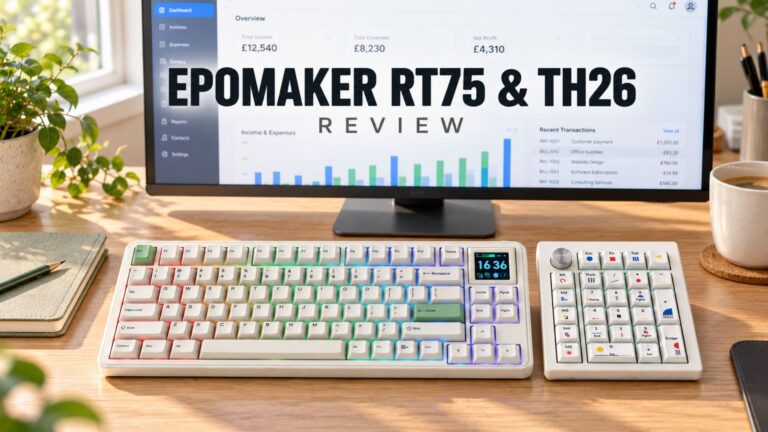 EPOMAKER RT75 and TH26 Review – Retro 75% Keyboard with Detachable Screen and 5-Key Macro Numpad
26 October 2026
EPOMAKER RT75 and TH26 Review – Retro 75% Keyboard with Detachable Screen and 5-Key Macro Numpad
26 October 2026
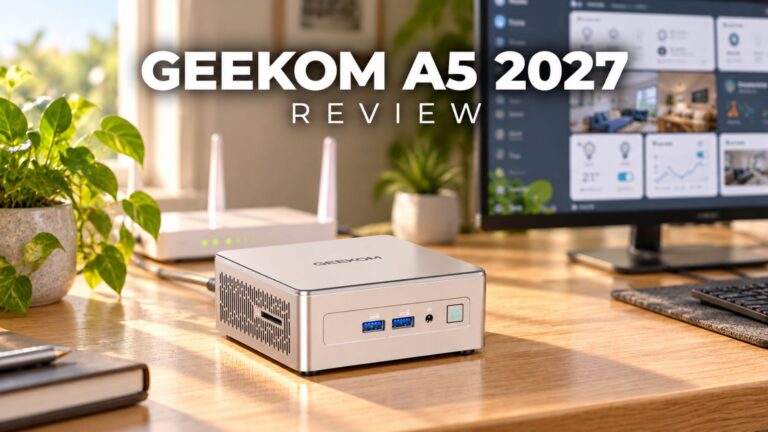 GEEKOM A5 2027 Review – A Compact Mini PC Home Lab
21 October 2026
GEEKOM A5 2027 Review – A Compact Mini PC Home Lab
21 October 2026
Questions & answers