




Windows OS се актуализира редовно с поправки, подобрения и нови функции. Препоръчваме да актуализирате Windows веднага щом има налични актуализации, тъй като те включват важни функции за сигурност, стабилност и съвместимост във всяка актуализация.
Проверка за актуализации
В лентата за търсене въведете „Проверка за актуализации“ (Стъпка 1) и след това изберете „Най-добър резултат – Проверка за актуализации“ (Стъпка 2)
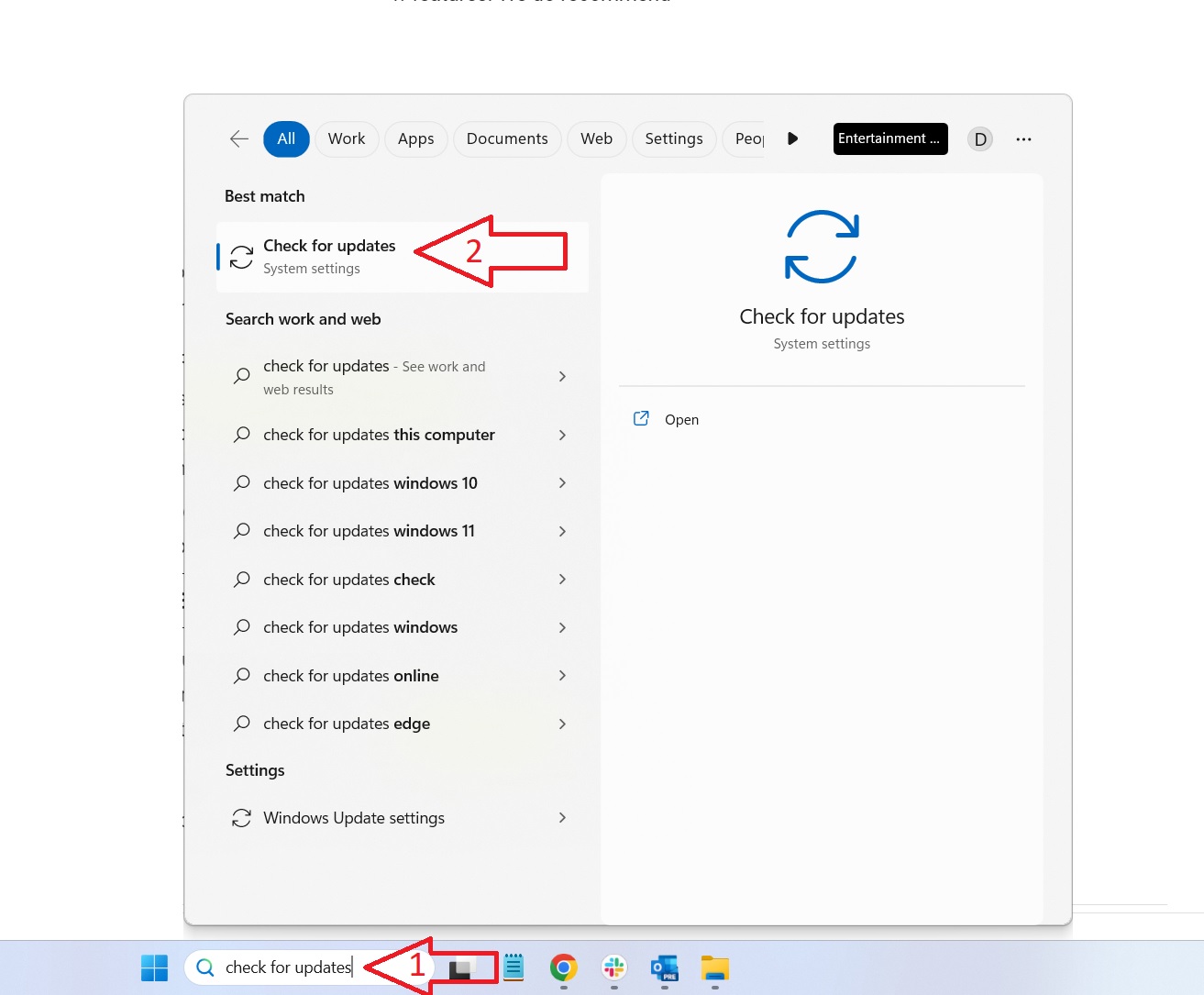
Проверете за актуализации и ги инсталирайте
Кликнете върху „Проверка за актуализации“ опция и изчакайте няколко момента, за да провери и представи списък с всички намерени актуализации.
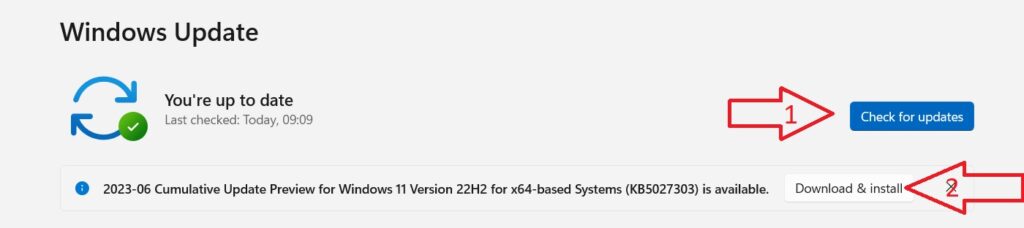
Изберете „Изтегляне & Инсталиране“ и ги оставете всички да се актуализират. Рестартирайте устройството си, след като процесът на актуализация приключи. Понякога след голяма актуализация може да има допълнителни по-малки актуализации. Препоръчваме да проверите още веднъж за актуализации и да инсталирате всички останали.
Драйвери, специфични за устройството
За актуализации на фърмуера и драйверите, специфични за устройството, моля, проверете нашите специални Ръководства за първи стъпки за вашето устройство или уебсайта на производителя.
Latest from the blog
Visit the blog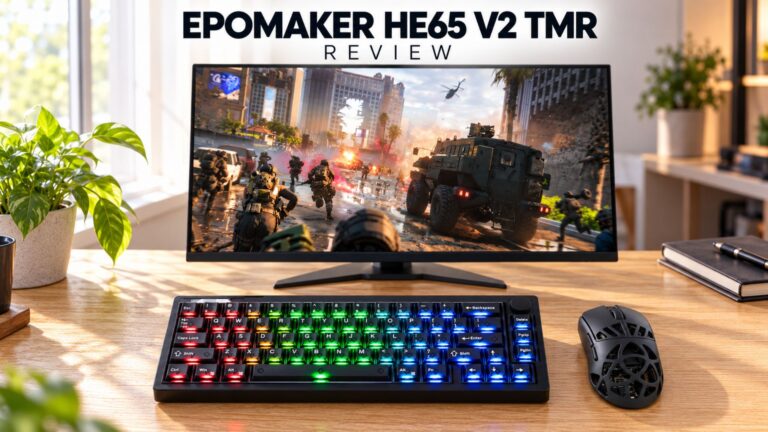 Ревю на EPOMAKER HE65 V2 TMR – 8K безжична скорост и хибридни суичове за компактни геймърски клавиатури
19.10.2026
Ревю на EPOMAKER HE65 V2 TMR – 8K безжична скорост и хибридни суичове за компактни геймърски клавиатури
19.10.2026
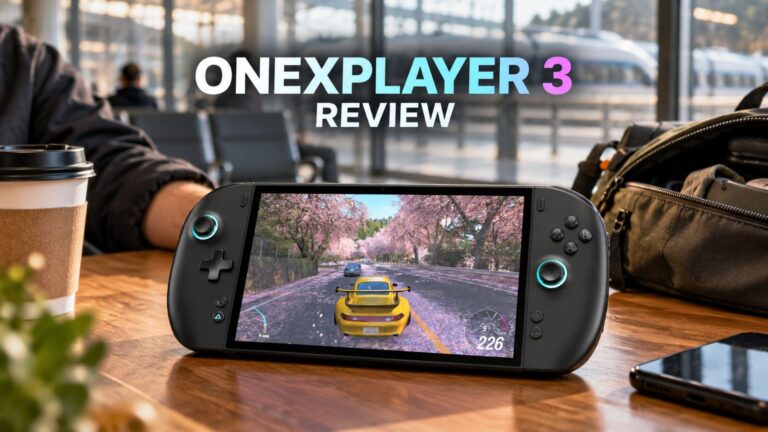 Ревю на ONEXPLAYER 3 – 8.8-инчов AMOLED гейминг, модулни контроли и изненадващо дълъг живот на батерията
14.10.2026
Ревю на ONEXPLAYER 3 – 8.8-инчов AMOLED гейминг, модулни контроли и изненадващо дълъг живот на батерията
14.10.2026
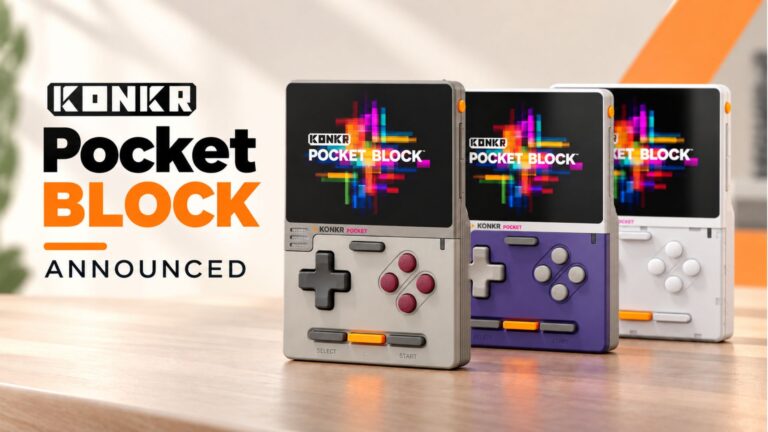 KONKR Pocket BLOCK е анонсиран: миниатюрен вертикален Android хендхелд с 4:3 екран
01.10.2026
KONKR Pocket BLOCK е анонсиран: миниатюрен вертикален Android хендхелд с 4:3 екран
01.10.2026
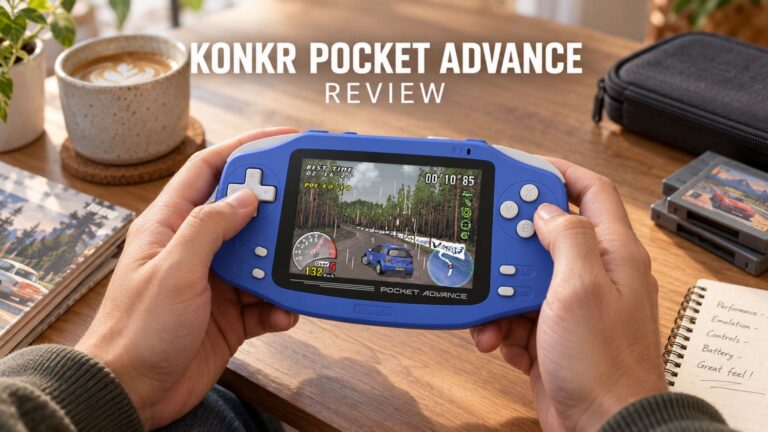 Преглед на KONKR Pocket ADVANCE – джобен Android гейминг хендхелд, фокусиран върху GBA
24.09.2026
Преглед на KONKR Pocket ADVANCE – джобен Android гейминг хендхелд, фокусиран върху GBA
24.09.2026
Въпроси и отговори