




You may have been sent to this page because your device storage is filled up every few weeks, even though you’re not specifically downloading anything.
It could be that you’re finding Kodi, DBMC (DroiX® Media Centre) or even XBMC is losing configuration files and you want to stop this happening again.
CLOSE KODI DOWN BEFORE TURNING OFF YOUR DEVICE!
E V E R Y TIME PLEASE…
The exact procedure to shut down Kodi will depend on the skin you currently have in place.
In general, you should return to Kodi’s homescreen and then look for Power, Exit or Quit menus. If the skin in use is based on Confluence, you will probably find a little Power/Standby icon in the bottom left corner, next to a picture of a star.
However the closedown is initiated, wait for the application to close down completely. Until it vanishes from the screen, files have not been written to or deleted entirely yet.
With the application properly shutdown, new temporary files should be cleared away each time automatically. If problems remain after closing down each time, please watch the video below. If DroiX® Control Centre is not already installed on your device, you can grab it from Google’s Play Store.
https://www.youtube.com/watch?v=8ab7WGjUXr0
Latest from the blog
Visit the blog GPD WIN Mini Ultra – A Bigger 8-inch 120Hz Screen, Intel Arc G3 Extreme and Dual USB4 v2.0
27 October 2026
GPD WIN Mini Ultra – A Bigger 8-inch 120Hz Screen, Intel Arc G3 Extreme and Dual USB4 v2.0
27 October 2026
 RockTek PJ500 Ultra Review – A 1080p Home Cinema Projector for Streaming and Gaming
27 October 2026
RockTek PJ500 Ultra Review – A 1080p Home Cinema Projector for Streaming and Gaming
27 October 2026
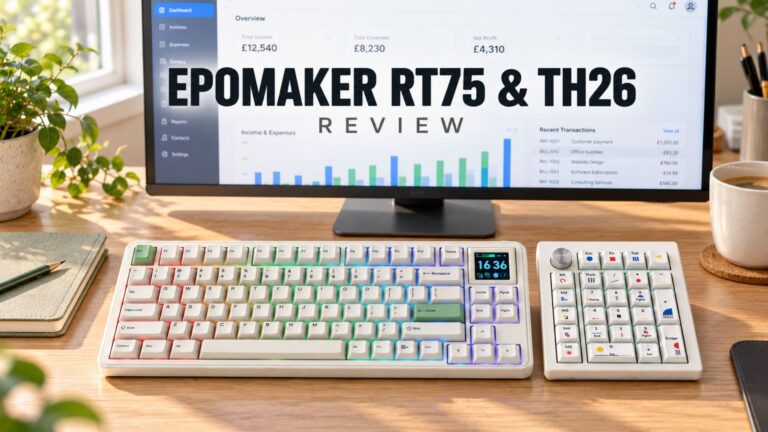 EPOMAKER RT75 and TH26 Review – Retro 75% Keyboard with Detachable Screen and 5-Key Macro Numpad
26 October 2026
EPOMAKER RT75 and TH26 Review – Retro 75% Keyboard with Detachable Screen and 5-Key Macro Numpad
26 October 2026
 GEEKOM A5 2027 Review – A Compact Mini PC Home Lab
21 October 2026
GEEKOM A5 2027 Review – A Compact Mini PC Home Lab
21 October 2026
Questions & answers