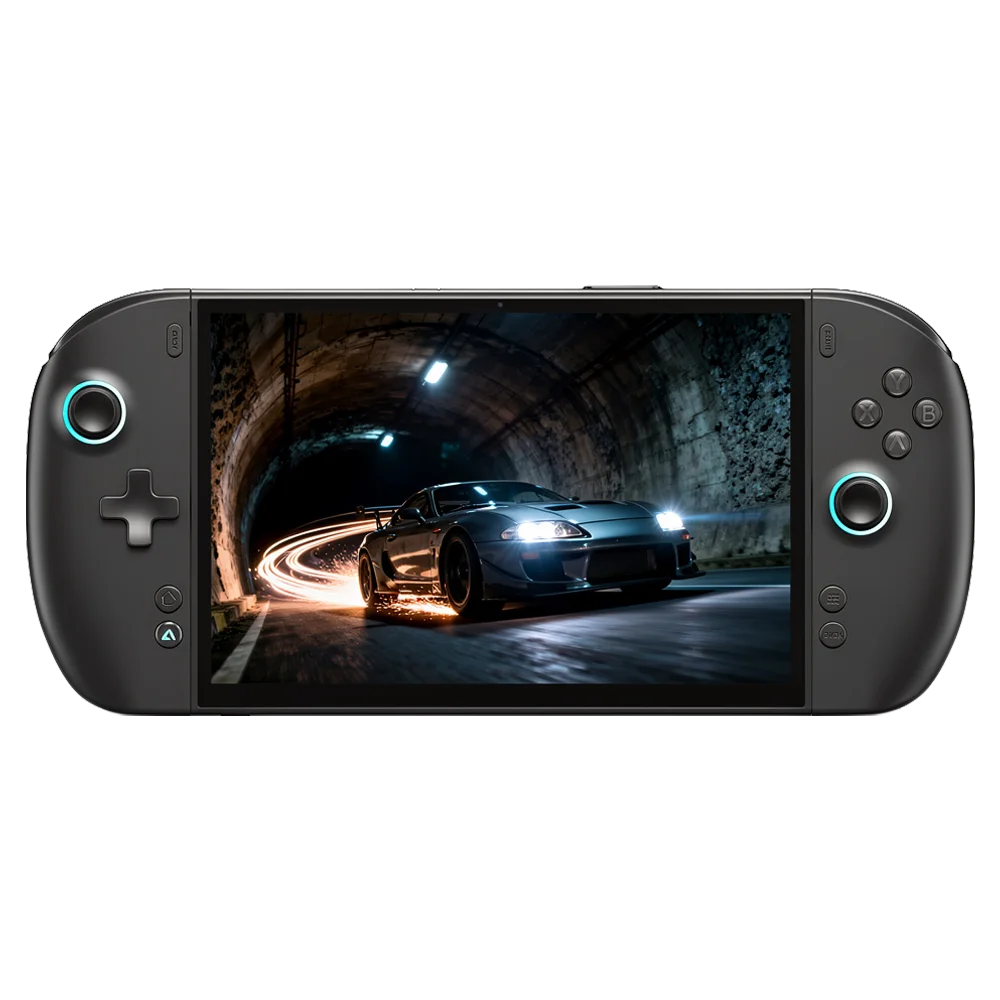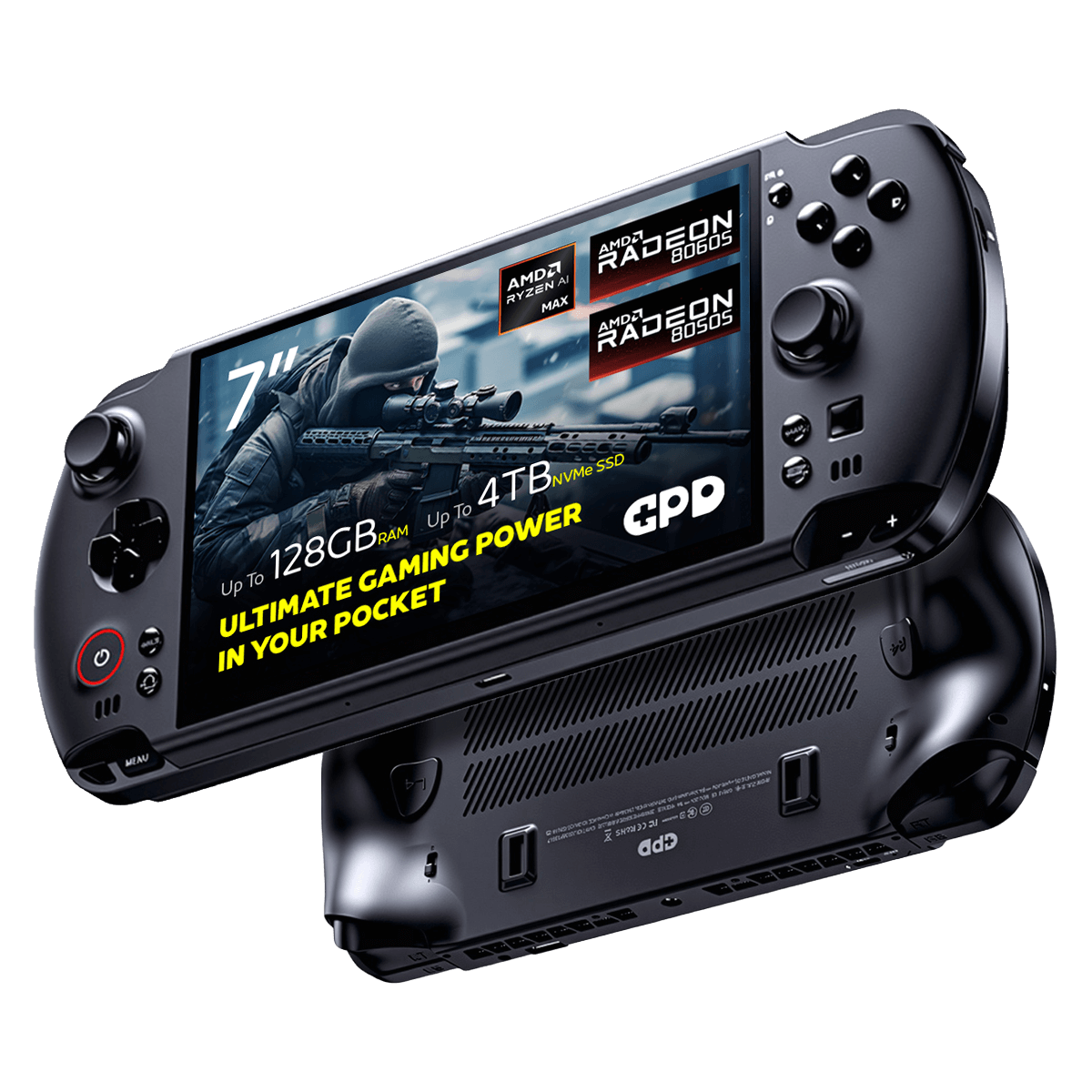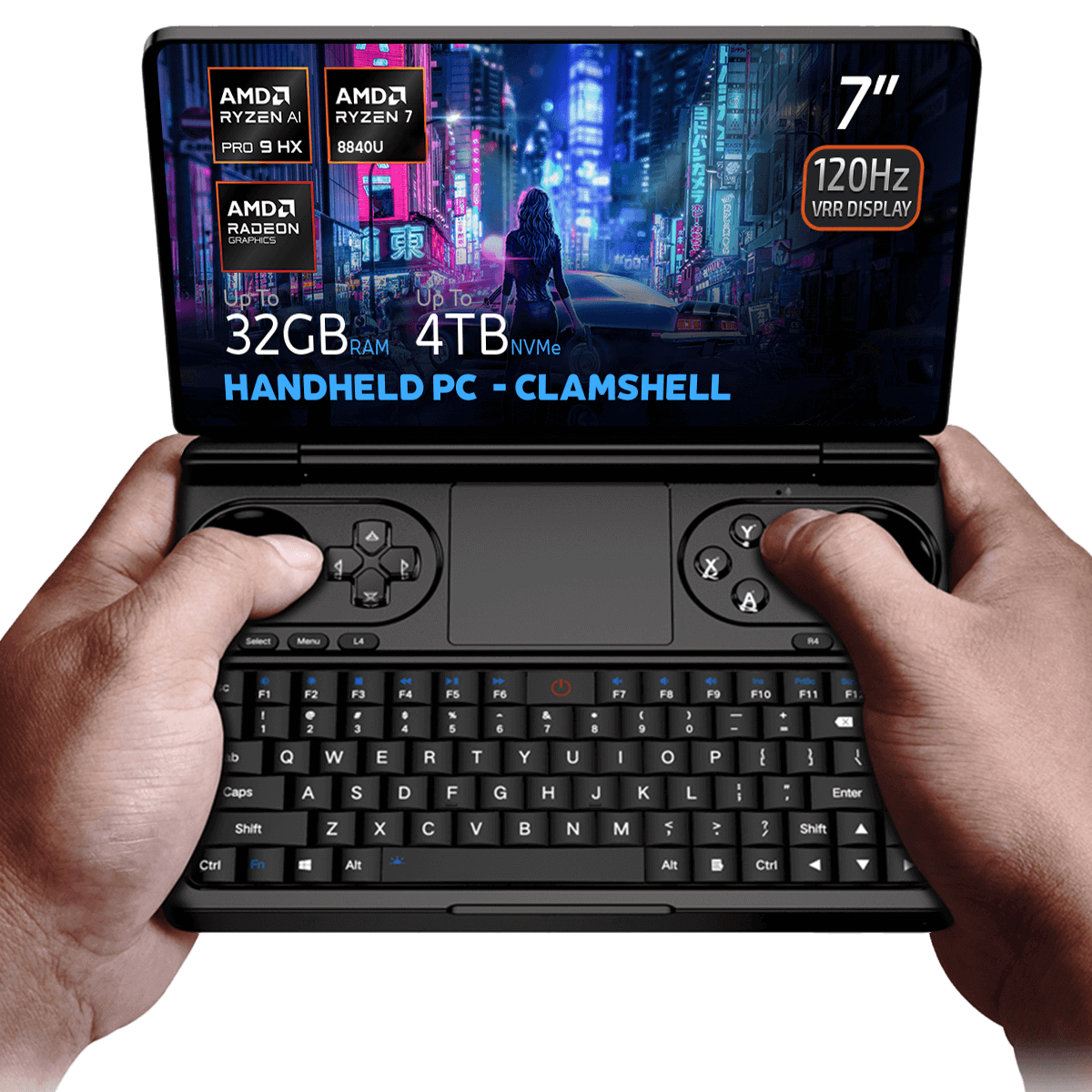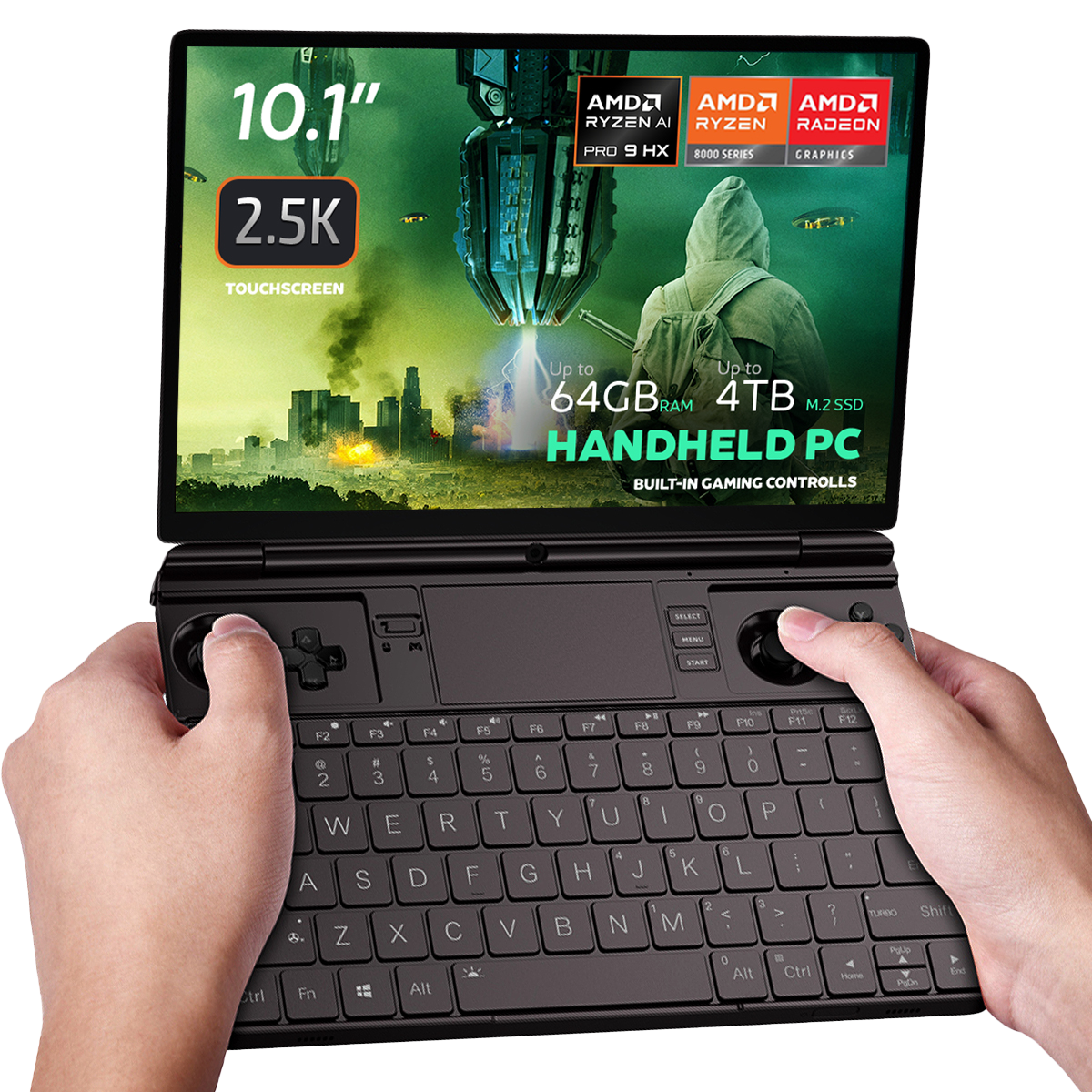
All variants
Changelog
- WIN 4 (8840U / 7840U / 7640U / 6800U) Drivers (current) | v3.4 | 2024-05-07 | Separate driver package intended for custom OS installs or when not using the official firmware bundle. After extracting, run
AutoInstallDrivers.bat. - WIN Max 2 (8840U / 7840U / 7640U / 6800U) Drivers (current) | v3.4 | 2024-05-07 | Separate driver package for custom OS installs or when not using the official firmware bundle. After extracting, run
AutoInstallDrivers.bat.
Older versions stay downloadable for rollbacks — every version keeps its own verified file.
Changelog
- WIN 4 User Manual | 2022-09-02 | PDF with function key and port descriptions.
Older versions stay downloadable for rollbacks — every version keeps its own verified file.
Versions (3)
- Portable build — no installation required. Unzip password: 123.
- MotionAssistant uses the Winring0 driver for TDP adjustment, hardware monitoring and fan control. If these features stop working, allow MotionAssistant in Windows Security Center — Microsoft may flag the driver.
- What's new in v1.2.0.9:
- Adapted the gyroscope in the Legion Go 2 device body (controller gyroscope and fan control not yet adapted).
- Adapted support for various recently-released AMD rebranded models.
- Added a "Disable Tablet Mode" option in Advanced Settings; when disabled, Tablet Mode turns off on the next launch.
- Added an OSD toggle hotkey in the RTSS OSD settings; temperature display added to simplified mode.
- Added a 30-second TDP reset cycle that reapplies the current TDP if an abnormal decrease is detected; added TDP ±5 hotkeys.
- Optimized the Win5 keyboard key: press to bring up the on-screen keyboard, press again to close it.
- Optimized the CPU frequency upper-limit control via "Optimize CPU Frequency"; maximum frequency is restored when the option is disabled.
- Improved some controls in Dark Mode; the title bar is now a darker colour.
- Optimized gyroscope simulation after resuming from hibernation, fixing failures on some devices after wake-up.
- Optimized hotkey detection (shorter judgment interval); brightness hotkeys now adjust by ±10.
- Specified ze_loader.dll as 1.11.0. Intel models unable to lock the GPU frequency should install the Intel 6647 iGPU driver first, then update to the latest.
- Fixed the power limit being locked at 65W and not restorable when the GPD Win5 is powered via USB-C.
- Corrected some text displays; fixed OSD monitoring showing incorrectly when hardware monitoring is off.
- Fixed LT/RT not registering as hotkeys.
- Fixed a freeze when setting TDP consecutively.
- Fixed certain game-profile options (e.g. CPU frequency limits) not applying automatically.
- Fixed frame locking failing in some game profiles; frame locking now uses an RTSS process-specific configuration instead of a global one.
- Fixed a crash when refreshing the tray icon.
- Installer build (Setup) of the same v1.2.0.9 release — installs to Program Files rather than running portable.
- RivaTuner Statistics Server companion build (RTSS 737) for the MotionAssistant on-screen display (OSD) and frame-lock monitoring. Install alongside MotionAssistant.
Older versions stay downloadable for rollbacks — every version keeps its own verified file.
Changelog
- WIN 4 (8840U / 7840U / 7640U / 6800U) Windows 11 24H2 Home Firmware (current) | 2024-12-20 |
730BD7B9D989797488C1509E590085FD9941E80C - GPD WIN 4 2025 (8840U / 370) Windows 11 24H2 Home Firmware (current) | 2024-12-20 |
730BD7B9D989797488C1509E590085FD9941E80C| Covers both 8840U and AI 9 HX 370 variants. Includes integrated Windows 11 drivers. Reinstallation removes all data on drive C — back up first. SHA1 tool: HashTools · - WIN 4 (6800U) Windows 11 24H2 Home Firmware (current) | 2024-12-20 |
730BD7B9D989797488C1509E590085FD9941E80C - WIN Max 2 (8840U / 7840U / 7640U / 6800U) Windows 11 24H2 Home Firmware (current) | 2024-12-20 |
730BD7B9D989797488C1509E590085FD9941E80C
Older versions stay downloadable for rollbacks — every version keeps its own verified file.
Changelog
- DTS:X Audio Technology, 3D Sound Field | 2024-12-24 | After downloading, decompress and execute
DTS_install.batto install automatically - DTS:X Audio Technology, 3D Sound Field | 2025-12-24 | After downloading, decompress and execute
DTS_install.batto install automatically
Older versions stay downloadable for rollbacks — every version keeps its own verified file.
Changelog
- WIN 4 Grip 3D Printing File | 2023-04-03 | 3D printing file for WIN 4 handle with detailed instructions inside.
- GPD WIN 4 Grip 3D Printing File | — | 2023-04-03 | 3D printing file for WIN 4 handle with detailed instructions inside
Older versions stay downloadable for rollbacks — every version keeps its own verified file.
Changelog
- AMD Handheld Control v1.0.0 | v1.0.0 | 2026-02-04 | By Deen0X; AMD-processor systems only (relevant with AMD eGPU setups).
Older versions stay downloadable for rollbacks — every version keeps its own verified file.
Changelog
- GPD DUO (8840U / 370) Drivers (current) | v4.1.0 | 2025-01-18 | Both variants | Latest driver package. After extracting, double-click
AutoInstallDrivers.batfor automatic installation. - WIN 4 (8840U / 7840U / 7640U / 6800U) Drivers (current) | v4.1.0 | 2025-01-18
- GPD WIN 4 2025 (8840U / 370) Drivers (current) | V4.1.0 | 2025-01-18 | Latest driver package. After extracting, double-click
AutoInstallDrivers.batfor automatic installation. - WIN Max 2 (8840U / 7840U / 7640U / 6800U) Drivers (current) | v4.1.0 | 2025-01-18
- Vendor page: https://www.amd.com/en/support/download/drivers.html
Older versions stay downloadable for rollbacks — every version keeps its own verified file.
Changelog
- DTS:X Audio Driver | 2024-02-19 | Right-click
DTS_install.bat→ "Run as administrator" to install;DTS_uninstall.batto uninstall.
Older versions stay downloadable for rollbacks — every version keeps its own verified file.
Changelog
- WIN 4 (8840U / 7840U / 7640U / 6800U) Windows 11 Home Firmware | 2024-03-08 | —
- WIN 4 (6800U) Windows 11 Home Firmware | 2024-03-08 | —
- WIN Max 2 (8840U / 7840U / 7640U / 6800U) Windows 11 Home Firmware | 2024-03-08 | —
- WIN Mini (8840U / 7840U / 7640U) Windows 11 Home Firmware | 2024-03-08 | —
Older versions stay downloadable for rollbacks — every version keeps its own verified file.
Versions (2)
- WinControls (current) | v1.16 | 2024-12-26 | WIN 4 grip customization tool. Fixed issue with grip mapping key defaulting to mouse mode. Tutorial:. Unzip Password:
123 - WinControls (current) | v1.16 | 2024-12-26 | WIN Mini/Max 2 grip customization tool. Fixed issue with grip mapping key defaulting to mouse mode. Tutorial:. Unzip Password:
123
- WinControls (current) | v1.16 | 2024-12-26 | WIN 4 grip customization tool. Fixed issue with grip mapping key defaulting to mouse mode. Tutorial:. Unzip Password:
123 - WinControls (current) | v1.16 | 2024-12-26 | WIN Mini/Max 2 grip customization tool. Fixed issue with grip mapping key defaulting to mouse mode. Tutorial:. Unzip Password:
123
Older versions stay downloadable for rollbacks — every version keeps its own verified file.
Changelog
- WIN 4 (2023) User Manual | 2023-08-10 | PDF with function key and port descriptions.
Older versions stay downloadable for rollbacks — every version keeps its own verified file.
Changelog
- GPD WIN 4 (2025) User Manual (current) | 2025-01-20 | PDF — WIN 4 (2025) function keys and ports description
Older versions stay downloadable for rollbacks — every version keeps its own verified file.
Changelog
- WIN 4 Q & A | 2022-09-02 | PDF with frequently asked questions.
Older versions stay downloadable for rollbacks — every version keeps its own verified file.
Changelog
- WIN 4 (2023) Q & A | 2023-08-10 | PDF with frequently asked questions.
Older versions stay downloadable for rollbacks — every version keeps its own verified file.
Changelog
- WIN 4 Keyboard Firmware | 2023-02-25 | Prevents keyboard triggers caused by screen contacting keyboard during upward swipes.
Older versions stay downloadable for rollbacks — every version keeps its own verified file.
Changelog
- Touchscreen Driver | 2023-04-17 | Solves issue of touchscreen suddenly becoming ineffective.
Older versions stay downloadable for rollbacks — every version keeps its own verified file.
Changelog
- 4G LTE Module Driver | — | 2023-09-19 | Both variants | 4G LTE module driver package. After extracting, double-click to execute the installation.
- 4G LTE Module Driver | — | 2023-09-19 | 4G LTE module driver package for Pocket 4. After extracting, double-click to execute the installation.
- 4G LTE Module Driver | 2023-09-19 | Extract and double-click to install.
Older versions stay downloadable for rollbacks — every version keeps its own verified file.
Versions (8)
- Added options for the On-Screen Keyboard (OSK) and TAPTIP Touch Keyboard. The default setting has been changed to the TAPTIP Touch Keyboard; right-click the button to switch between different keyboards
- Added Keyboard Lock and Touchscreen Lock features. These utilize the original Screenshot button position; right-click to switch between different shortcut buttons
- Added compatibility support for the MINI ULTRA model
- Removed the UAC prompt when launching RTSS and disabled automatic updates for a smoother user experience.
- Improved the stability of the frame-rate limiter UI.
- Fixed a bug with the power linkage feature.
- Fixed an issue where TDP was not automatically applied on first launch.
- Added screen refresh-rate adjustment settings.
- Added controller vibration adjustment options.
- Increased the adjustable power limit to 100W on WIN 5 and 40W on other models.
- Added 144 FPS as a new frame-rate limit option.
- Added helpful tips for the functions at the top of the interface.
- Added OSK and TabTip keyboard options to the on-screen keyboard settings. Right-click the button to select an option
- On WIN 5, the physical button can be used to bring up the keyboard.
- Fixed several bugs.
- After closing the UI, the background service will no longer execute any operations. This fixes an issue causing abnormal fan behavior on system startup.
- Added power tuning parameters for the GPD MAX3.
- Fixed hidden bugs.
- Updated kernel driver for improved stability; no need to add to whitelist, no antivirus warnings.
- Fixed issue with automatic multi-language settings during installation.
- Added Chinese, Japanese, and Korean prompts to the performance monitoring horizontal and vertical buttons.
- Modified TDP PL2 calculation method to PL1+1 for more accurate power consumption locking.
- Source guide: GPD Tool Download, Setup Guide & Troubleshooting for GPD Devices
- Source guide: GPD Tool Download, Setup Guide & Troubleshooting for GPD Devices
- Source guide: GPD Tool Download, Setup Guide & Troubleshooting for GPD Devices
Older versions stay downloadable for rollbacks — every version keeps its own verified file.
Changelog
- Source guide: Troubleshooting the GPD WIN 4 (2022)
Older versions stay downloadable for rollbacks — every version keeps its own verified file.
Changelog
- Source guide: Getting Started with the AYANEO SLIDE
- Source guide: Getting Started with the ONEXPLAYER ONEXFLY
- Source guide: Getting started with the GPD WIN Mini (2023 & 2024)
- Source guide: Getting started with the GPD WIN MAX 2 2023
- Source guide: Getting started with the GPD WIN 4 (2023 & 2024)
- Source guide: Getting Started with Your Handheld Gaming PC
- Source guide: Getting started with the AOKZOE A1 Pro
- Source guide: Handheld Companion – Easy to use all in one performance metrics, TDP and motion input control
Older versions stay downloadable for rollbacks — every version keeps its own verified file.
Versions (2)
- Source guide: Getting started with the GPD WIN 4 (2023 & 2024)
- Source guide: Getting started with the GPD WIN 4 (2023 & 2024)
Older versions stay downloadable for rollbacks — every version keeps its own verified file.
Changelog
- Source guide: How to update the GPD WIN 4 2023 joystick firmware
Older versions stay downloadable for rollbacks — every version keeps its own verified file.
Versions (3)
- Community shell-based UI modification of MotionAssistant by ThatUsernameAlreadyExist — NOT an official GPD release.
- Always get the newest build from the GitHub releases page (latest: MotionAssistant v1.2.0.9 + Power Mod 2.2.2).
- DROIX-hosted mirror of the Power Mod installer (MotionAssistant Setup + Power Mod).
- DROIX-hosted mirror of the Power Mod portable build.
Older versions stay downloadable for rollbacks — every version keeps its own verified file.
GPD WIN 4 (6800U)
Changelog
- WIN 4 (6800U) BIOS (current) | V3.06 | 2023-06-07 | Fixes volume keys becoming unresponsive after sleep on Linux; fixes bottom C port not displaying in v3.04; fixes device crash under abnormal conditions; adds screen firmware update interface. Only upgrade if experiencing these issues.
Older versions stay downloadable for rollbacks — every version keeps its own verified file.
Changelog
- Source guide: How to Reinstall Windows on GPD WIN Devices
Older versions stay downloadable for rollbacks — every version keeps its own verified file.
Versions (3)
- Source guide: Troubleshooting the GPD WIN 4 (2022)
- Source guide: GPD WIN 4 6800U LCD Firmware Update Stuttering Fix – No more 60Hz Refresh Bug
- Source guide: GPD WIN 4 6800U LCD Firmware Update Stuttering Fix – No more 60Hz Refresh Bug
- Source guide: GPD WIN 4 6800U LCD Firmware Update Stuttering Fix – No more 60Hz Refresh Bug
Older versions stay downloadable for rollbacks — every version keeps its own verified file.
GPD WIN 4 2023 (7640U / 7840U)
Changelog
- WIN 4 (2023 & 2024) BIOS (current) | v0.62 | 2024-10-23 | Applicable to WIN 4 (7640U, 7840U, 8840U). Device must be charging during upgrade.
Older versions stay downloadable for rollbacks — every version keeps its own verified file.
GPD WIN 4 2025 (8840U / HX 370)
Changelog
- GPD WIN 4 BIOS (current for AI 9 HX 370) | v0.14 | 2026-01-27 | AI 9 HX 370 only | Format USB drive to FAT32, place BIOS file on USB drive, power on and press F7 to select USB boot and flash BIOS. Keep device on charge. WinRAR decompression password:
123
Older versions stay downloadable for rollbacks — every version keeps its own verified file.
Changelog
- GPD WIN 4 BIOS (current for 8840U) | v0.04 | 2025-09-28 | 8840U only | Format USB drive to FAT32, place BIOS file on USB drive, power on and press F7 to select USB boot and flash BIOS. Keep device on charge.
Older versions stay downloadable for rollbacks — every version keeps its own verified file.
Changelog
- Source guide: How to Reinstall Windows on GPD WIN Devices
Older versions stay downloadable for rollbacks — every version keeps its own verified file.
Guides for the GPD WIN 4
17 guides, grouped by taskAlso useful for GPD WIN 4
Broad guides are shown here without being assigned to a specific model.