




Whether you have just received a DroiX® device, or updated the Android operating system, it is always worth opening up Google’s Play Store app and signing in at least once.
Keeping your apps up to date is good practise for a number of reasons. First, there may be bugs that cause crashing or freezing. There could be security issues that have been updated. Usually, and the best reason, is that new features have been added or improved on. So, keeping apps up to date is a good thing and very easy to do!
Watch our video guide below on how to sign in to the Google Play Store, update your existing apps and how to install new ones. Please note, Google regularly change the design and layout of their app so it may look slightly different to yours, the procedure should be the same though.
You can change for apps to auto update or not in the future through the Play Store settings. Apps may automatically update from now on, although if they require new permissions, you may be notified there is an update available and you will need to confirm that you wish to update.
Latest from the blog
Visit the blog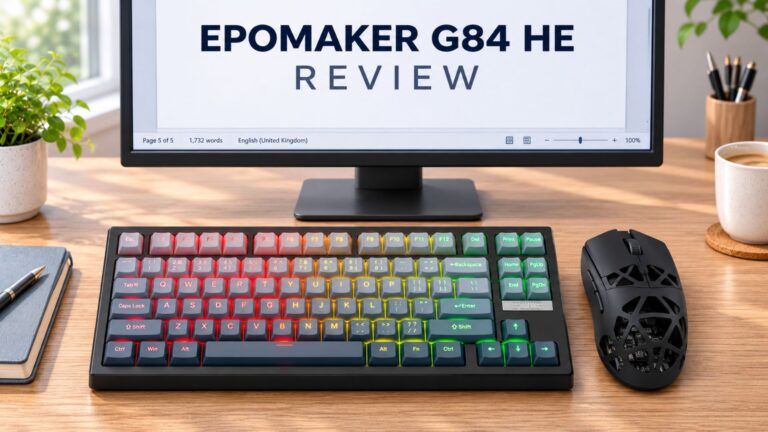 EPOMAKER G84 HE Review – 80% Hall Effect keyboard with 8K polling, an 8,000mAh battery and a creamy gasket build for gamers
9 November 2026
EPOMAKER G84 HE Review – 80% Hall Effect keyboard with 8K polling, an 8,000mAh battery and a creamy gasket build for gamers
9 November 2026
 RockTek G2 Next Review – Faster Android TV 14 Streaming with Wi-Fi 6 and Gigabit Ethernet
5 November 2026
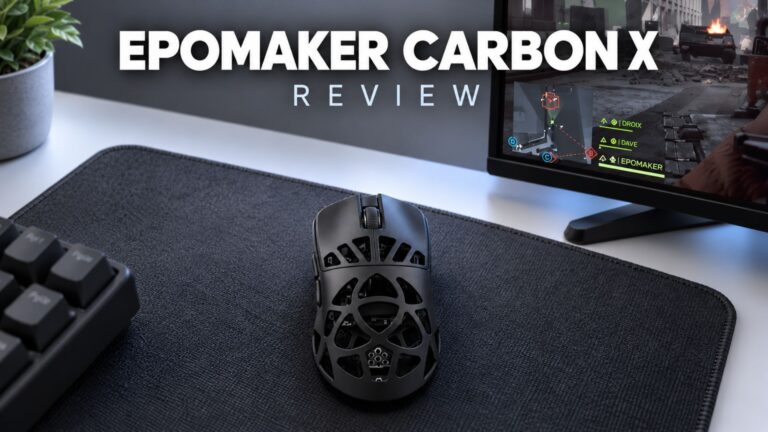 EPOMAKER Carbon X Review – 46 g Carbon-Fibre 8K Wireless Mouse for Competitive FPS
2 November 2026
Questions & answers