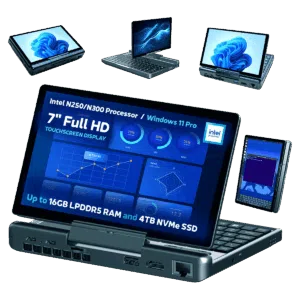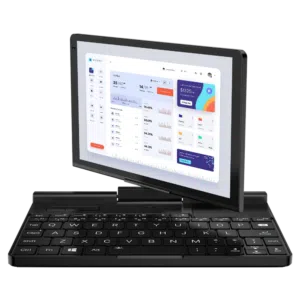
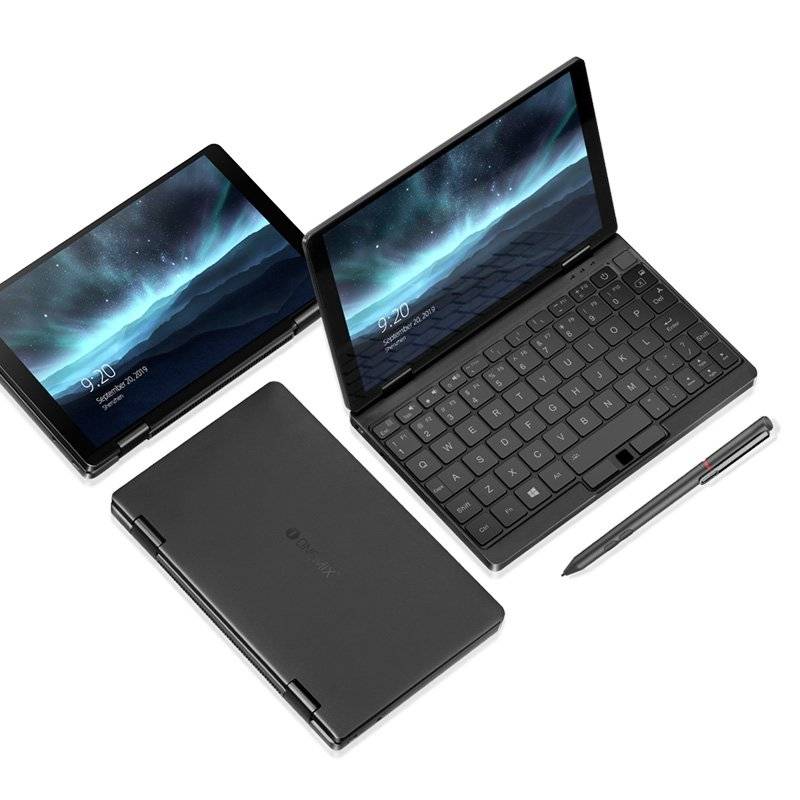
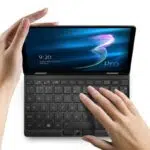
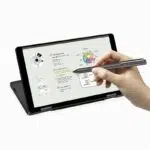
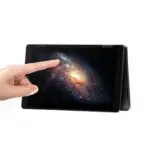

One Netbook One Mix 3 Pro Windows 10 Ultrabook

12 People looking at this now
  • Latest Intel Processors – 10th Generation
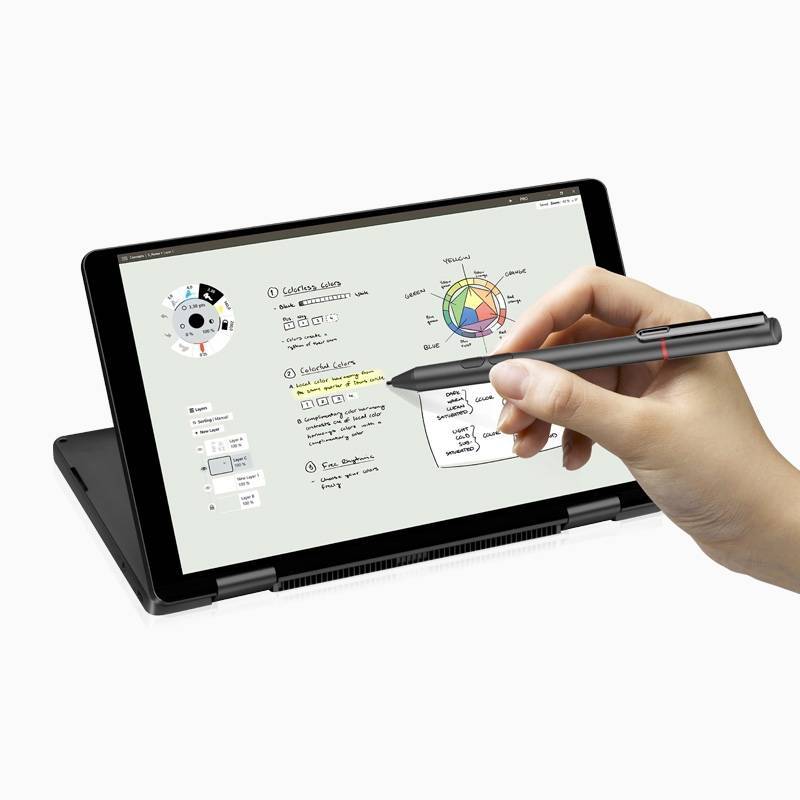
  • 8.4″ IPS 2K Touchscreen w/ Pen Support
  • Backlit Keyboard
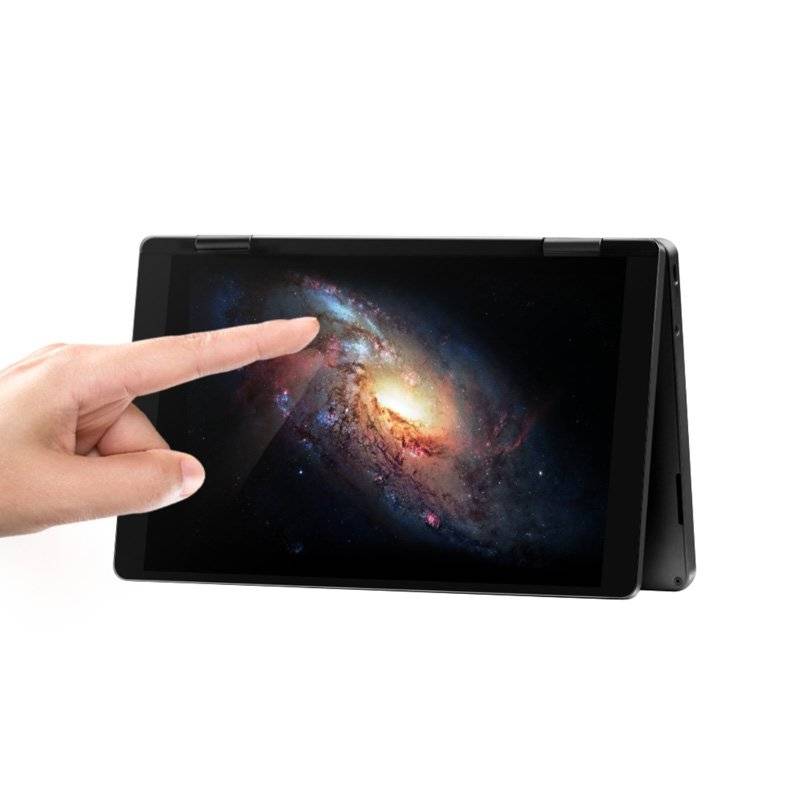
  • YOGA Book / 4 Modes Available
  • 16GB RAM / 512GB SSD

Availability:

Out of stock

$998.02

Out of stock

    The One Netbook One Mix 3 Pro features a fast Intel i5-10210Y processor supporting up to 4Ghz with 16GB RAM and 512GB PCIe SSD for the best performing ultrabook that is lightweight and small enough to fit in a jacket pocket.

    The Mix 3 Pro runs Windows 10 and has a 8.4 inch IPS touchscreen 2560×1600 resolution display for crystal clear visibility in all lighting. You can also connect a Micro HDMI or USB Type-C hub for output to your TV or monitor which is perfect for presentations.

    The backlit keyboard keys are also great for any lighting conditions and are comfortable to use for extended periods of time. Mouse control uses an Infrared Sensor Mouse which saves space, simply requiring one finger movement over the sensor to control. A fingerprint scanner can be found on the pocket laptop keyboard for added security.

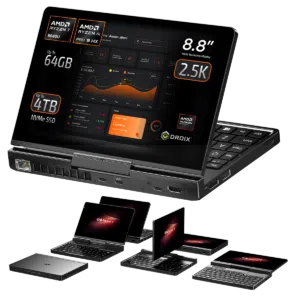
    The Yoga ultrabook technology means that the screen and keyboard parts can be rotated to turn the device from a netbook to tablet in just a few moments. The Windows 10 ultrabook measures just 204 x 129 x 14.9mm and 0.67kg which being made from Metal shell CNC technology is light enough to use as a tablet one handed.

    A range of connectivity options can be found on the One Mix 3 Pro i5 including a USB 3.0 and USB Type-C port to connect peripherals to. A Micro SD card slot can be used to expand the storage. Wireless connectivity is handled via 2.4G/5G dual channel WiFi and Bluetooth 4.0. The 8600mAh 3.7V battery will ensure battery life throughout the day
    Additional information

    Product
    Brands

    4.8
    15 reviews
    5 stars
    4
    4 stars
    1
    3 stars
    0
    2 stars
    0
    1 stars
    0
    MATHIEU J.
    Nov 7, 2025

    Nice little thing, just a little hot

    This little machine fits my needs quite right. I use it every day for more than 12+ hours each day and it does the job.
    The only thing is that even with the fan on, it can become quite hot on the long run so it depends on your usage I guess.
    DIRECT
    Was this helpful?
    Peter
    Nov 7, 2025

    I’m taking some...

    I’m taking some IT classes and needed something smaller than my full sized laptop. Will boot security oriented Linux without problems (I’m running off of encrypted external USB drive so I don’t mess up the Windows 10 on the internal drive). BIOS adjustm
    DIRECT
    Was this helpful?
    Alex M.
    Nov 7, 2025

    Nice item

    I purchased this stylus for my One Netbook Mix 2s. Working like a treat! Good service from DroiX will buy again.
    DIRECT
    Was this helpful?
    Rodney E.
    Nov 7, 2025

    These devices n...

    These devices normally compromise on the CPU with celeron or lower, the One Netbook One i5 doesn't have this compromise and it shows.  Running applications such as Unity, Visual Studio, full office suite, Affinity, teams, discord, various SDR tools  etc..
    DIRECT
    Was this helpful?
    наб
    Nov 7, 2025

    Solid machine, god-awful firmware

    I was pleasantly surprised by the hardware – the machine feels solid as, the keyboard is really usable after an hour or two, the fan curves are very reasonable and keep the CPU at a sensible temperature. However, the firmware side is pretty awful. The AMI BIOS doesn't come with network drivers so you can't netboot off a USB-C Ethernet dongle (something, for example, a Toshiba X40 i have access to can do) and came with no Secure Boot keys and with Secure Boot disabled. When selecting Default Provisioning of the keys, all are populated with "DO NOT TRUST - AMI Test Key", which is suboptimal, but after putting my own keys into the PK/KEK/DB and the Debian key into DB, all seems to work fine. The DMI information is full of Default Strings and explicitly says chassis=desktop, so that's a bit of an L as well. The microcode in the firmware is ancient, but Linux early firmware loading worked, so it's not that big of a deal. Also be aware that the fingerprint sensor is attached via SPI with an ACPI table entry pointing at it, and that's not supported by libfprint right now (see issue #112). The screen is oriented with down towards the left, but fbcon=rotate:3 in the cmdline works for the console, and X rotation of the display leftward, as well as adjusting the touchscreen and pen transformation matrices make it work beautifully.
    DIRECT
    Was this helpful?

    Questions & Answers

    Have a question about this product? Get answers from our community.

    No questions yet. Be the first to ask about this product!