In this article
Here we have five suggestions for you to consider, with regard to getting the most from your DroiX device, or indeed other Android mini PCs.
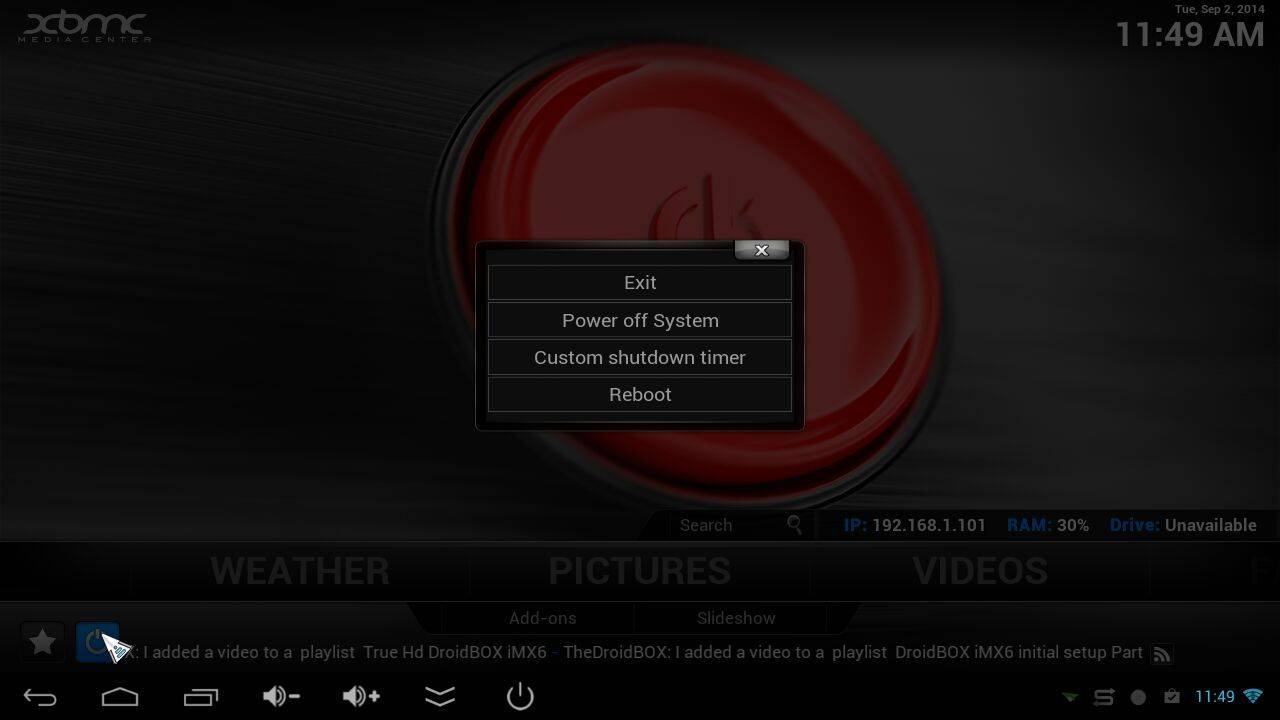
- Exit Kodi properly each time to prevent temporary files from building up and wasting space.

- Play Store for mainstream application updates. This ensures your application has the latest security patches in place, and often new features can also be found. DroiX Market (see our How To Use and Install (if not already on your device) posts) for discovering, installing and updating new & interesting applications.

- Switch away from using builds/wizards in Kodi and DBMC to installing just the add-ons you need, manually. You’ll keep your data secure and your device will operate a little quicker and be more stable! Head to our forum for help with setting up Kodi, and don’t forget to read the guide to Setting up Kodi the right way!

- Trakt.TV Create an account, set it to private for security/privacy. Post coming soon!

- If you don’t yet feel comfortable tweaking and configuring your device, don’t forget the DroiX How To site , the DroiX YouTube channel and of course the community at the DroiX forum are full of useful information.



Popular in the Knowledge Base
View all
Was this article helpful?
Thanks for the feedback!

Written by
Questions & comments
0
Every question gets an answer. Ask before you buy — DROIX and the team reply within one working day, and answers stay public so they help the next reader too.