
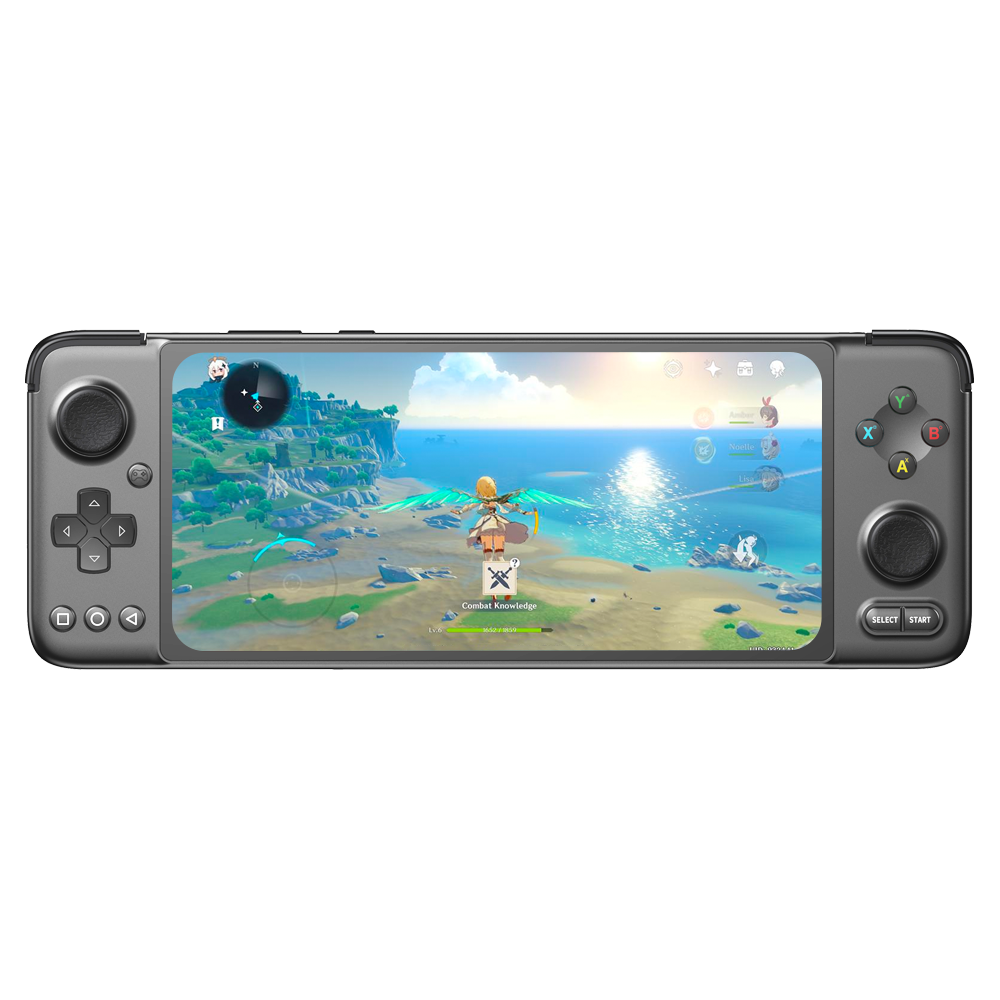
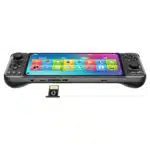
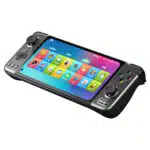
GPD XP Plus

16 People looking at this now
  • MediaTek Dimensity 1200 ; Octa-Core CPU @ Up To 3.00Ghz
  • ARM Mali-G77 MP9
  • 6GB LPDDR4X RAM & 256GB UFS 3.1 Flash Storage
  • 6.81″ IPS Touch LCD w/ 5th Gen Corning Gorilla Glass
  • Android 11 w/ Google Play Services & TV Output

Availability:

Out of stock

$450.00

Out of stock

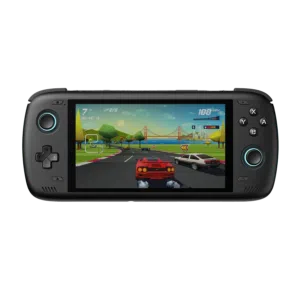
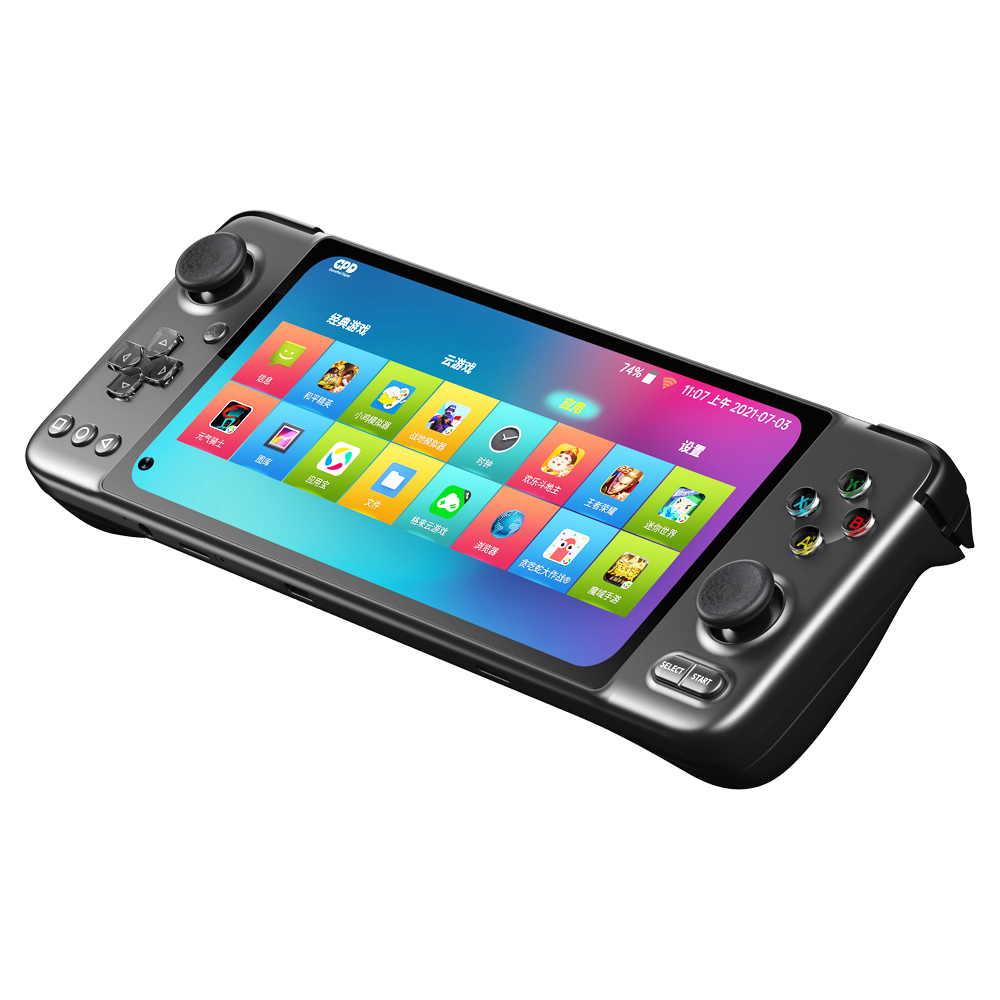
    GPD XP Plus Android Gaming Handheld

    Modular Android Gaming Handheld

    hero-features.png
    hero-features.png

    After the successful launch of the GPD WIN 3, WIN Max 2021 it was time for GPD to refresh their Android Handheld lineup, with the GPD XP Plus

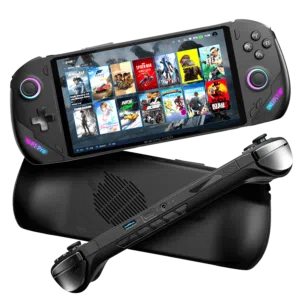
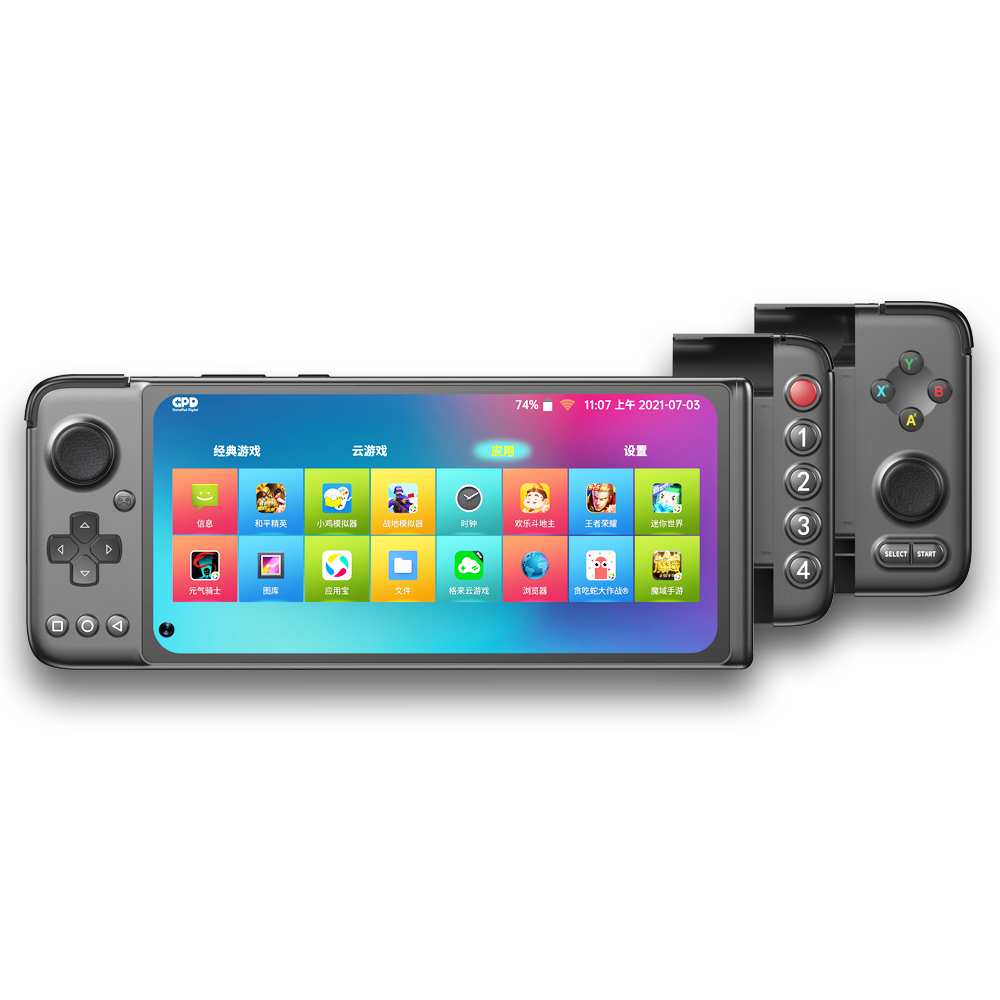
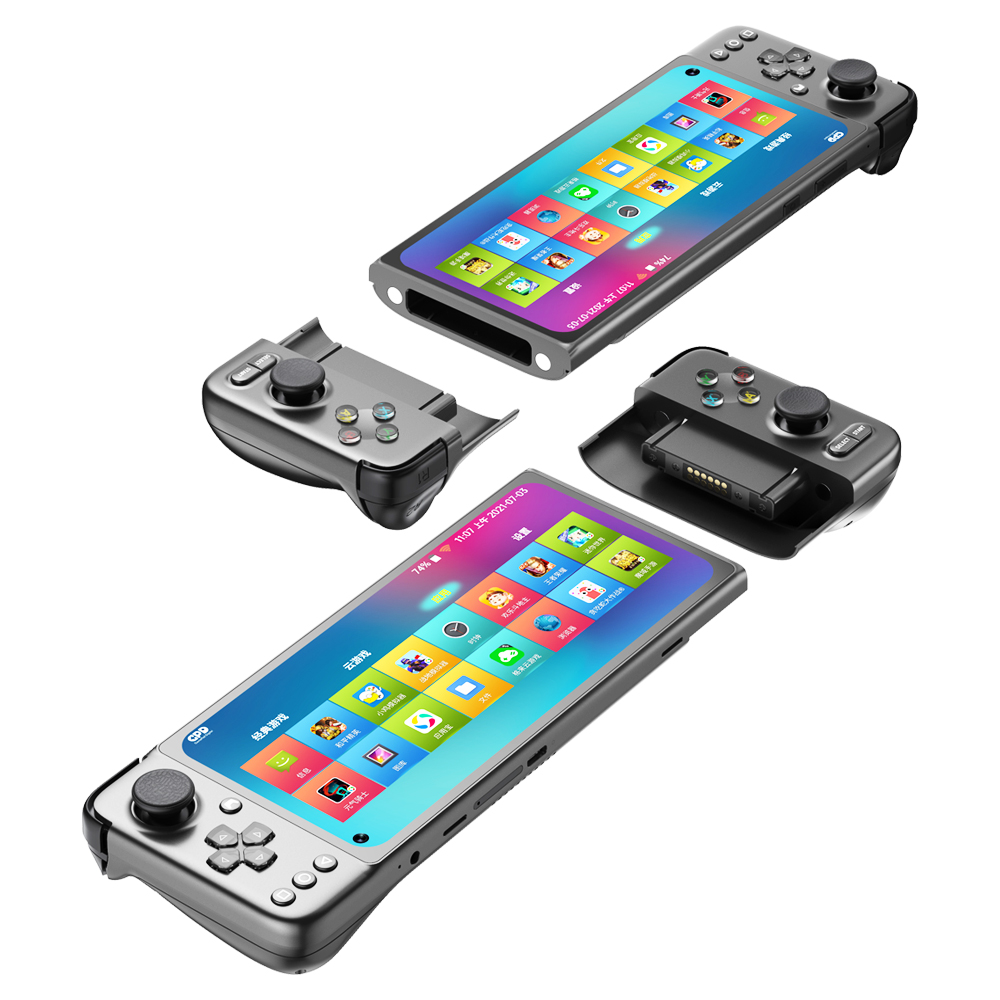
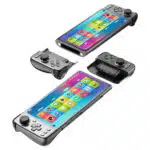
    The GPD XP Plus is the first Android Gaming handheld to feature modularity.

    https://www.youtube.com/watch?v=WQuCTVnuB8s

    The first modular Android Gaming Handheld

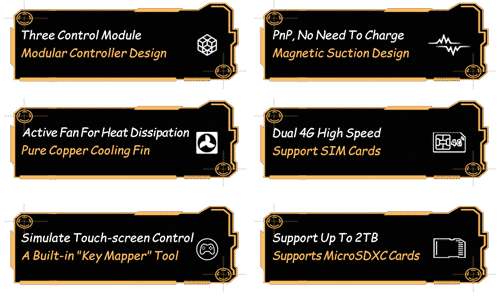
    Yup, you heard that right. The GPD XP Plus is the first modular Android Gaming Handheld. This allows you to tailor the device to your needs. And the best part, all the modules are tightly integrated and charge directly from the device. Well, there is another “best part” – they are all free
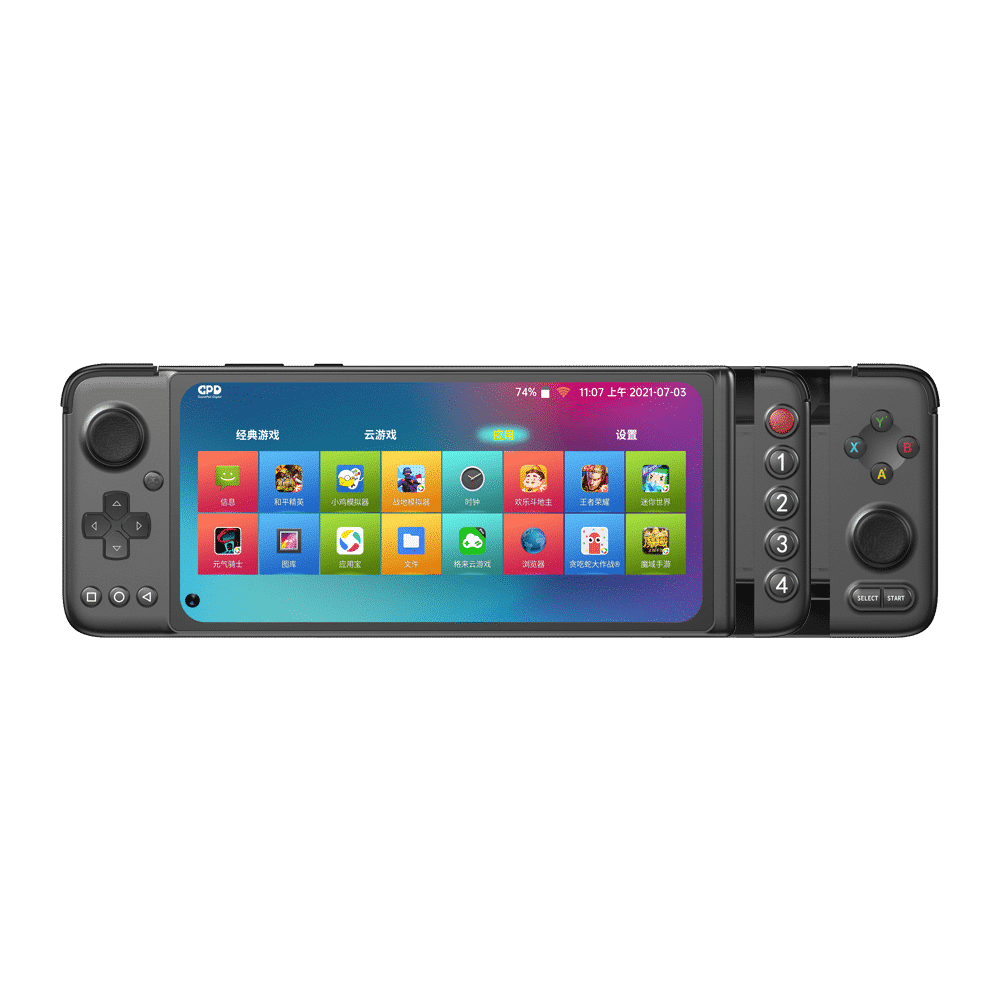
    And fully capable Android Gaming Handheld

    If we were to list all the features of the GPD XP Plus, our page speed would be dramatically damaged, so here are some of the few highlights of this modular android gaming console.

    Rocking the most used Mobile Operating System in the world, Android 11.
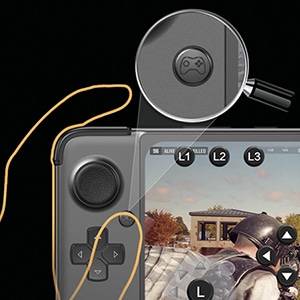
    Coming with a built-in Key Mapping software, the GPD XP Plus Handheld will dramatically increase your performance in games.
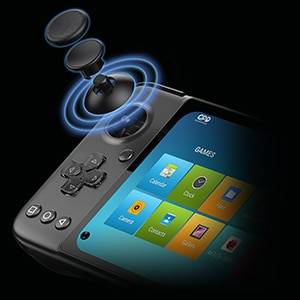
    And as we have been spoiled by GPD, the XP Plus also features the Japanese ALPS Joysticks.
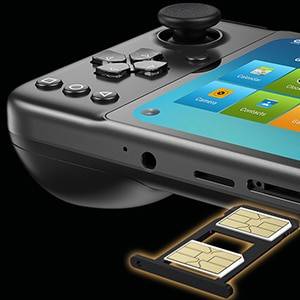
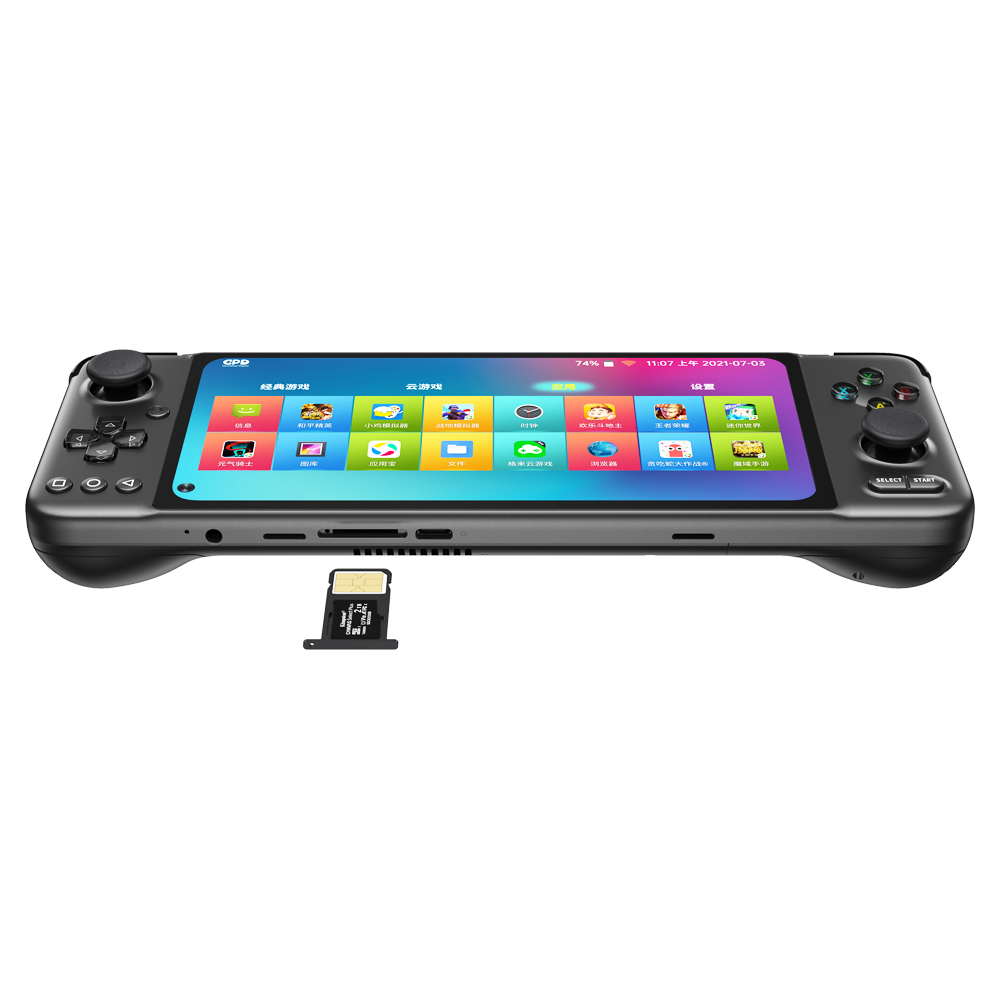
    And don’t worry, in case you have a tournament to get to before you get home. The GPD XP Plus comes with a dual-SIM card slot. (Used only for data – no mobile service)

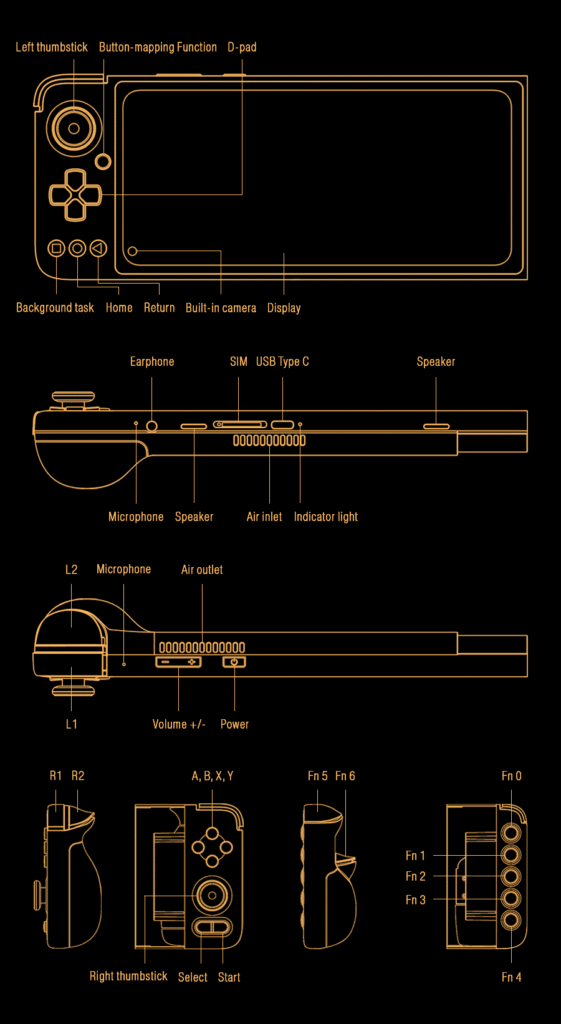
    Diagram

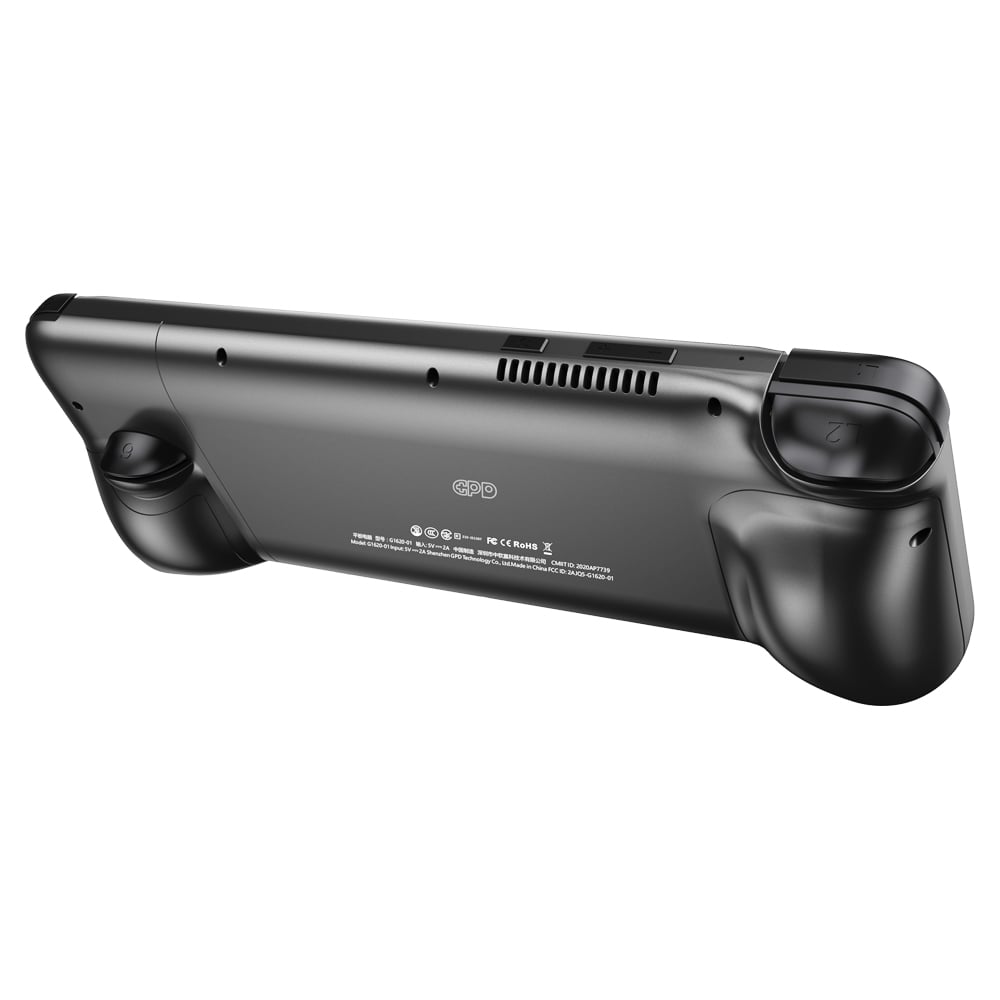
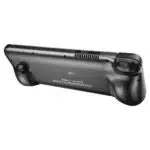
    The GPD XP Plus is a complex device, and you can see it in the engineering.
    Additional information

    Product
    Brands

    4.5
    14 reviews
    5 stars
    2
    4 stars
    2
    3 stars
    0
    2 stars
    0
    1 stars
    0
    Alan Bowen ✓ Verified Purchase
    Nov 7, 2025

    My first 2 days with my GPD XP

    First look is great with a very well made body. Whilst it comes with a changeable clip-on controller and an end-cap, I haven’t used those yet, preferring to use the main “x-box” compatible clip-on controller .
    Having come from an Odroid Super Go which runs out of the box easily with its Emulation Station set up whereby roms play quickly and easy, the GPD XP needs a lot of time to get it set up although there is a small handful of android games ready to use immediatelly. I am a previous owner of a GPD XD and GPD XD plus and I forgot that it also took a while to get those running peefectly, after which things become much easier.

    The biggest problem I found was that the GPD XP comes with Andoid 11 whereby it is not easily compatible with an external SD card, even though I had previously bought a 1tb sd card to use with it. I also suggest that you you do not prepare your sd card before you get it, as you will need to format it within the GPD XP. Whilst I initially formatted it as internal storage, the increased size did not show up either within the settings or even when I connected via usb to a windows pc. There may be work-arounds which I haven’t yet found, but I then re-formatted my 1tb sd card to external storage which at the moment I prefer.

    The GPD XP doesn’t come with Retroarch which you have to download, but the problem was that the app did not recognize my sd card. However, I found a workaround online which shows how to edit the Retroarch config file so it then reads from the external sd card. Of course, everything would have been fine if I used the sizable 128gb available on the GPD XP internal drive, but I didn’t want to do that. I also had problems downloading other emulator apps, as many of them also would not read the external sd card due to Android 11. For example, whilst gba.emu doesn’t seem to read from external, ppssppp works fine.

    The other problem I had was that the GPD XP formats the external SD card as fat32 which then won’t allow roms files above 4gb - such as some of the Wii and PS2 roms. I got round this by downloading those large sized roms on to the internal storage where they work fine. Once again, there might be workarounds which I haven’t yet found.

    However, I quickly found that the quickest way to use the GPD XP easily was to download the “launchbox” app which after upgrading to the pro edition for 25 us dollars works beautifully and reads from the external storage and almost everything works well straight away.

    Some of the games I’ve been quickly testing so far are: N64, NDS,GBA, Gamecube, Wii, Dreamcast, PS1, PSP - apart from psp which I use ppsspp, the rest are played via Launchbox. However, I have noticed that when closing down a game within Launchbox, I have to also close down Retroarch before it allows me to start a new game. It is possible that a setting change might cure this.

    The other thing which works really well is Cloud gaming. I am subscribed to Xbox Game pass, and when using that app, the Game streaming works great. I even tried a 3ds game which loaded, but unfortuately was unplayable due to poor frame rate.

    So in summary, my score is 75% and my review is

    The GPD XP - a lovely well built machine. The screen is really good and I have easily changed the screen setting for most games to 16:10
    SETTING UP - Needs a bit of work and time to get things up and running. I am not overly keen on the launch screen, but other future user recommendations might get me to change it
    GAME PLAY - Everything I have tried up to PSP, PS1, N64, Gamecube and Wii so far works really well.
    THE FUTURE - Future updates may improve the current problem of Android 11 not reading external storage
    DIRECT
    Was this helpful?
    Chris Davidson ✓ Verified Purchase
    Nov 7, 2025

    Excellent device

    I love this. I can stream the latest games, enjoy retro games and the best of android. Switching the right hand module is good for shooters. Battery life is epic. It feels comfortable. For me it’s perfect.
    DIRECT
    Was this helpful?
    Jody Armstrong ✓ Verified Purchase
    Nov 7, 2025

    Certainly not perfect but still pretty good

    A plastic build but one that feels pretty solid. Excellant analogue controllers, the d-pad seems a bit less responsive but it may be it's not broken in yet. Buttons elsewhere feel fine.

    Interesting modular concept giving a few different controller options though so far I have not needed the 1,2,3,4,5 button controller. I suspect it'll be useful for hotmapping on screen actions on regular Android games.

    Have tried Stadia and Steamlink and both seem to work without issues. Minecraft plays fine too.

    The software isn't the best so far, had several launcher crashes and several apps too. The arcade emulator on the front screen is broken and crashes constantly, though that's not a concern for me. I will probably clean up the installed apps and try another launcher at some point.

    Overall very happy though, think this'll be a nice addition to my kit and nice to be able to play stadia/pc games while using the TV for something else.

    The inclusion of a sim option for data is also a useful addition if I ever needed it, for a cheapish unit like this, that's a definite bonus.
    DIRECT
    Was this helpful?
    Robin Dickinson ✓ Verified Purchase
    Nov 7, 2025

    Thoughts on the GPD XP

    Received my GPD XP from Droix yesterday. Very good service, even giving you an (accurate) 1 hour delivery window.
    When I first unpacked it I noticed that the left analogue stick was sticking in the upper left position but this has stopped with use.
    Before this I used a razer kishi controller on my phone but wanted a more permanent solution. The XP doesn't support as many of my games natively as the razer kishi does but this isn't a problem with the excellent button mapping function.
    Overall I would definitely recommend it and I'm very glad I purchased it.
    DIRECT
    Was this helpful?

    Questions & Answers

    Have a question about this product? Get answers from our community.

    No questions yet. Be the first to ask about this product!