




Ez az útmutató bemutatja a PCIe–Oculink adapterkártya telepítésének folyamatát a Minisforum UM780 XTX játék mini PC.
Távolítsa el a felső fedelet; mágnesek tartják, és kis erővel leemelhető.

A sarokban négy csavar található, amelyek a LED-egységet rögzítik; távolítsa el ezeket a csavarokat.
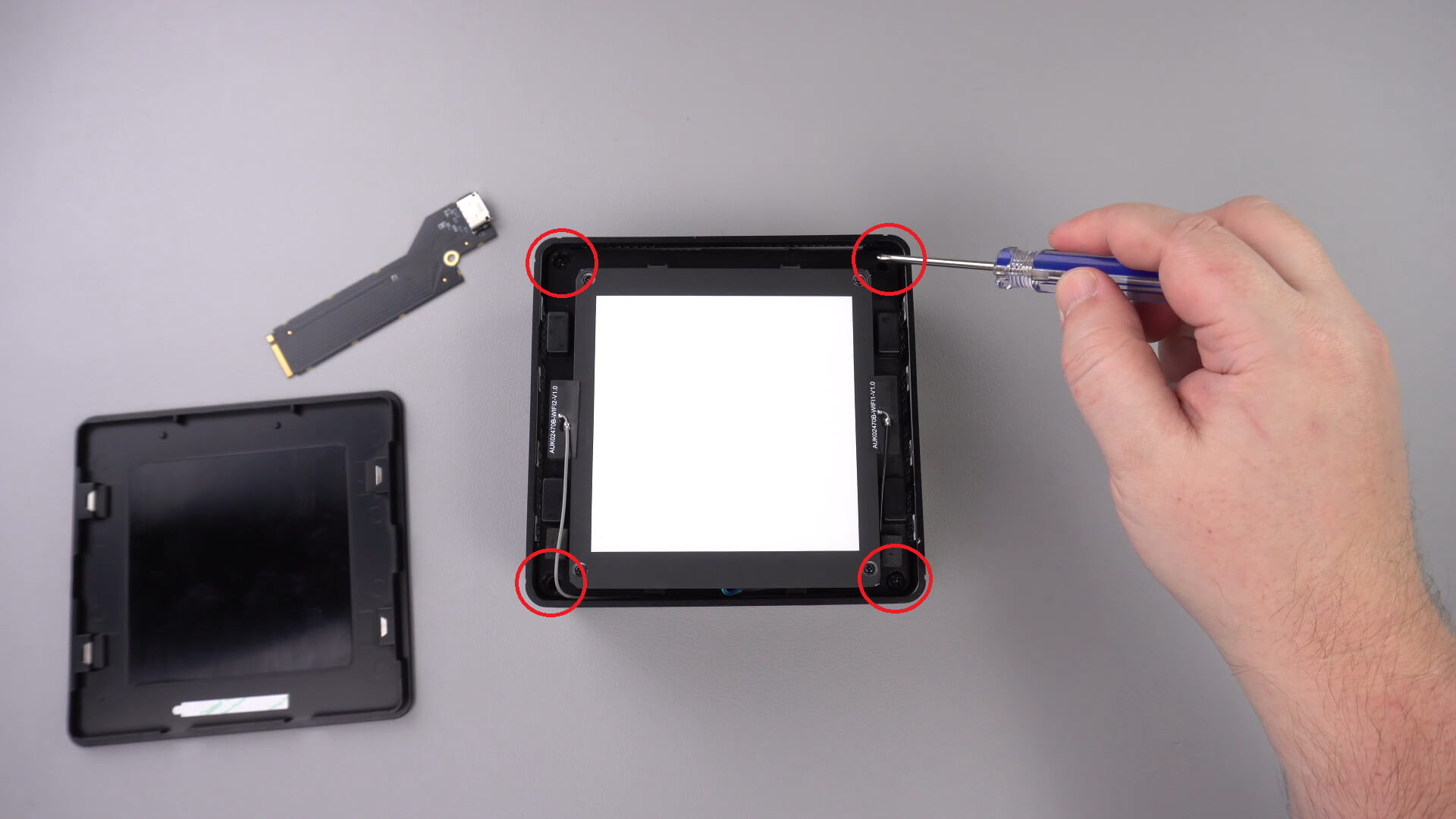
Most óvatosan emelje ki a LED-egységet a házból. Egy rövid kábel található az alábbiak szerint, amelyet le kell választania.
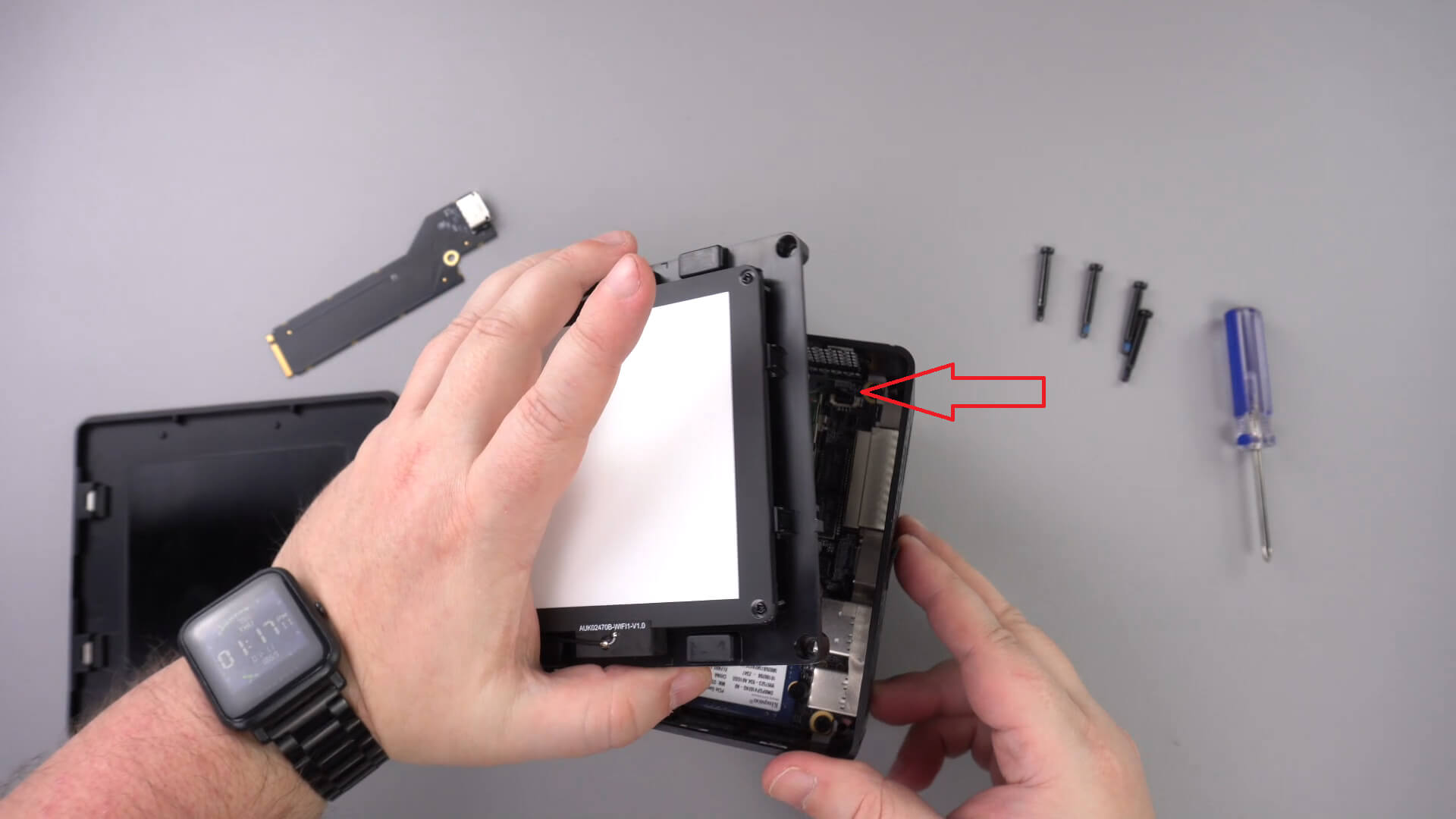
Tegye félre a LED-egységet; a többi kábelt nem kell eltávolítania.
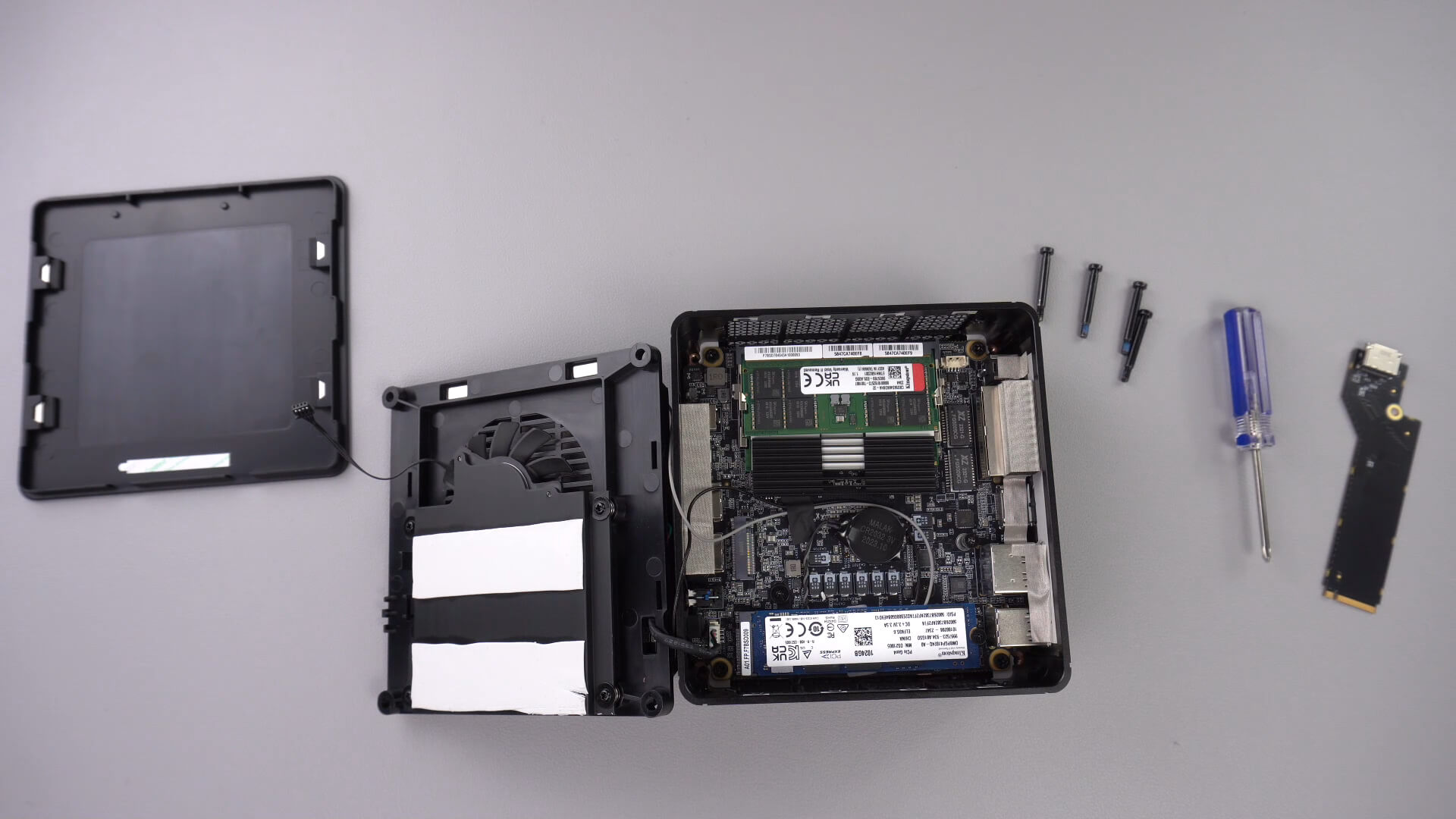
Csavarja ki az alábbiakban jelzett csavart; ez a csavar rögzíti a PCIe–Oculink adaptert.

Helyezze be a PCIe–OcuLink adaptert a PCIe foglalatba. Csak egyféleképpen illeszthető be a foglalatba.

Csavarja vissza a PCIe csavart az adapter rögzítéséhez

Most újra összeszerelheti a mini PC-t.
Latest from the blog
Visit the blog EPOMAKER HE65 V2 TMR teszt – 8K vezeték nélküli sebesség és hibrid kapcsolók kompakt játékhoz
2026.10.19.
EPOMAKER HE65 V2 TMR teszt – 8K vezeték nélküli sebesség és hibrid kapcsolók kompakt játékhoz
2026.10.19.
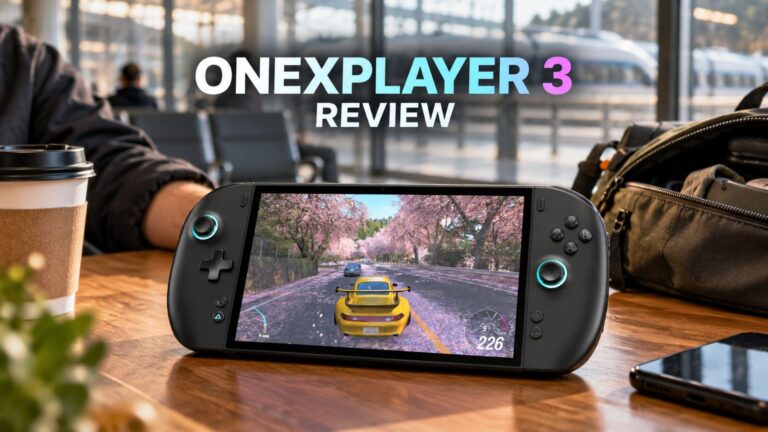 ONEXPLAYER 3 teszt – 8,8 hüvelykes AMOLED kijelző, moduláris vezérlés és meglepően jó akkumulátoridő
2026.10.14.
ONEXPLAYER 3 teszt – 8,8 hüvelykes AMOLED kijelző, moduláris vezérlés és meglepően jó akkumulátoridő
2026.10.14.
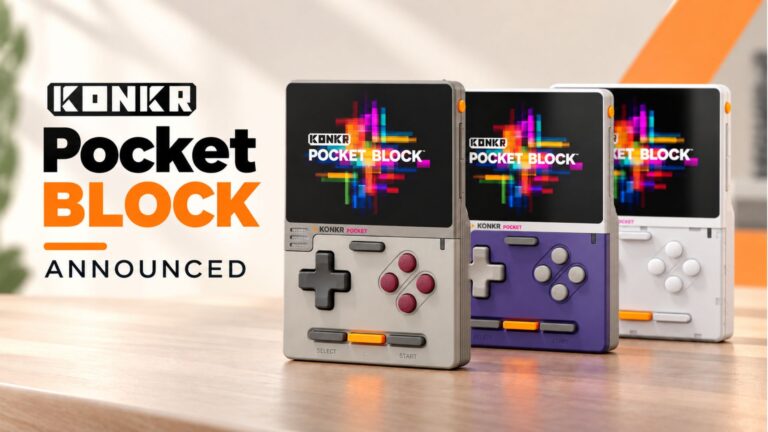 KONKR Pocket BLOCK bejelentve: egy apró, vertikális Android kézikonzol 4:3-as kijelzővel
2026.10.01.
KONKR Pocket BLOCK bejelentve: egy apró, vertikális Android kézikonzol 4:3-as kijelzővel
2026.10.01.
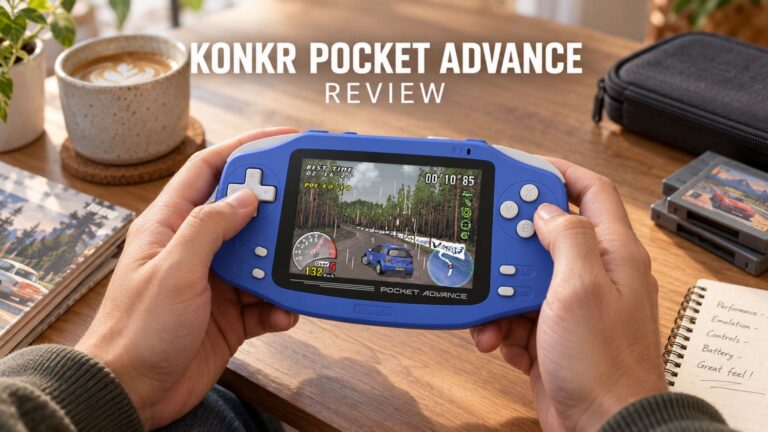 KONKR Pocket ADVANCE teszt – Egy zsebméretű, GBA-központú Android játék-kézikonzol
2026.09.24.
KONKR Pocket ADVANCE teszt – Egy zsebméretű, GBA-központú Android játék-kézikonzol
2026.09.24.
Kérdések és válaszok 3
I have installed this Oculink adaptor and tried using it with both my GPD G1 and OneXGPU using Oculink. However, when I boot up my machine, the external GPU is not detected. I alraedy have the latest AMD drivers installed on my machine, and I have tried establishing the connection using the official Oculink cables from OneXPlayer and GPD, but to no avail.
To establish the connection, I turn off both the miniPC and the eGPU, then I connect the Oculink cable at both ends of the spectrum, and then I power on the eGPU, followed by the miniPC.
However, none of these settings have worked.
Could you kindly suggest what I may be doing incorrectly?
Muchas gracias. Por desgracia compre un Minisforum de este modelo y no me entregaron el adaptador de Oculink, es posible por favor compartirme la referencia para adquirirlo, muchas gracias.
Si lo compró en DroiX, envíe un correo electrónico a [email protected] con su número de pedido para que podamos analizarlo. Si lo compró en otro lugar, deberá comunicarse con el vendedor.