




Deze handleiding toont het proces voor het installeren van de PCIe naar Oculink-adapterkaart op de Minisforum UM780 XTX gaming mini-pc.
Verwijder het bovenpaneel; dit wordt met magneten op zijn plaats gehouden en laat met weinig kracht los.

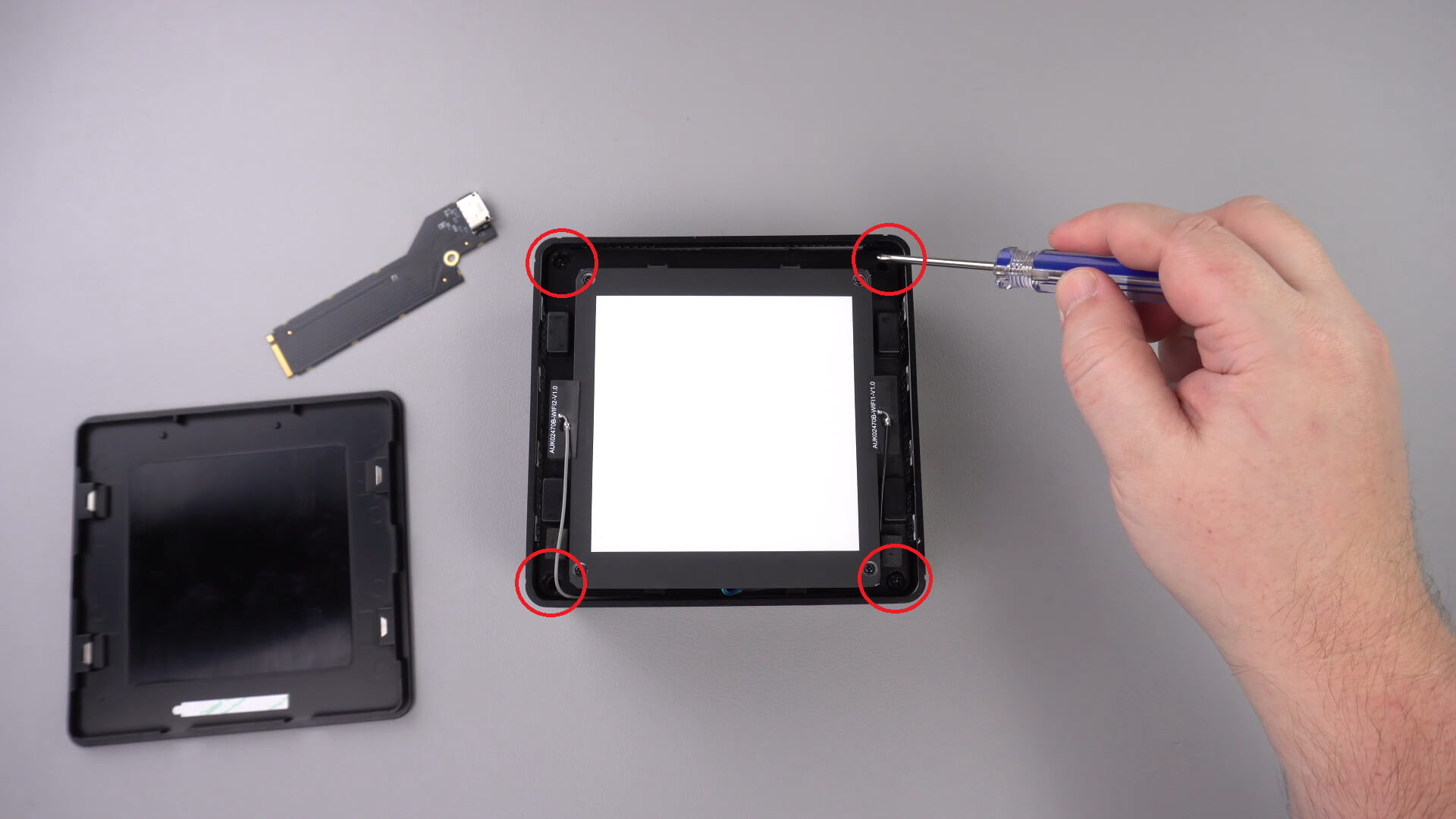
Er bevinden zich vier schroeven in de hoeken waarmee de LED-component op zijn plaats wordt gehouden; verwijder deze schroeven.
U kunt de LED-component nu voorzichtig uit de behuizing tillen. Er is een korte kabel, zoals hieronder aangegeven, die u moet loskoppelen.
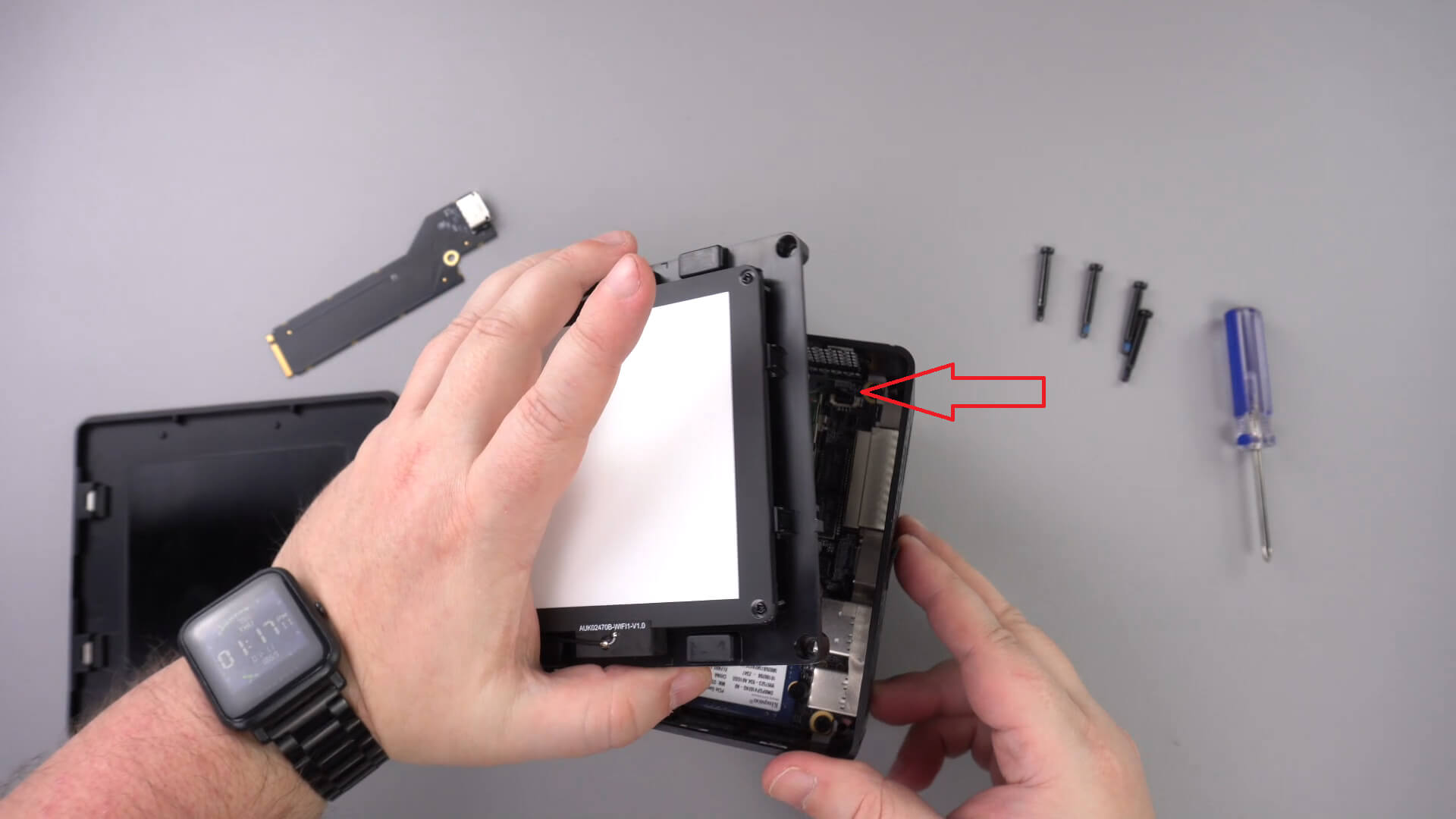
Leg de LED-component opzij; u hoeft de andere kabels niet te verwijderen.
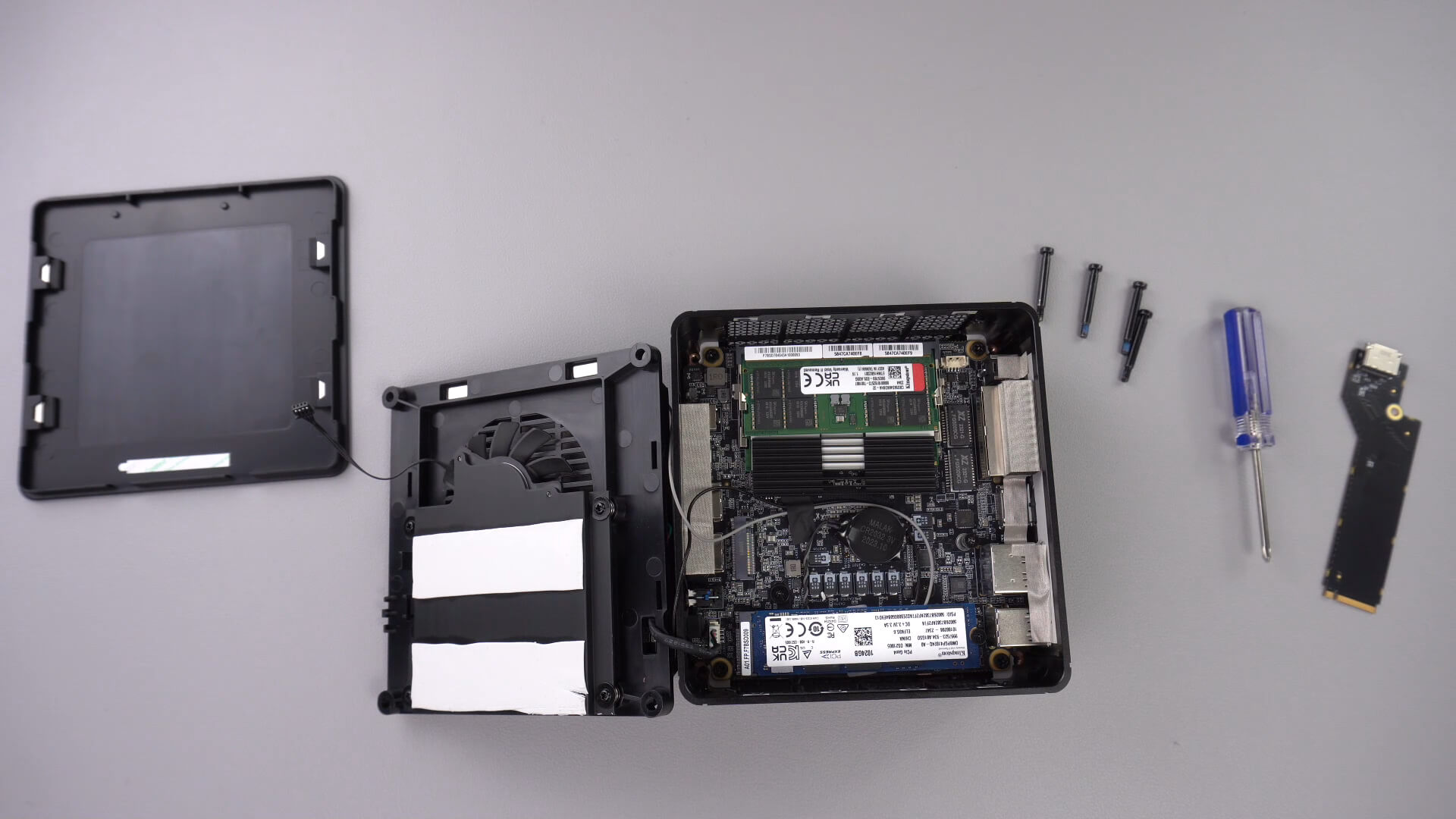
Draai de hieronder aangegeven schroef los; deze schroef houdt de PCIe-naar-OcuLink-adapter op zijn plaats.

Plaats de PCIe-naar-OcuLink-adapter in de PCIe-sleuf. Deze kan slechts op één manier in de sleuf worden geplaatst.

Draai de PCIe-schroef weer vast om de adapter op zijn plaats te houden

U kunt de mini-pc nu weer in elkaar zetten.
Latest from the blog
Visit the blog ONEXPLAYER 3 Review – 8,8-inch AMOLED-gaming, modulaire bediening en verrassend goede batterijduur
14 oktober 2026
ONEXPLAYER 3 Review – 8,8-inch AMOLED-gaming, modulaire bediening en verrassend goede batterijduur
14 oktober 2026
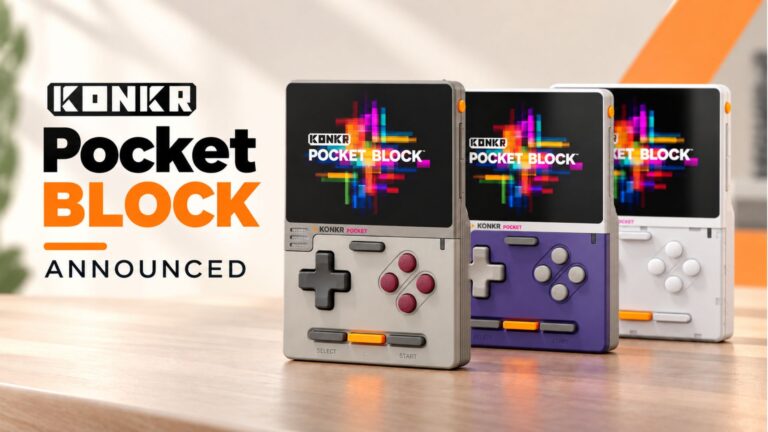 KONKR Pocket BLOCK aangekondigd: een piepkleine verticale Android-handheld met een 4:3-scherm
1 oktober 2026
KONKR Pocket BLOCK aangekondigd: een piepkleine verticale Android-handheld met een 4:3-scherm
1 oktober 2026
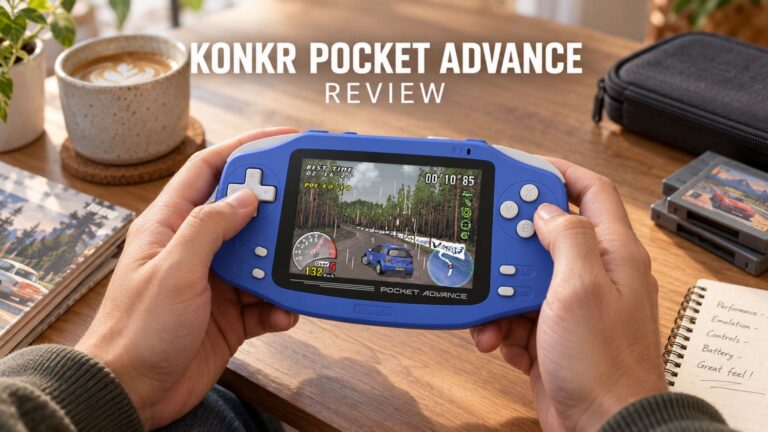 KONKR Pocket ADVANCE review – Een zakformaat Android gaming handheld gericht op GBA
24 september 2026
KONKR Pocket ADVANCE review – Een zakformaat Android gaming handheld gericht op GBA
24 september 2026
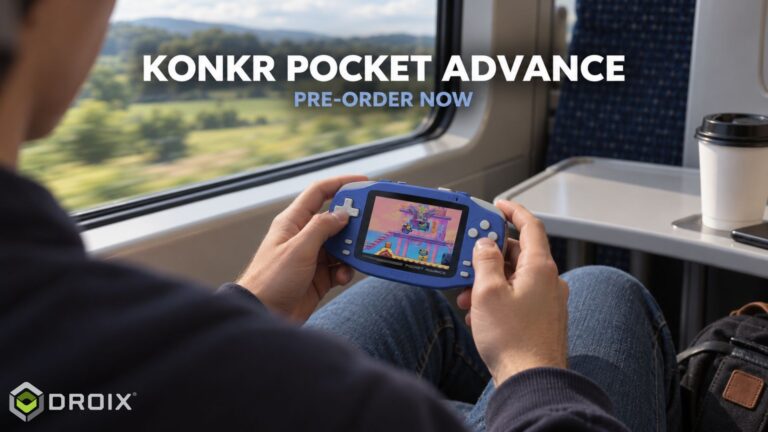 KONKR Pocket Advance pre-order: een compacte Android-handheld voor retro-gaming
23 september 2026
KONKR Pocket Advance pre-order: een compacte Android-handheld voor retro-gaming
23 september 2026
Vragen & antwoorden 3
I have installed this Oculink adaptor and tried using it with both my GPD G1 and OneXGPU using Oculink. However, when I boot up my machine, the external GPU is not detected. I alraedy have the latest AMD drivers installed on my machine, and I have tried establishing the connection using the official Oculink cables from OneXPlayer and GPD, but to no avail.
To establish the connection, I turn off both the miniPC and the eGPU, then I connect the Oculink cable at both ends of the spectrum, and then I power on the eGPU, followed by the miniPC.
However, none of these settings have worked.
Could you kindly suggest what I may be doing incorrectly?
Muchas gracias. Por desgracia compre un Minisforum de este modelo y no me entregaron el adaptador de Oculink, es posible por favor compartirme la referencia para adquirirlo, muchas gracias.
Si lo compró en DroiX, envíe un correo electrónico a [email protected] con su número de pedido para que podamos analizarlo. Si lo compró en otro lugar, deberá comunicarse con el vendedor.