




سيوضح هذا الدليل عملية تثبيت لوحة محول PCIe إلى Oculink على جهاز الكمبيوتر المصغر للألعاب Minisforum UM780 XTX.
قم بإزالة الغطاء العلوي، فهو مثبت بالمغناطيس وسينفصل بقوة قليلة.

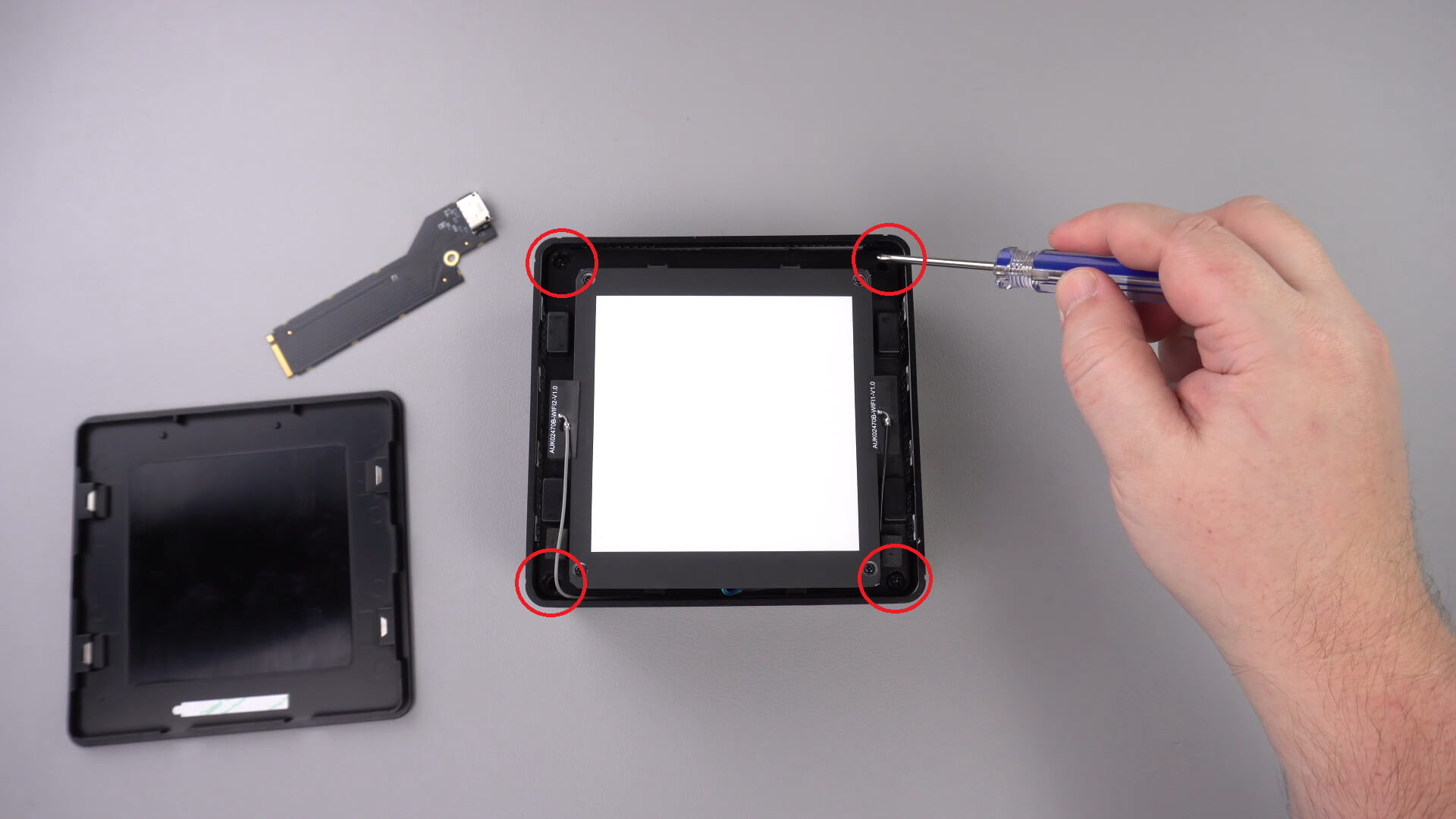
توجد أربعة براغي في الزاوية تثبت مكون LED في مكانه، قم بإزالة هذه البراغي.
يمكنك الآن رفع مكون LED بعناية من العلبة. يوجد كابل قصير كما هو موضح أدناه ستحتاج إلى فصله.
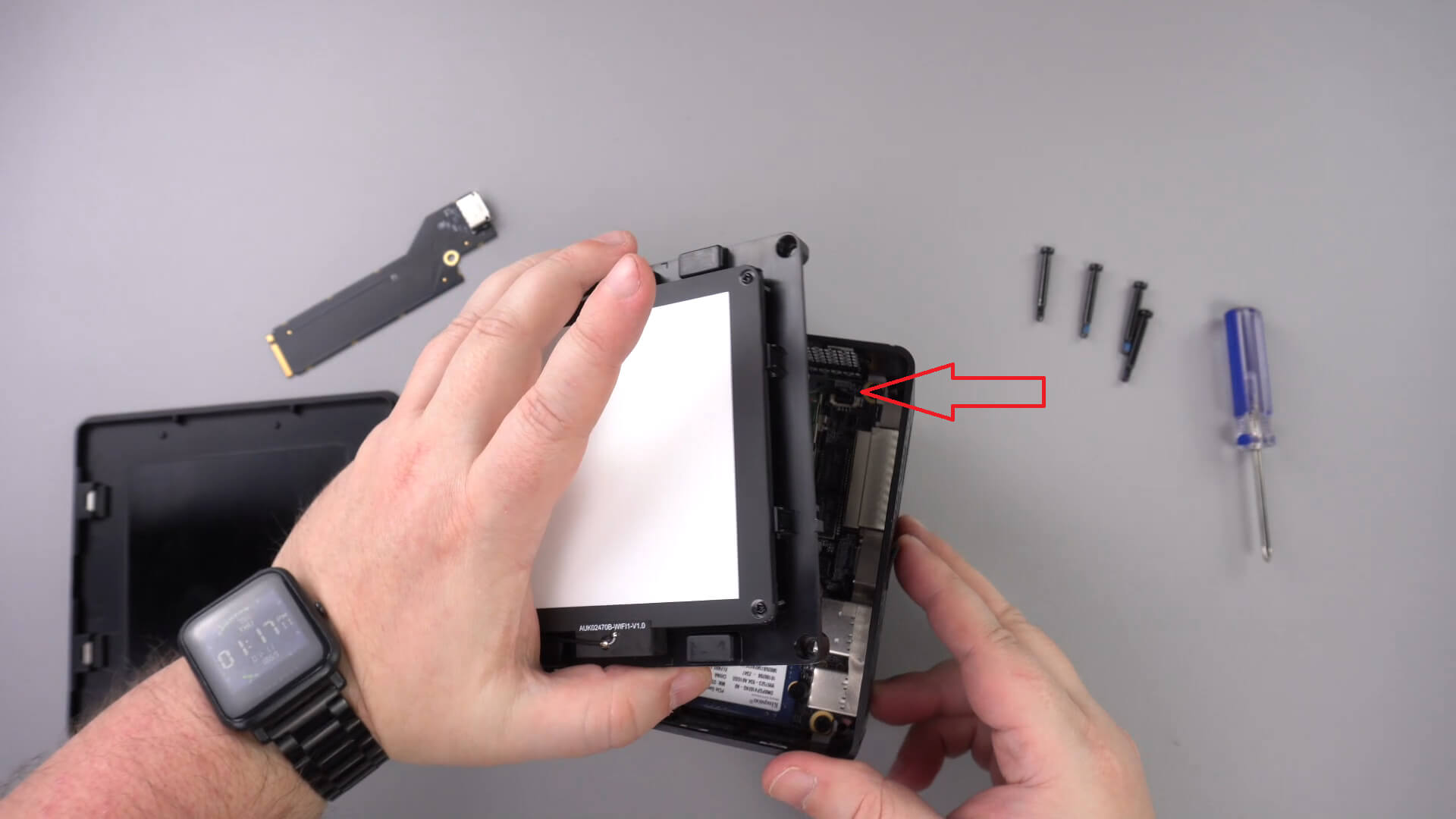
حرك مكون LED إلى جانب واحد، لا يجب أن تحتاج إلى إزالة الكابلات الأخرى.
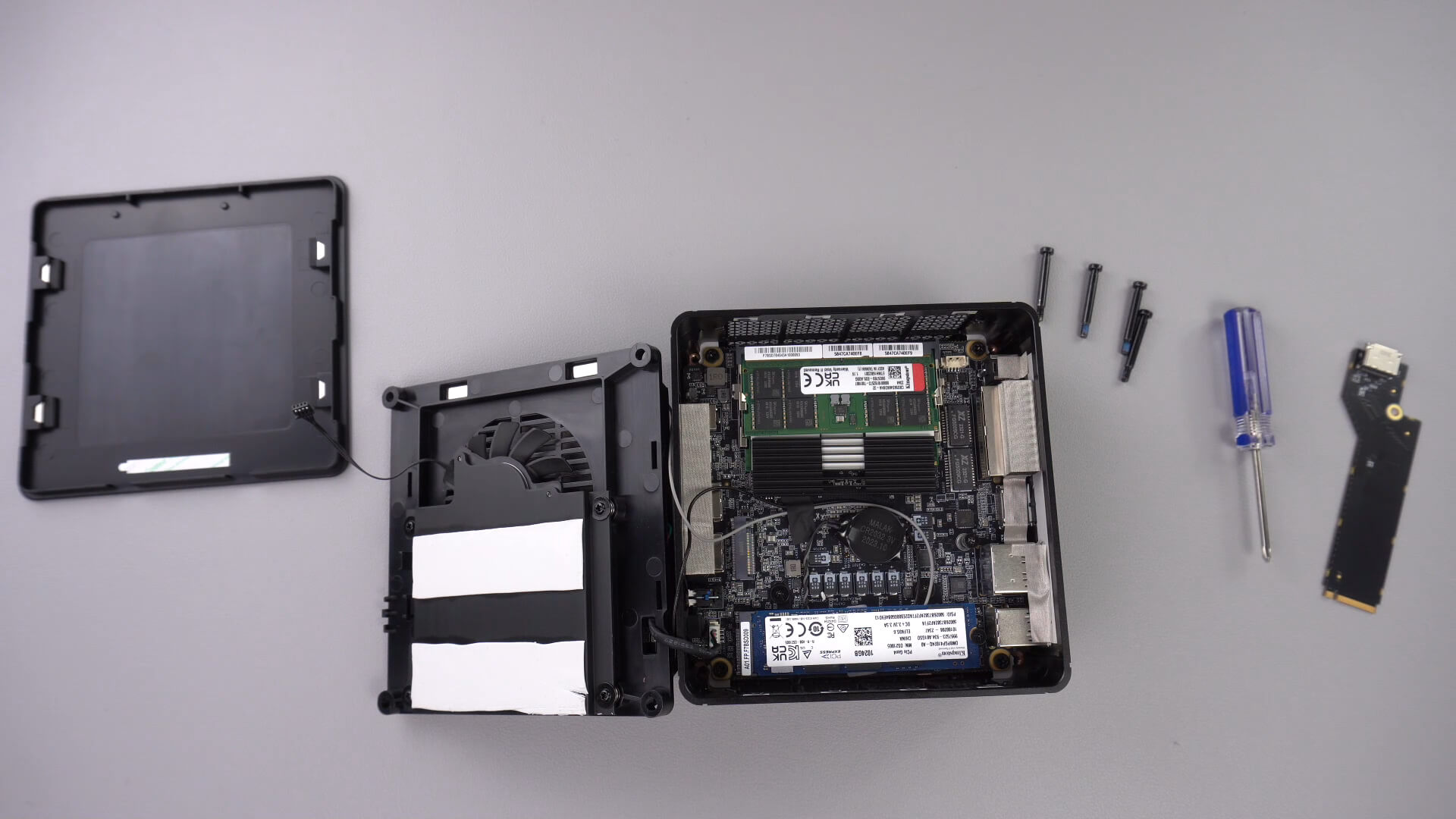
قم بفك البرغي المشار إليه أدناه، هذا البرغي سيبقي محول PCIe إلى Oculink آمنًا.

أدخل محول PCIe إلى OcuLink في فتحة PCIe. يمكن إدخاله بطريقة واحدة فقط في الفتحة.

أعد تركيب برغي PCIe لتثبيت المحول بإحكام

يمكنك الآن إعادة تجميع الكمبيوتر المصغر.
هل كانت هذه المقالة مفيدة؟
Latest from the blog
Visit the blog مراجعة EPOMAKER HE65 V2 TMR – سرعة لاسلكية 8K ومفاتيح هجينة للألعاب المدمجة
19 أكتوبر، 2026
مراجعة EPOMAKER HE65 V2 TMR – سرعة لاسلكية 8K ومفاتيح هجينة للألعاب المدمجة
19 أكتوبر، 2026
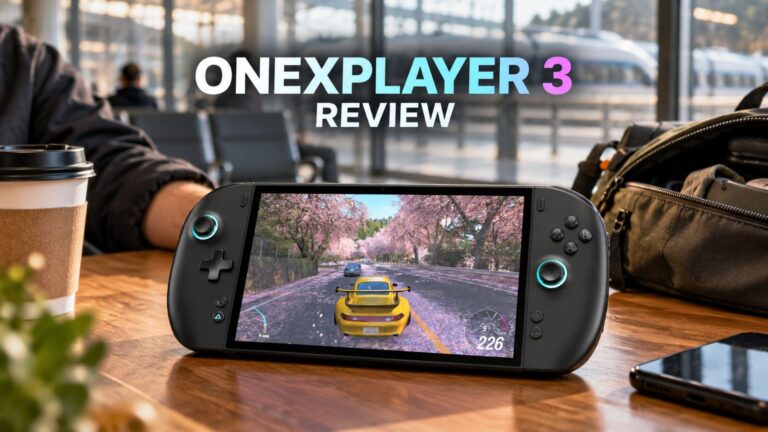 مراجعة ONEXPLAYER 3 – شاشة AMOLED للألعاب بحجم 8.8 بوصة، وأدوات تحكم معيارية، وعمر بطارية مفاجئ
14 أكتوبر، 2026
مراجعة ONEXPLAYER 3 – شاشة AMOLED للألعاب بحجم 8.8 بوصة، وأدوات تحكم معيارية، وعمر بطارية مفاجئ
14 أكتوبر، 2026
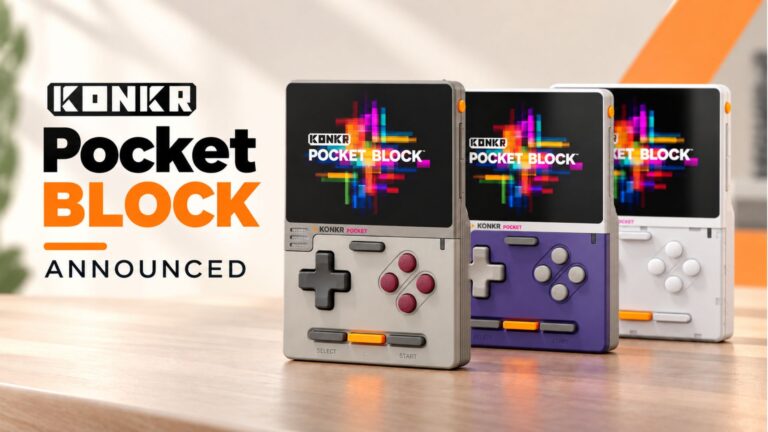 تم الإعلان عن KONKR Pocket BLOCK: جهاز أندرويد محمول عمودي صغير بشاشة 4:3
1 أكتوبر، 2026
تم الإعلان عن KONKR Pocket BLOCK: جهاز أندرويد محمول عمودي صغير بشاشة 4:3
1 أكتوبر، 2026
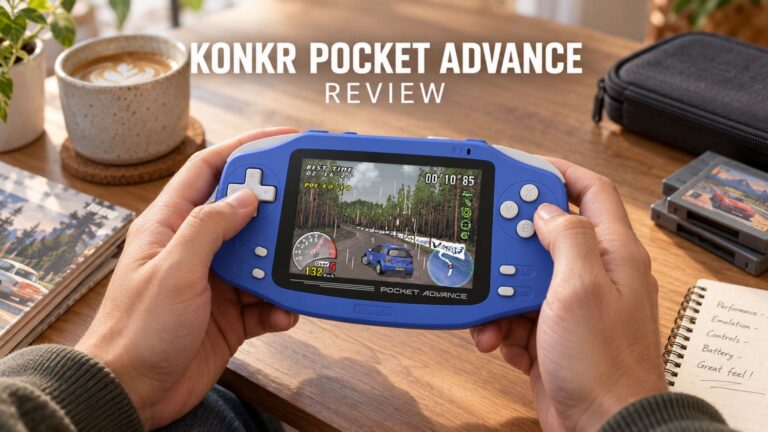 مراجعة KONKR Pocket ADVANCE – جهاز ألعاب أندرويد محمول بحجم الجيب يركز على GBA
24 سبتمبر، 2026
مراجعة KONKR Pocket ADVANCE – جهاز ألعاب أندرويد محمول بحجم الجيب يركز على GBA
24 سبتمبر، 2026
أسئلة وأجوبة 3
I have installed this Oculink adaptor and tried using it with both my GPD G1 and OneXGPU using Oculink. However, when I boot up my machine, the external GPU is not detected. I alraedy have the latest AMD drivers installed on my machine, and I have tried establishing the connection using the official Oculink cables from OneXPlayer and GPD, but to no avail.
To establish the connection, I turn off both the miniPC and the eGPU, then I connect the Oculink cable at both ends of the spectrum, and then I power on the eGPU, followed by the miniPC.
However, none of these settings have worked.
Could you kindly suggest what I may be doing incorrectly?
Muchas gracias. Por desgracia compre un Minisforum de este modelo y no me entregaron el adaptador de Oculink, es posible por favor compartirme la referencia para adquirirlo, muchas gracias.
Si lo compró en DroiX, envíe un correo electrónico a [email protected] con su número de pedido para que podamos analizarlo. Si lo compró en otro lugar, deberá comunicarse con el vendedor.