In this article
I. Introduction: The Allure of Retro Gaming on Android Handhelds
There’s an undeniable magic to retro gaming. For many, it’s the powerful pull of nostalgia – the distinct pixelated visuals of Mario, the unmistakable chime of Sonic collecting rings, the frantic dot-gobbling of Pac-Man. These aren’t just old games; they are digital time capsules, holding cherished memories of childhood afternoons and arcade high scores. For others, it’s a journey of discovery, a chance to explore the foundational titles that shaped the interactive entertainment landscape we know today. Revisiting these classics or experiencing them for the first time offers a unique connection to gaming history.
Read Page 2 for Downloading, Installing and Setting up Emulators
Read Page 3 for Legal and Ethical Considerations and ways you can expand your emulation experience.
Read Page 4 for a round up of everything we have covered in this guide
In recent years, the Android operating system has unexpectedly emerged as a remarkably potent platform for bringing these experiences back to life through emulation. While smartphones can run emulators, the true potential is unlocked with dedicated Android gaming handhelds. These devices offer distinct advantages that make them ideal portals to the past. Chief among them is portability – the ability to carry entire libraries of console classics in a pocketable device, ready to play anywhere.
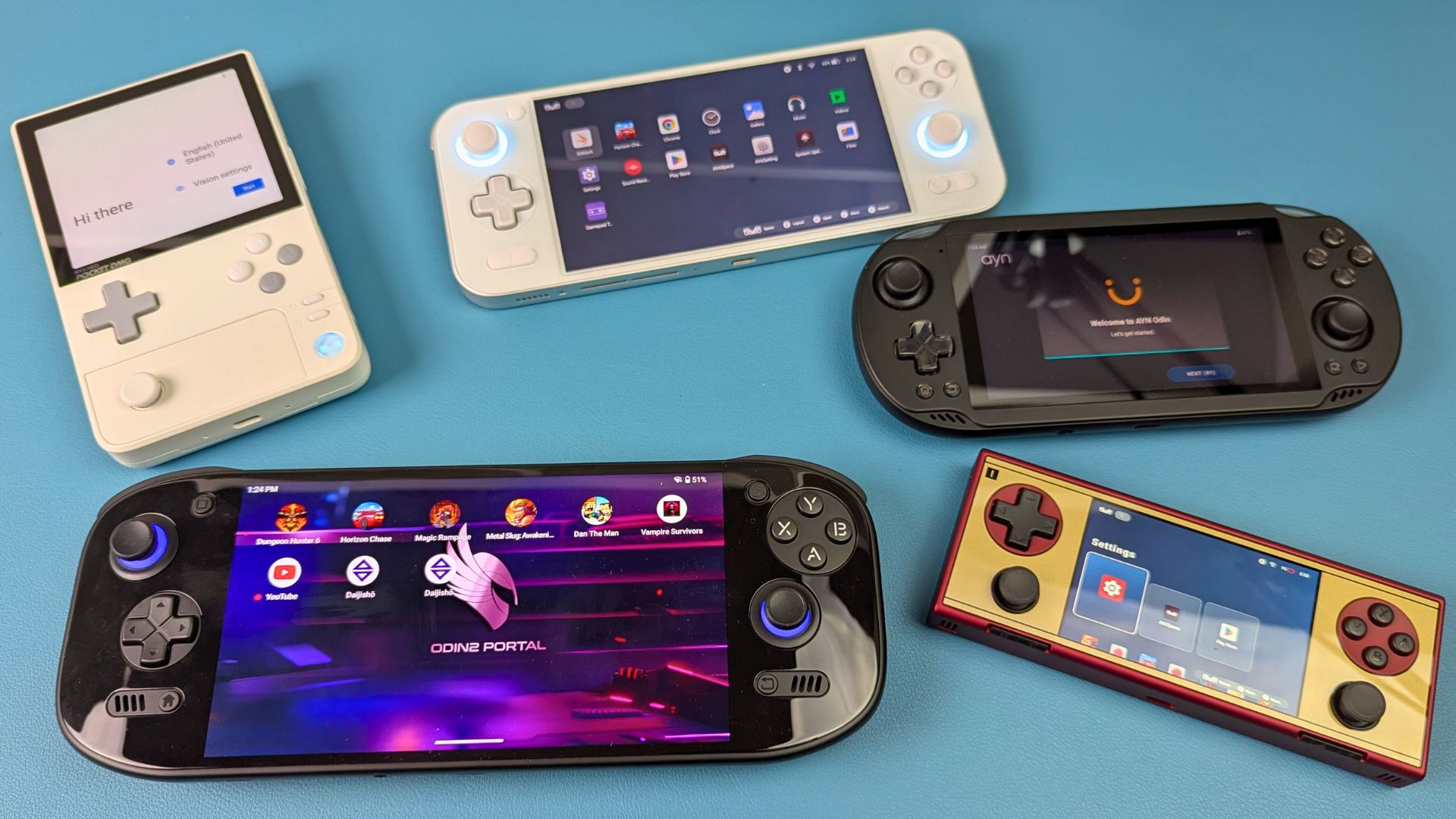
Beyond portability, these handhelds boast access to a vast ecosystem of emulators, covering dozens of classic consoles and computers, many readily available through the Google Play Store or directly from developers. Crucially, unlike touch-screen-only smartphones, these devices feature tailored physical controls – responsive D-pads, tactile buttons, and precise analog sticks – essential for the authentic feel and required input precision of most retro games. Furthermore, the inherent flexibility of Android allows for deep customization, enabling users to fine-tune performance settings, remap controls exactly to their liking, and even overhaul the user interface for a truly personalized retro gaming station.
This article serves as the definitive resource – the Ultimate Android Handheld Emulation Guide – designed to help navigate the hardware choices, software setup, optimization process, and crucial legal considerations. It aims to transform a modern Android handheld into a seamless gateway to gaming’s rich and varied history, empowering users to curate their own portable arcade.
II. Choosing Your Android Handheld for Emulation: An Ultimate Android Handheld Emulation Guide Deep Dive
Selecting the right hardware is the foundational first step in your retro gaming journey. The market for Android handhelds has blossomed, offering a diverse range of devices at various price points and performance levels. There’s no single “best” device; the ideal choice hinges entirely on individual needs, budget constraints, and, most importantly, which classic systems you intend to emulate. This section of the Ultimate Android Handheld Emulation Guide delves into the key factors to consider.
Key Factor 1: Processing Power (System-on-Chip – SoC)
The heart of any Android handheld is its System-on-Chip (SoC), which combines the CPU and GPU. This is the single most critical factor determining emulation capability. The demands vary significantly across different console generations:
8-bit/16-bit Era (NES, SNES, Genesis, Game Boy, PC Engine, GBA): These systems are relatively lightweight and can be emulated smoothly even on lower-end hardware.
32-bit/64-bit Era (PlayStation 1, Nintendo 64, Dreamcast): These require a moderate step up in processing power for consistent, full-speed emulation, especially with enhancements like increased resolution.
Later Consoles (PSP, GameCube, PlayStation 2, Nintendo 3DS, PS Vita, Switch): Emulating some of these more modern systems can demand significantly more powerful SoCs. Performance can vary greatly depending on the specific game and the emulator used, often requiring high-end hardware for a satisfactory experience.
The rapid performance increase observed in the market reflects a maturing landscape where distinct hardware tiers are solidifying, mirroring trends in broader consumer electronics. Manufacturers are deliberately selecting SoCs like Rockchip, MediaTek, Unisoc, and Qualcomm to target specific performance levels and price points. This allows users to choose a device more precisely tailored to their emulation goals and budget, but also means understanding these tiers is crucial:
Entry-Level
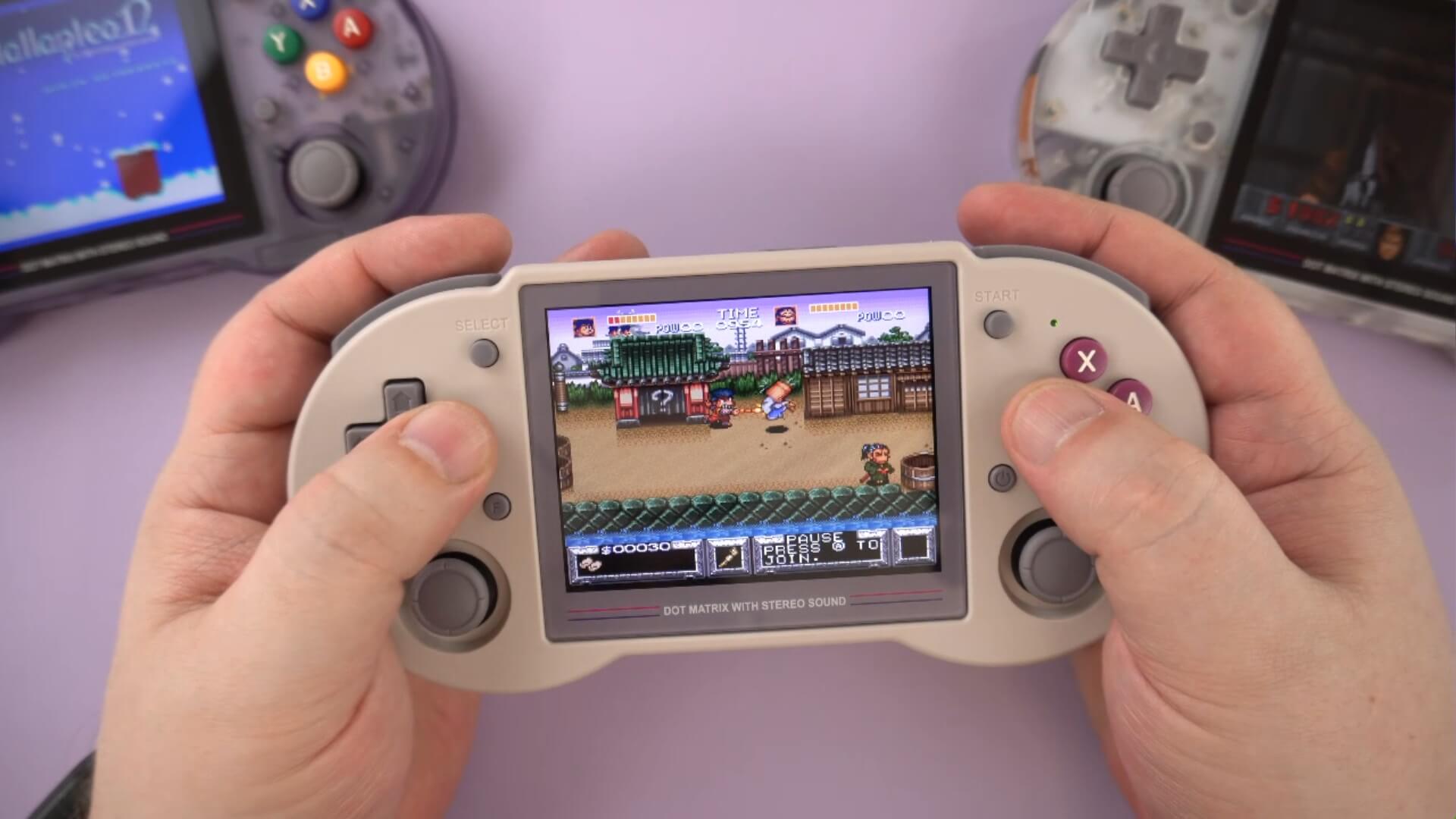
Devices like the Anbernic RG353P, powered by the Rockchip RK3566 and 2GB of RAM, represent a capable starting point. This Android gaming device excels at systems up through the 16-bit era and handles many PS1 and N64 titles adequately. However, it will struggle with demanding PSP games or anything more complex. It’s a cost-effective way to dive into classic retro gaming.
Mid-Range
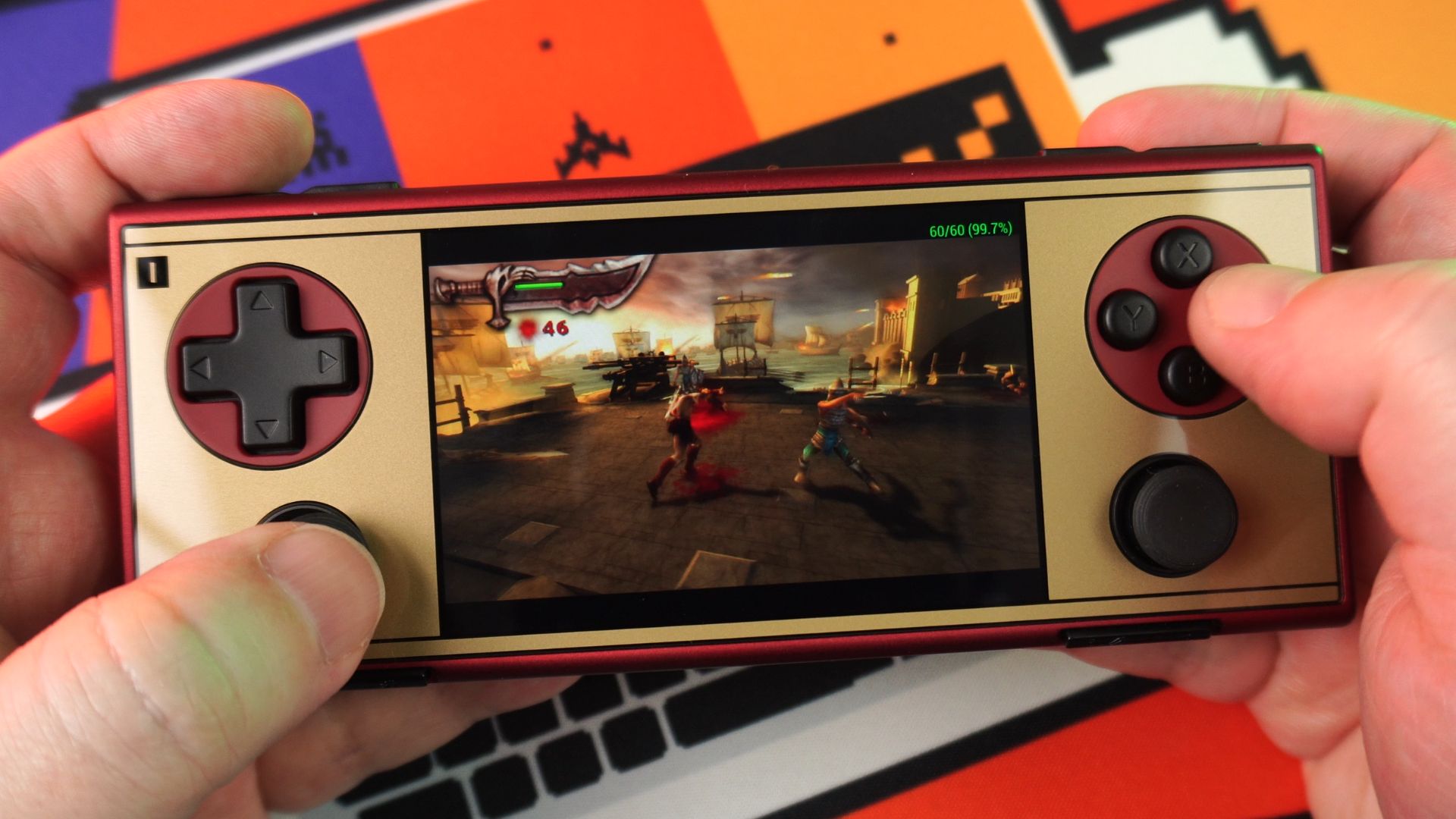
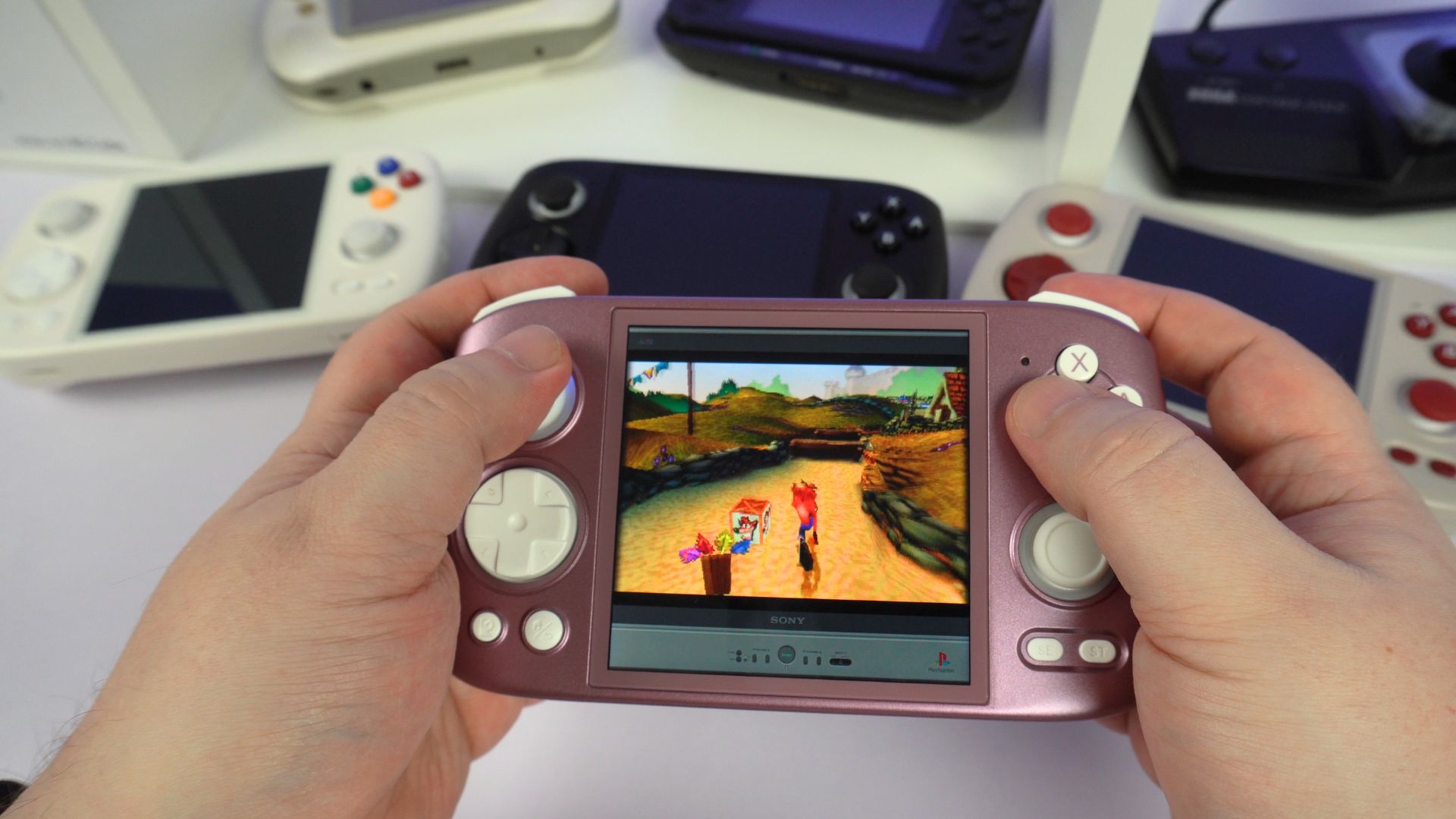
Handhelds such as the AYANEO Pocket Micro and the Anbernic RG Cube offer a significant performance leap. These chips generally provide smooth emulation for systems up to Dreamcast and PSP, and can often handle some GameCube, PS2, 3DS, and even some Vita titles, though performance may require tweaking and won’t be universally perfect. This tier represents a popular balance of capability and cost for many users seeking broader system compatibility from their gaming Android handheld.
High-End
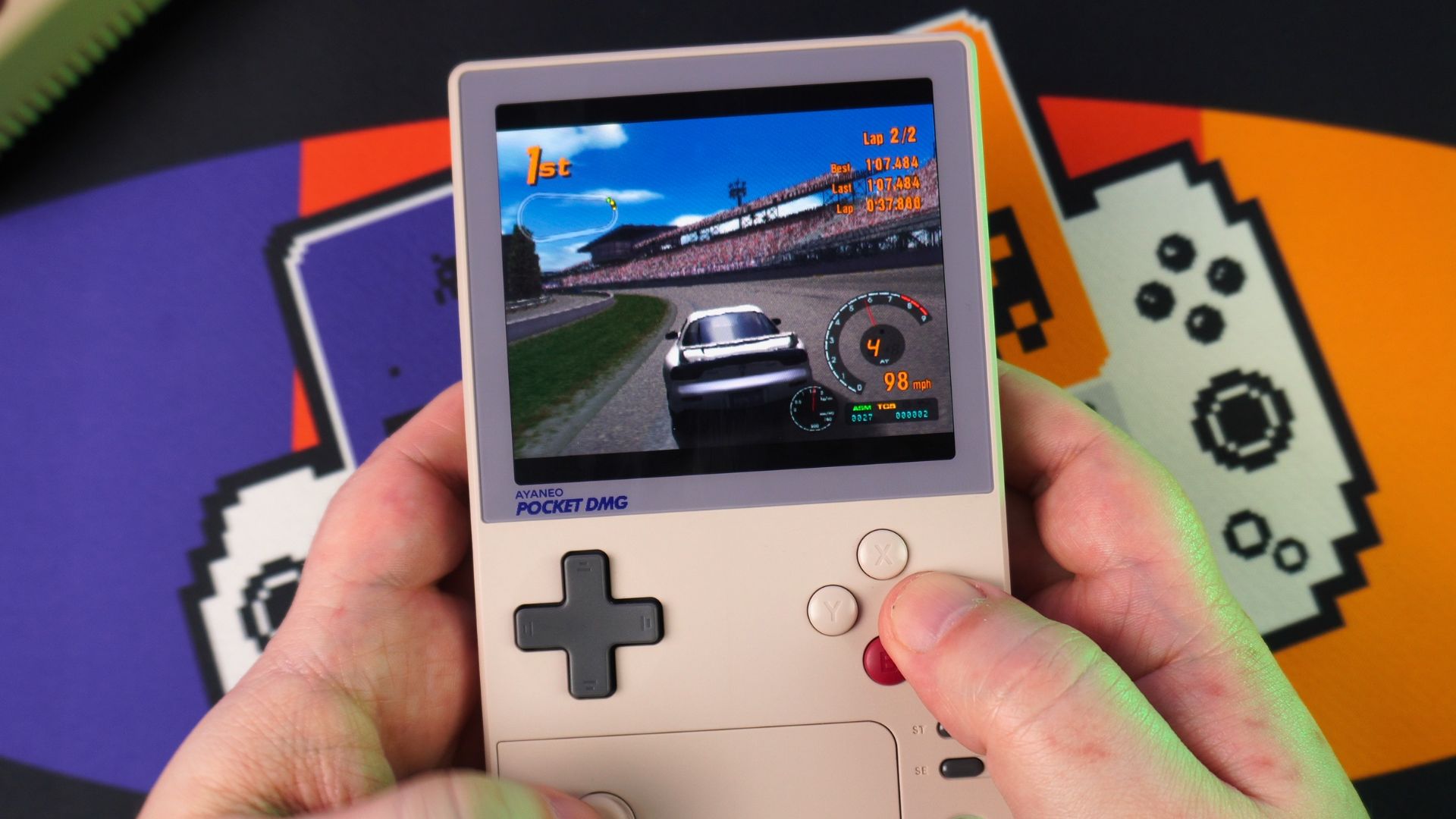
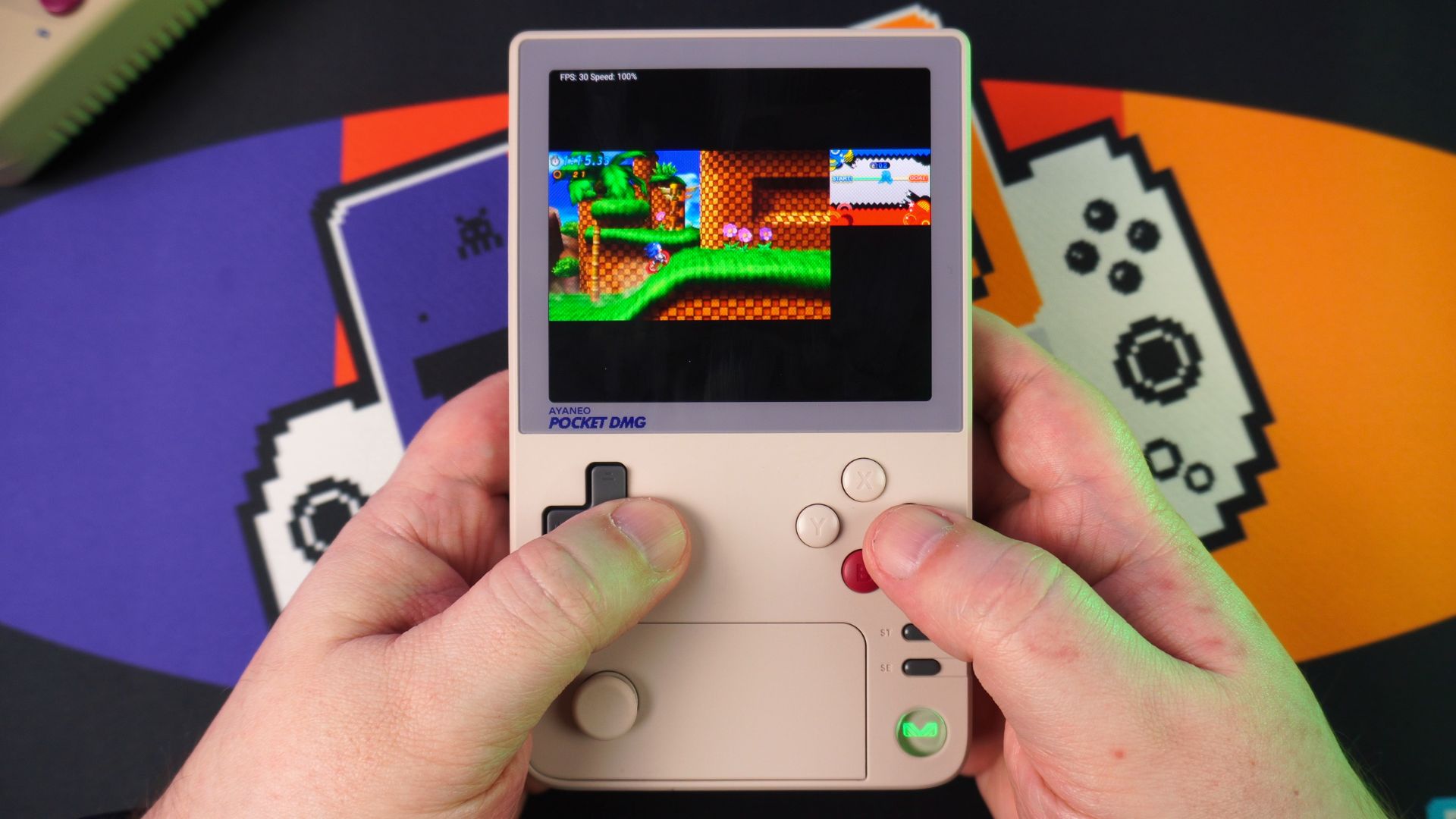
The top tier is dominated by powerful SoCs like Qualcomm’s Snapdragon series such as at Snapdragon G3x Gen 2. The AYN Odin 2 lineup and the AYANEO Pocket S and AYANEO Pocket DMG are performance powerhouses. These devices comfortably handle demanding emulation for PS2, GameCube, 3DS, and Vita, often allowing for resolution upscaling and other enhancements. They can even run a selection of Nintendo Switch games via emulators like Yuzu, though compatibility remains game-dependent.
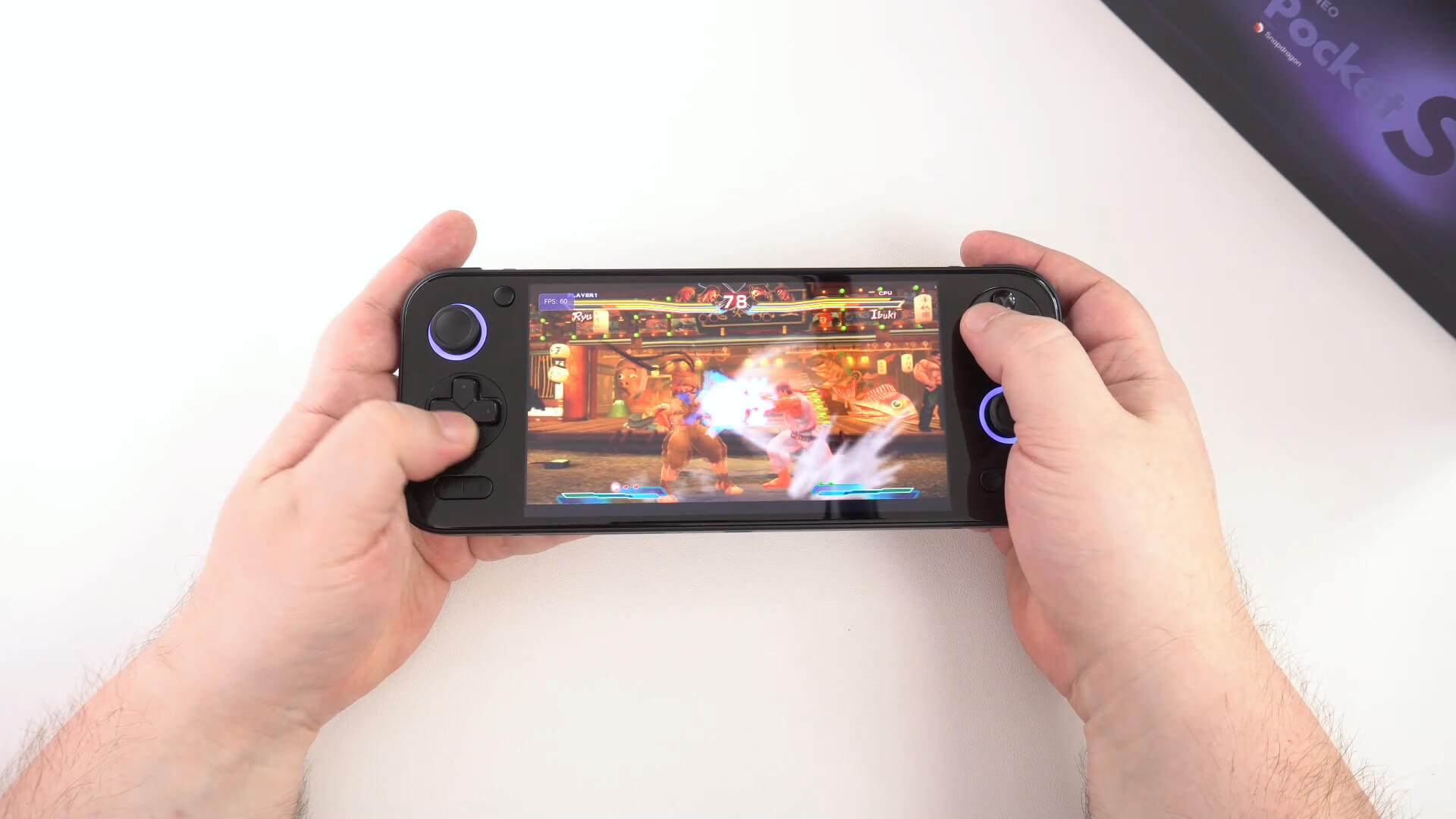

For those seeking a premium Android gaming console experience capable of tackling the most demanding emulation tasks, these devices are leading contenders. The AYN Odin 2 series further offers variations like the AYN Odin 2 Portal with a larger 7-inch OLED screen and the Odin 2 Mini Pro with a more compact 5-inch Mini-LED display, providing options within this high-performance bracket. Choosing the right gaming Android handheld truly depends on matching processing power to your desired emulation library.
Key Factor 2: Screen Size, Resolution, and Aspect Ratio
The display is your window into these classic worlds, and its characteristics significantly impact the experience.
Size
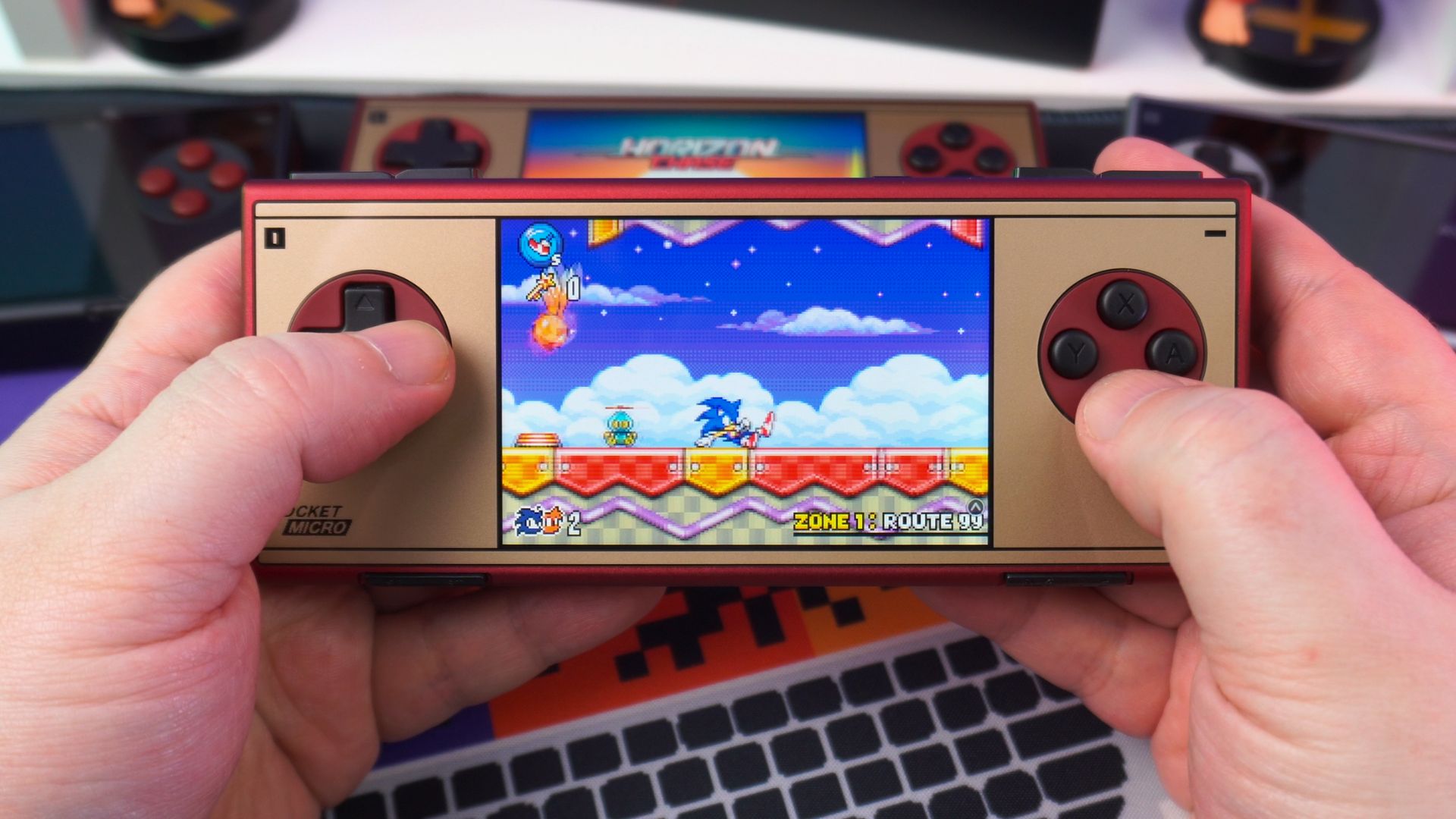
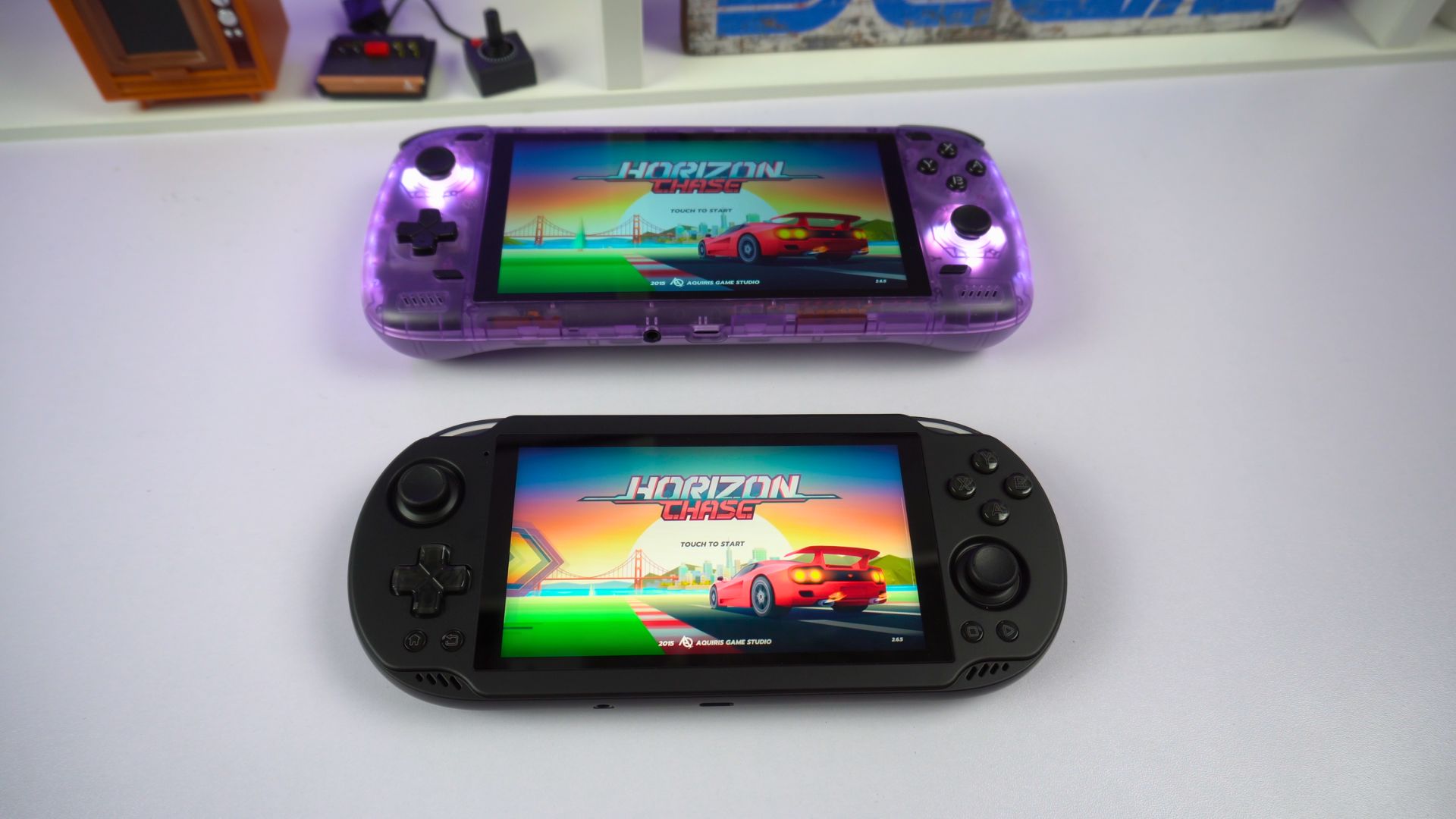
Larger screens (like the 6-inch displays on the AYN Odin 2 and AYANEO Pocket S, or the 7-inch OLED on the AYN Odin 2 Portal) offer greater immersion but naturally make the device less pocketable. Smaller screens (like the 3.5-inch on the Anbernic RG353P and AYANEO Pocket Micro, or the 3.95-inch on the Anbernic RG Cube) enhance portability but can feel cramped for some games or text-heavy interfaces. The AYANEO Pocket DMG provides a vertical orientation which may suit some retro gamers.

Resolution
Higher resolutions (like the 1080p or even 1440p options on the Pocket S, and 1080p on the Odin 2 series) provide sharper visuals, especially beneficial when using emulator features to upscale the internal rendering resolution of older games. Lower resolutions (like the 640×480 on the RG353P) are closer to the native output of many retro consoles but offer less clarity.
Aspect Ratio
This is a subtle but crucial detail. Many older consoles (NES, SNES, PS1, N64) outputted in a 4:3 aspect ratio. Handhelds with 4:3 screens (like the RG353P) display these games perfectly without black bars (pillarboxing) or stretching. Devices with wider 16:9 screens (Odin 2, Pocket S) are ideal for PSP games (native 16:9) and modern Android titles but will show black bars on the sides for 4:3 content unless stretched (which distorts the image).
Unique ratios exist too: the AYANEO Pocket Micro’s 960×640 screen is exactly 4x the resolution of the Game Boy Advance (3:2 aspect ratio), making it perfect for GBA games. The Anbernic RG Cube features a square 1:1 720×720 display, potentially interesting for Game Boy/Color games or vertically oriented arcade titles, but it will result in significant black bars (pillarboxing or letterboxing) for most console games.

This diversity in screen specifications across devices highlights that manufacturers are attempting to cater to specific retro systems alongside modern standards. Consequently, users must consider which systems they prioritize, as a screen optimized for one type of content inevitably compromises the presentation of another. There is no single “perfect” screen for all emulation scenarios.
Key Factor 3: Control Options (Buttons, Sticks, D-Pad)
For authentic retro gameplay, tactile physical controls are non-negotiable. Touchscreen overlays simply cannot replicate the precision and feedback required. Key aspects include:
D-Pad Quality
Essential for 2D platformers and fighting games. Look for a D-pad that feels accurate and comfortable, without accidental diagonal inputs.
Button Feel
Face buttons (A, B, X, Y, etc.) and shoulder buttons should have satisfactory travel and actuation.
Analog Sticks
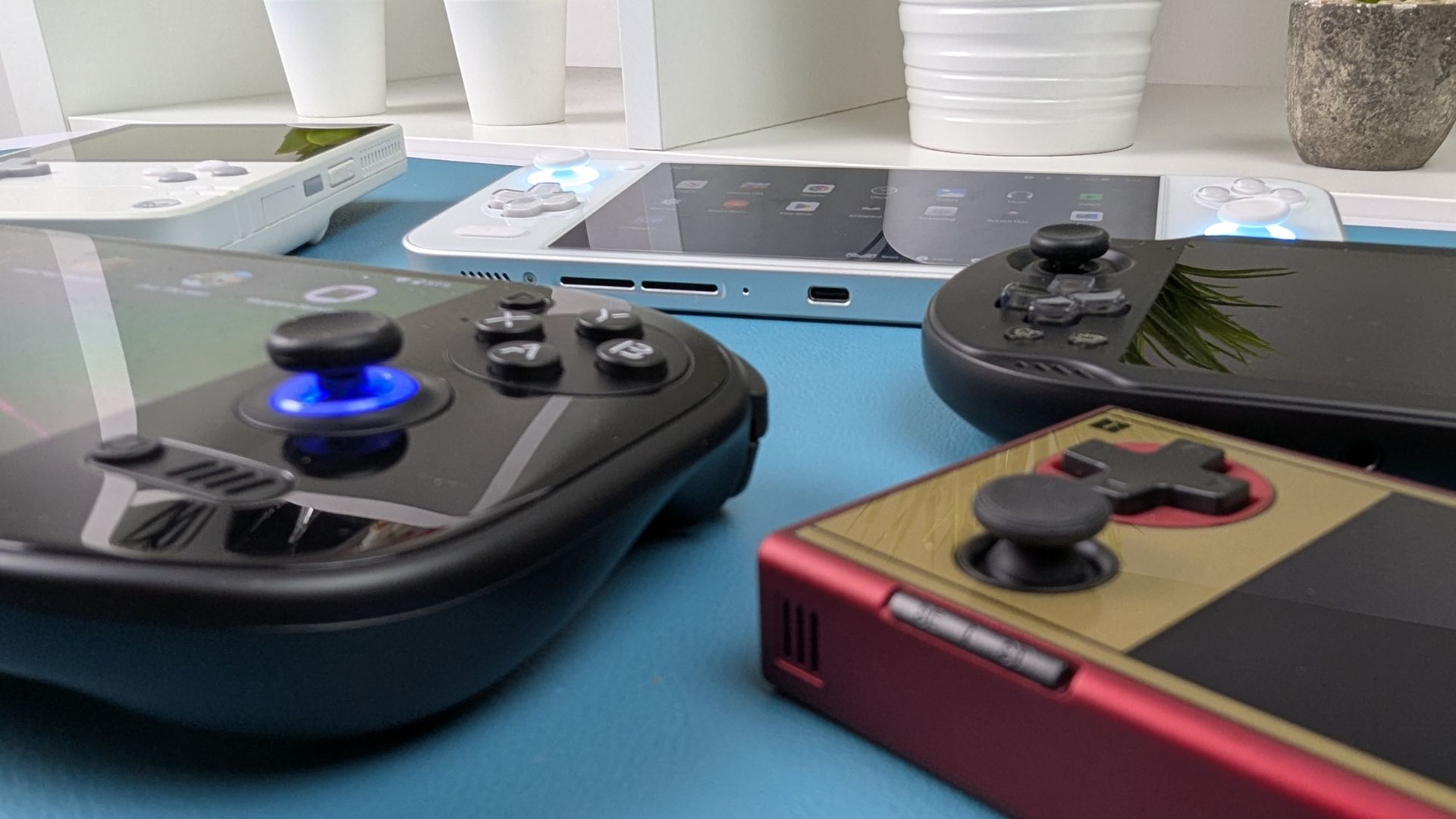
Crucial for 3D games (N64, PS1, Dreamcast, etc.). Increasingly, higher-end devices like the AYANEO Pocket S, Pocket Micro, Anbernic RG Cube, and likely the AYN Odin 2 series feature Hall effect analog sticks. These use magnets instead of physical potentiometers, eliminating the wear and tear that leads to “stick drift” over time, offering enhanced durability and potentially greater precision. This focus on premium components addresses common pain points of older or cheaper handhelds, signaling a move towards more reliable hardware in the Android gaming handhelds space.
Layout
Ergonomics matter. Some devices, like the Anbernic RG353P, mimic classic controller layouts for a familiar feel. Others, like the AYN Odin 2, adopt more modern ergonomic designs suitable for extended play. Unique designs exist too, like the AYANEO Pocket Micro Classic, which omits analog sticks entirely for a pure retro focus. Or you may prefer a vertical orientation handheld like the AYANEO Pocket DMG. Good layouts are vital for any serious gaming Android handheld.
Key Factor 4: Battery Life
Emulation, particularly for more demanding 3D consoles like the PS2 or GameCube, can be power-intensive. Battery life is therefore a critical consideration for portable play. Capacities vary widely:
| MODEL | BATTERY CAPACITY |
|---|---|
| AYN Odin 2 | 8000mAh |
| AYN Odin 2 Portal | 8000mAh |
| AYANEO Pocket S | 6000mAh |
| AYANEO Pocket DMG | 6000mAh |
| Anbernic RG Cube | 5200mAh |
| AYN Odin 2 Mini Pro | 5000mAh |
| Anbernic RG353P | 3500mAh |
| AYANEO Pocket Micro / Classic | 2600mAh |
Battery life estimates suggest devices like the Odin 2 offer around 6 hours of average use, while the RG Cube might provide 4+ hours under heavy load, and the AYANEO Pocket Micro around 3 hours under heavy load. Keep in mind that more powerful processors generally consume more power, creating a trade-off between performance and longevity, although larger batteries in high-end devices help mitigate this.
Key Factor 5: Device Ergonomics and Build Quality
Comfort is key for enjoying long gaming sessions. Consider:
Weight
Devices range from the ultra-light AYANEO Pocket Micro (233g) and Anbernic RG Cube (260g) to the more substantial AYANEO Pocket S (350g) and AYN Odin 2 / Portal (420g / 430g). Lighter devices are more pocketable, while heavier ones might feel more premium but cause fatigue sooner.
Shape and Grip
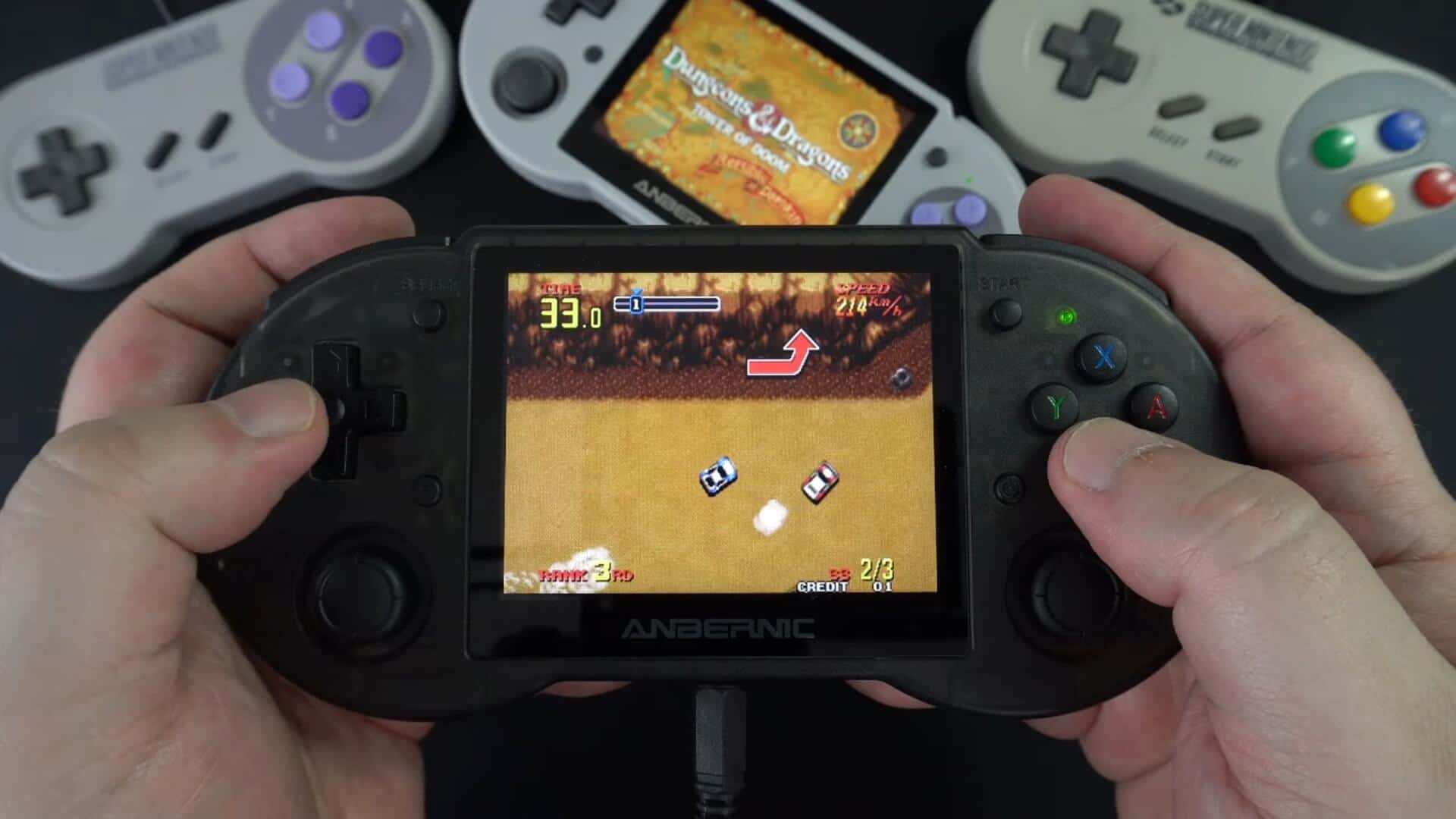
Look for designs that fit comfortably in your hands. The Anbernic RG353P’s classic controller shape, the Odin 2’s sculpted grips, and the RG Cube’s textured back surface all aim to improve comfort.
Build Materials
Premium devices like the AYANEO Pocket Micro boast CNC aluminum bodies, while others use high-quality plastics. Build quality affects both the feel and durability of the handheld. The inclusion of features like active cooling systems in devices like the AYN Odin 2 Mini Pro also speaks to build considerations focused on sustaining performance by managing heat generated by powerful chips, preventing thermal throttling during demanding gameplay.
Comparative Analysis & Recommendations
Budget Retro Fan (Primarily 8/16-bit, some PS1/N64)
The Anbernic RG353P offers a great balance of affordability, good controls, a suitable 4:3 screen, and adequate performance for older systems. It’s an excellent entry-level Android gaming device.
Mid-Range Enthusiast (Up to PSP/Dreamcast, some GC/PS2)
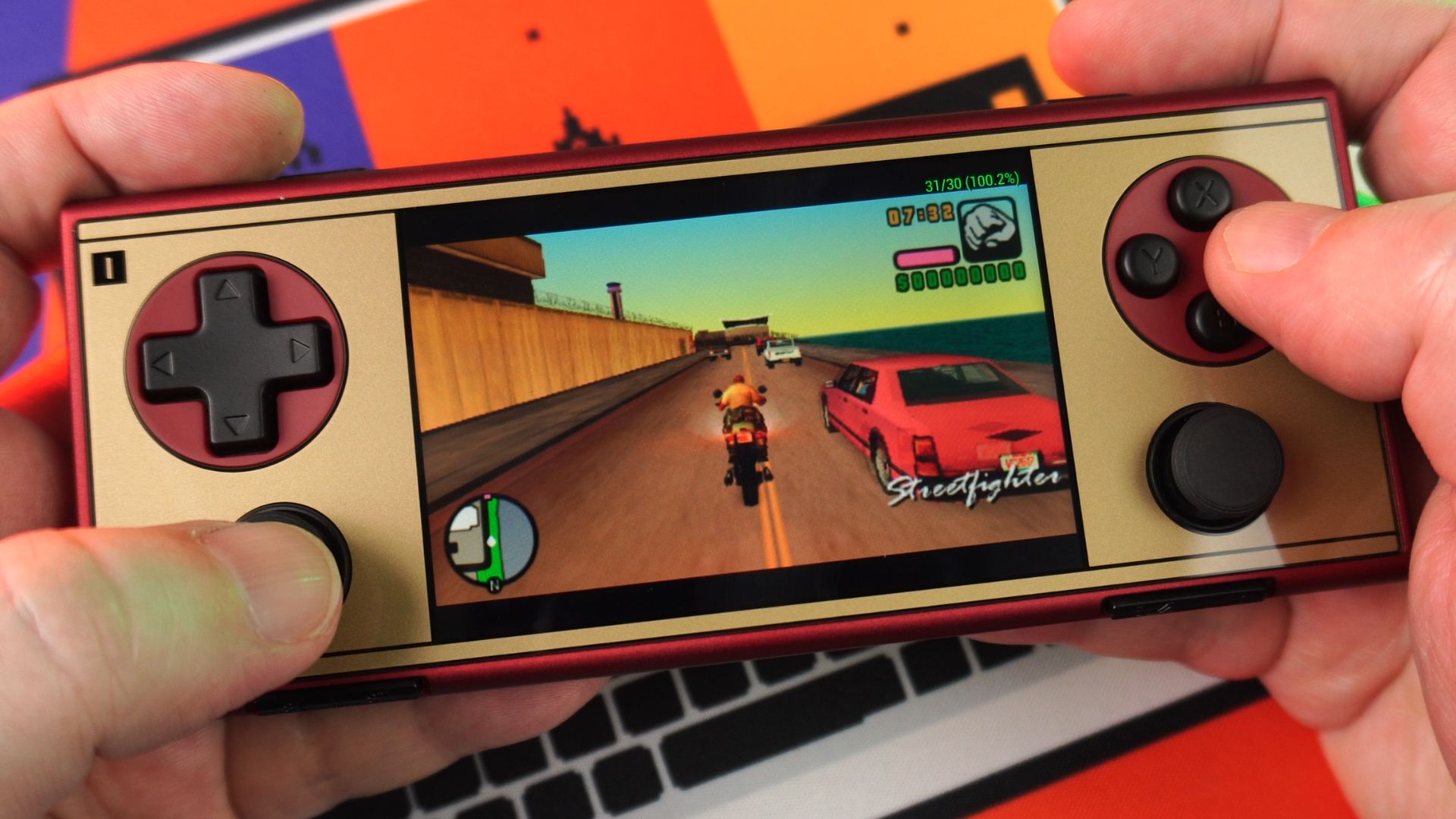
The Anbernic RG Cube or AYANEO Pocket Micro provide significantly more power. The RG Cube’s unique screen and T820 chip offer solid mid-range performance, while the AYANEO Pocket Micro excels with its GBA-perfect screen and premium build, albeit with a smaller battery. These are versatile choices for broadening your emulation horizons.

High-End Power User (Demanding Emulation – PS2, GC, Switch)
The AYN Odin 2 series and AYANEO Pocket S are the clear choices. They offer top-tier Snapdragon performance, ample RAM, and high-quality displays capable of handling the most challenging emulation tasks. Selecting between them might come down to specific screen preference (OLED on AYN Odin2 Portal, Mini-LED on Mini, 1440p option on Pocket S), design aesthetics, or slight performance variations noted in benchmarks. These devices function as powerful, dedicated Android gaming console units in a handheld form factor.
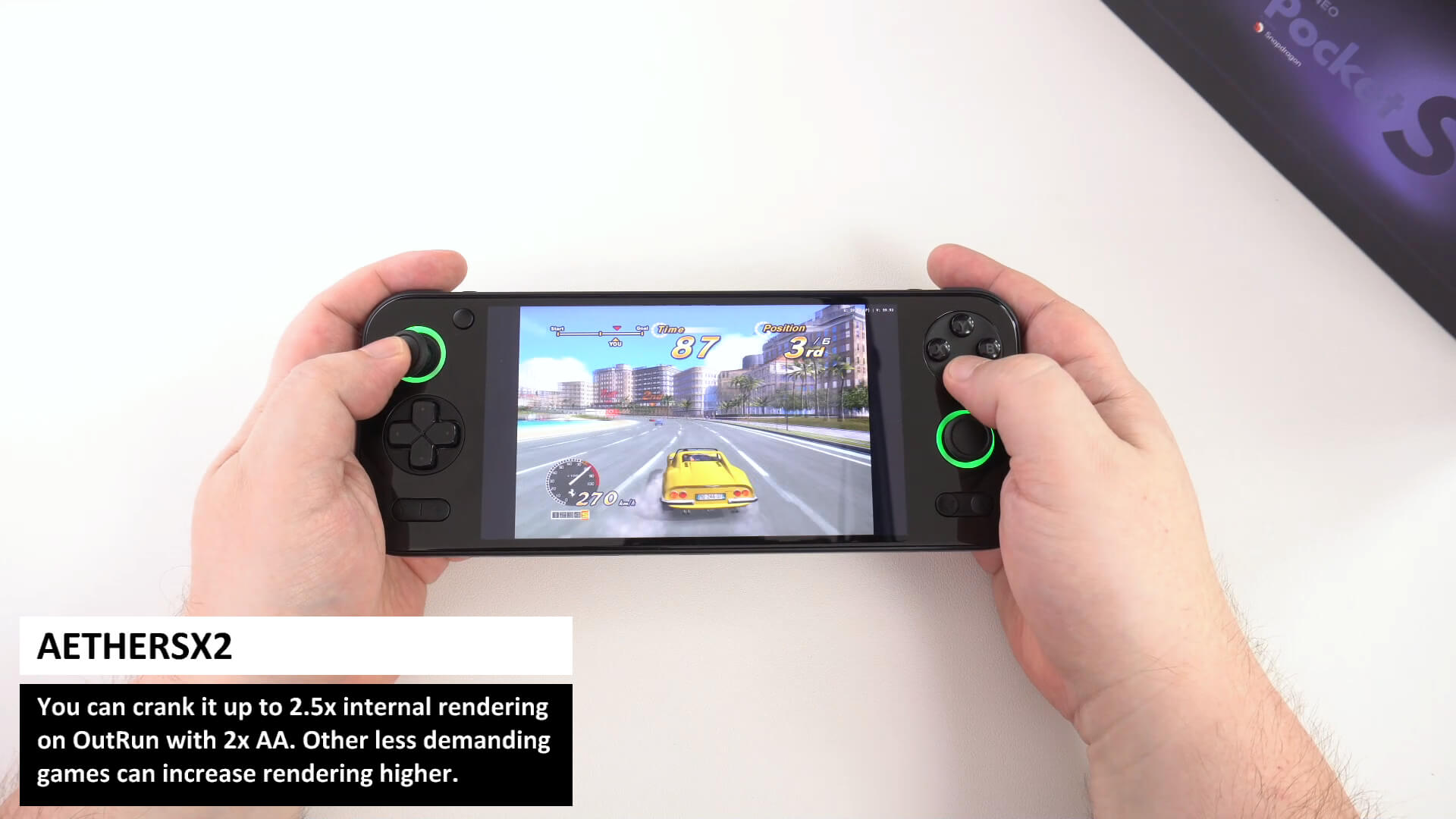

This tier represents the pinnacle of current Android gaming handheld capability.
| MODEL | KEY SPECS | IDEAL EMULATION TIER | NOTES | FULL REVIEW | BUY |
|---|---|---|---|---|---|
| AYANEO POCKET S | Snapdragon G3X Gen 2 / Adreno A32, Up to 16GB LPDDR5x, Up to 1TB UFS 4.0, 6″ IPS (1080p/1440p), 6000mAh | High-End (PS2, GC, Switch) | Sleek, compact frame (350g), potentially less ergonomic than Odin 2 | HERE | HERE |
| AYANEO POCKET DMG | Snapdragon G3X Gen 2 / Adreno A32, Up to 16GB LPDDR5x, Up to 1TB UFS 4.0, 3.92″ IPS (1080p), 6000mAh | High-End (PS2, GC, Switch) | Vertical orientation, slider and dial buttons with touchpad. | HERE | HERE |
| AYN ODIN 2 | Snapdragon 8 Gen 2 / Adreno 740, Up to 16GB LPDDR5x, Up to 512GB UFS 4.0, 6″ IPS (1080p), 8000mAh | High-End (PS2, GC, Switch) | Comfortable ergonomic design, customizable LEDs (420g) | HERE | HERE |
| AYN ODIN2 PORTAL | Snapdragon 8 Gen 2 / Adreno 740, Up to 16GB, Up to 1TB UFS 4.0, 7″ OLED (1080p 120Hz), 8000mAh | High-End (PS2, GC, Switch) | Larger screen, travel-friendly format (430g) | HERE | HERE |
| AYN ODIN2 MINI PRO / MAX | Snapdragon 8 Gen 2 / Adreno 740, 12GB LPDDR5x, 256GB UFS 4.0, 5″ Mini-LED (1080p), 5000mAh | High-End (PS2, GC, Switch) | Compact, portable, active cooling | HERE | HERE |
| AYANEO POCKET MICRO / MICRO CLASSIC | MediaTek Helio G99 / Mali-G57 MC2, Up to 8GB LPDDR4x, Up to 256GB UFS 2.2, 3.5″ IPS (960×640), 2600mAh | Mid-Range (Up to PSP/DC, some GC/PS2/3DS/Vita) | Ultra-portable, CNC aluminum body, pocket-friendly (233g) | MICRO HERE CLASSIC HERE | HERE |
| ANBERNIC RG CUBE | Unisoc T820 / Mali-G57 MC4, 8GB LPDDR4x, 128GB UFS 2.2, 3.95″ IPS (720×720 1:1), 5200mAh | Mid-Range (Up to PSP/DC, some GC/PS2/3DS/Vita) | Compact, unique square screen, textured grip, LED sticks (260g) | HERE | HERE |
| ANBERNIC RG353P | Rockchip RK3566 / Mali-G52 MP2, 2GB LPDDR4, 32GB eMMC + SD, 3.5″ IPS (640×480 4:3), 2500mAh | Entry-Level (Up to PS1/N64) | Comfortable classic controller shape, good grip | HERE | HERE |
Ultimately, investing time in understanding these factors is essential for making an informed decision and is a core part of this ultimate Android handheld emulation guide. Still undecided? Take a look at our Best Android Gaming Handhelds guide for more in depth information including benchmark comparisons.
Check out Page 2 for Downloading, Installing and Setting up Emulators

Bringer of videos, text and images! AKA the social media guy at DROIX. Massive retro gaming fan and collector, with a far too large collection of consoles and computers from 1970's to modern. Contact me at [email protected]
Questions & comments
0
Every question gets an answer. Ask before you buy — DaveC and the team reply within one working day, and answers stay public so they help the next reader too.