




If you are trying to log in to the Google Play Centre and getting a Not Certified error, please read the following guide on how to resolve this issue.
There are two methods to fix this issue. The first is by following the guide below. It does not require a Windows PC/laptop in order to use.
The second method is to update the firmware to a newer version. This is easy to do but it does require a Windows PC to update the firmware. You can follow the guide at https://droix.net/flashing-gpd-xd-plus-firmware/
Download the DeviceID.apk app from https://tinyurl.com/yc4g6e6y. You can download it stSght to your XD Plus, or copy it to a SD Card for example, whichever is easiest for you.
Using a File Manager, locate the DeviceID.apk file that you downloaded and click on it to install it. Accept any prompts while it is installing.
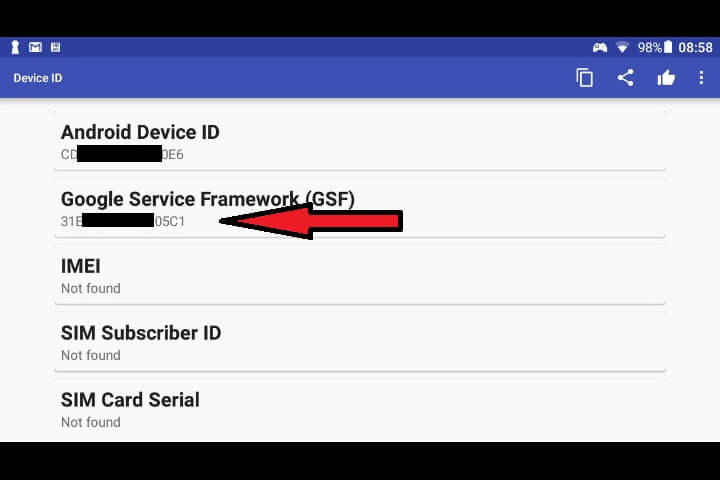
Once it is installed, open the app and you will see Android Device ID and Google Service Framework (GSF) letters/numbers. The one you want is the Google Service Framework (GSF), so make a note of these letters/numbers.
Open https://www.google.com/android/uncertified/ in your browser and log in using the same Google account that you will be using with the Google Play Store.
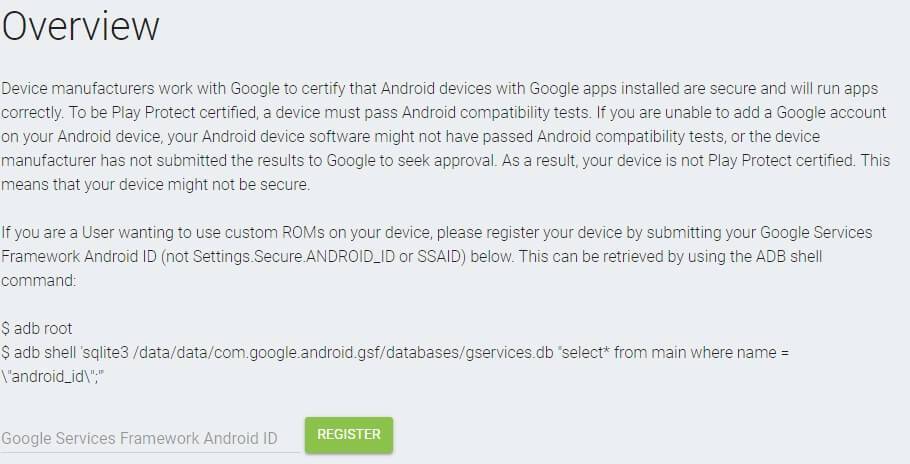
Enter the Google Service Framework (GSF) you made a note of earlier in the respective field and click on Register. After a few moments the number will be generated below under Registered Android IDs.
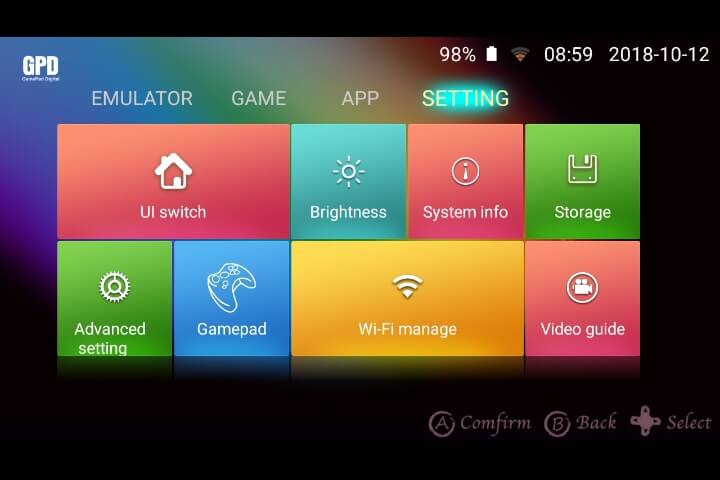
Back to your XD Plus. Go to Settings, then Advanced Settings
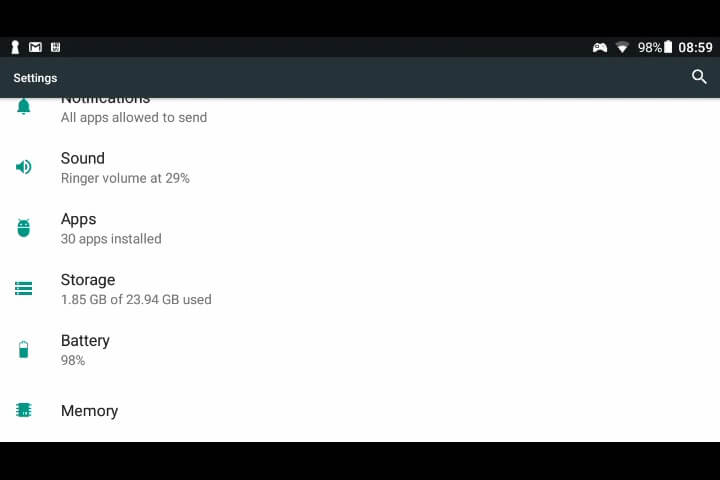
Scroll down to Apps and choose this option.
Scroll down to Google Play Store and choose this app.
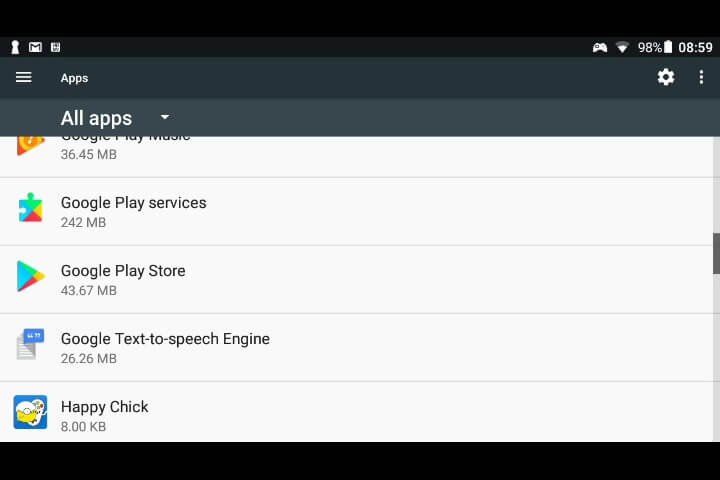
Click on Storage
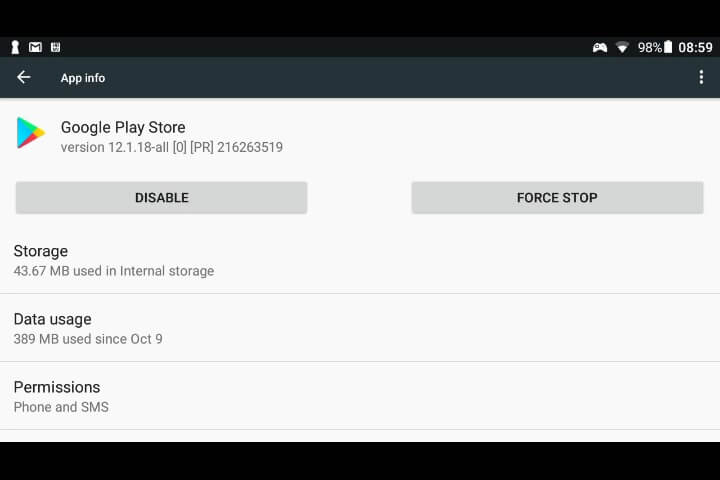
Click on Clear Data
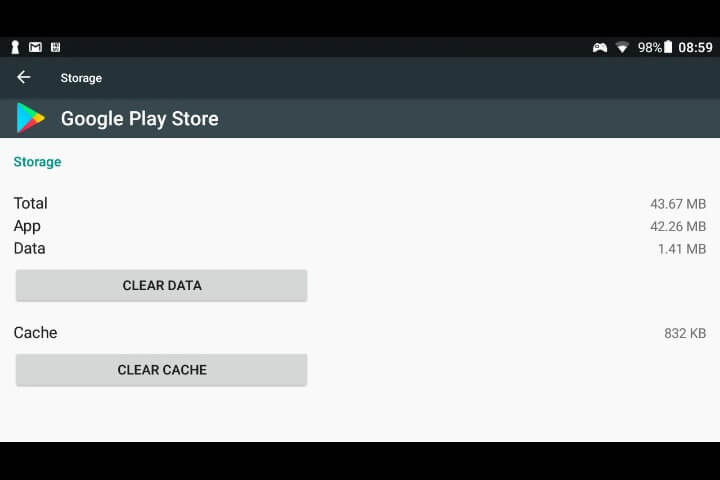
You should now be able to open the Google Play Store app.
Latest from the blog
Visit the blog EPOMAKER Carbon X Review – 46 g Carbon-Fibre 8K Wireless Mouse for Competitive FPS
2 November 2026
 GPD WIN Mini Ultra – A Bigger 8-inch 120Hz Screen, Intel Arc G3 Extreme and Dual USB4 v2.0
27 October 2026
 RockTek PJ500 Ultra Review – A 1080p Home Cinema Projector for Streaming and Gaming
27 October 2026
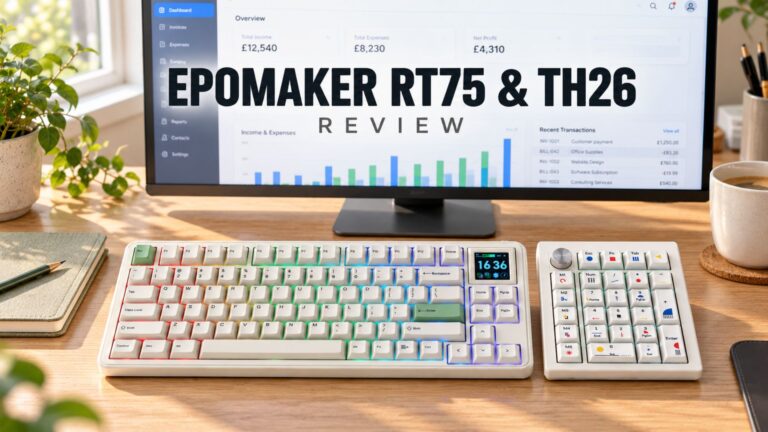 EPOMAKER RT75 and TH26 Review – Retro 75% Keyboard with Detachable Screen and 5-Key Macro Numpad
26 October 2026
Questions & answers