




This article will help you understand how to return a product to us to ensure it remains safe during transit. We will explain how to return a product for both repairs and refunds.
If you have not already done so, you can begin the return process for either a repair or a refund via the DROIX Returns Portal. To start, simply enter your Order Number (found in your DROIX order confirmation email) and the email address used to place the order. Follow the instructions provided to proceed with your return.
For Repair
When returning an item for repair, we generally only require the device itself (e.g., a handheld gaming PC or an Android gaming handheld); please do not include the accessories that were included in your original shipment (such as lanyards, user manuals, or USB cables).
If we determine that the issue may be related to a specific accessory (e.g., the power supply or HDMI cable), we will explicitly request that you include that item in our correspondence with you. Below, you will find a video on how to package your repair return to ensure a safe journey and fast inbound processing by our team.
For Refund
When returning your order for a full refund, we require that you include the original box, all packaging, and every accessory that was originally shipped with your order. Below, you will find a video on how to properly package your return to ensure a safe journey and fast inbound processing by our team.
Tracking Your Return
The DROIX Returns Portal can also be used to track the status of your return. On the portal, click the Track link; you will be prompted to enter the RMA number you received and the email address used to place your order.
Latest from the blog
Visit the blog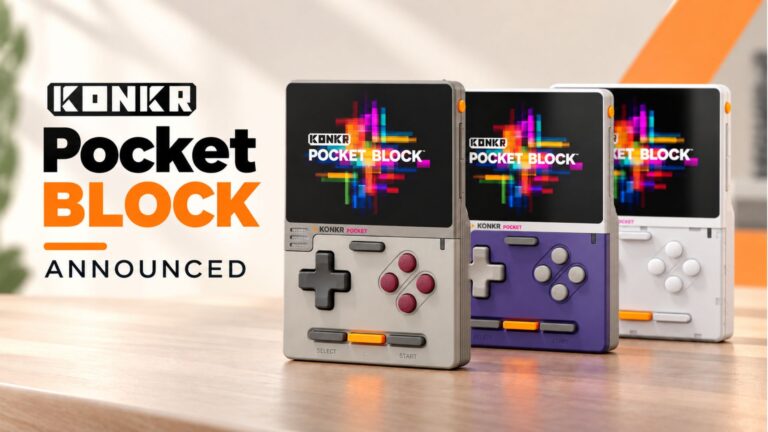 KONKR Pocket BLOCK Announced: A Tiny Vertical Android Handheld with a 4:3 Screen
1 October 2026
KONKR Pocket BLOCK Announced: A Tiny Vertical Android Handheld with a 4:3 Screen
1 October 2026
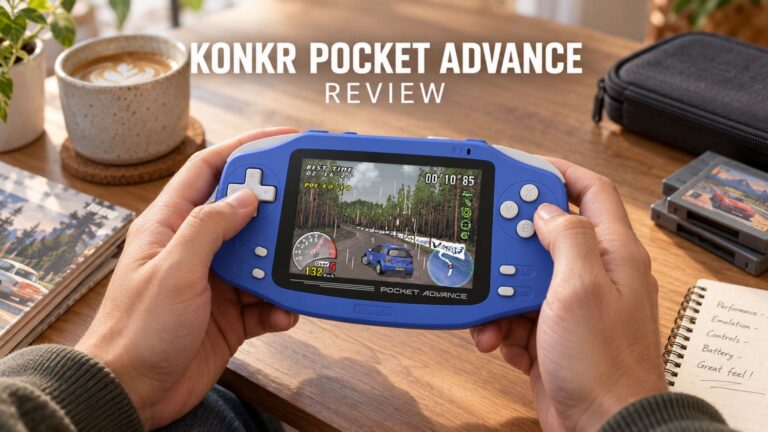 KONKR Pocket ADVANCE review – A pocket-sized GBA-focused Android gaming handheld
24 September 2026
KONKR Pocket ADVANCE review – A pocket-sized GBA-focused Android gaming handheld
24 September 2026
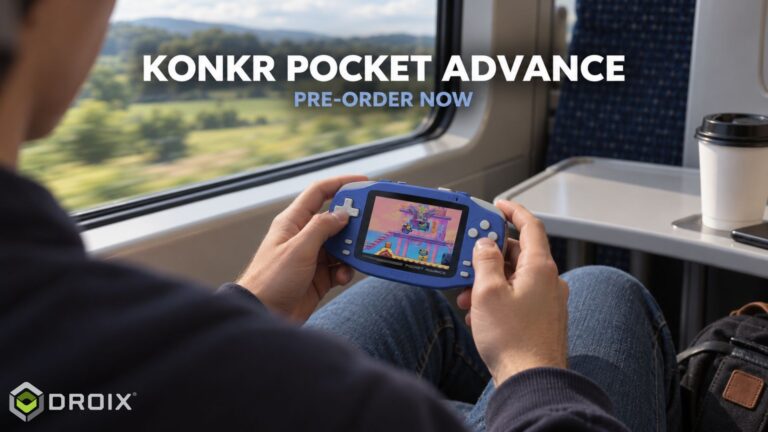 KONKR Pocket Advance Pre-order: A Compact Android Handheld Built for Retro Gaming
23 September 2026
KONKR Pocket Advance Pre-order: A Compact Android Handheld Built for Retro Gaming
23 September 2026
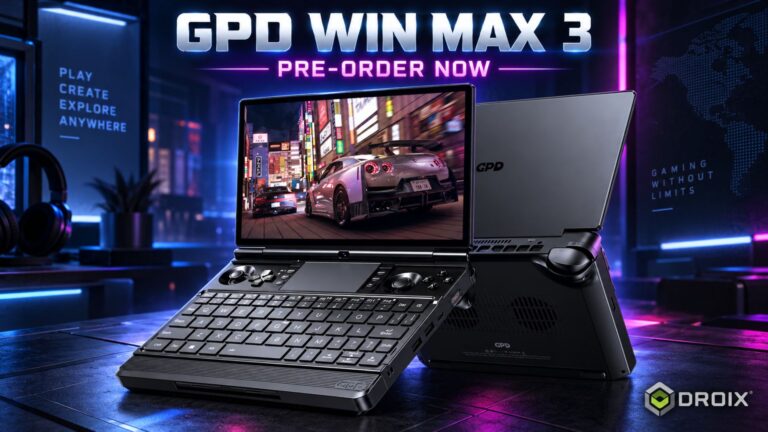 GPD WIN MAX 3 Pre-order – Ryzen AI Max+ Power in a Modular Handheld Gaming PC
21 September 2026
GPD WIN MAX 3 Pre-order – Ryzen AI Max+ Power in a Modular Handheld Gaming PC
21 September 2026
Questions & answers